v1.54.0
Enhancement
v1.54.0
Introducing the Bookmarks tab in the Notepad
DESIGNED, BUILT AND WRITTEN BY
Content
Content
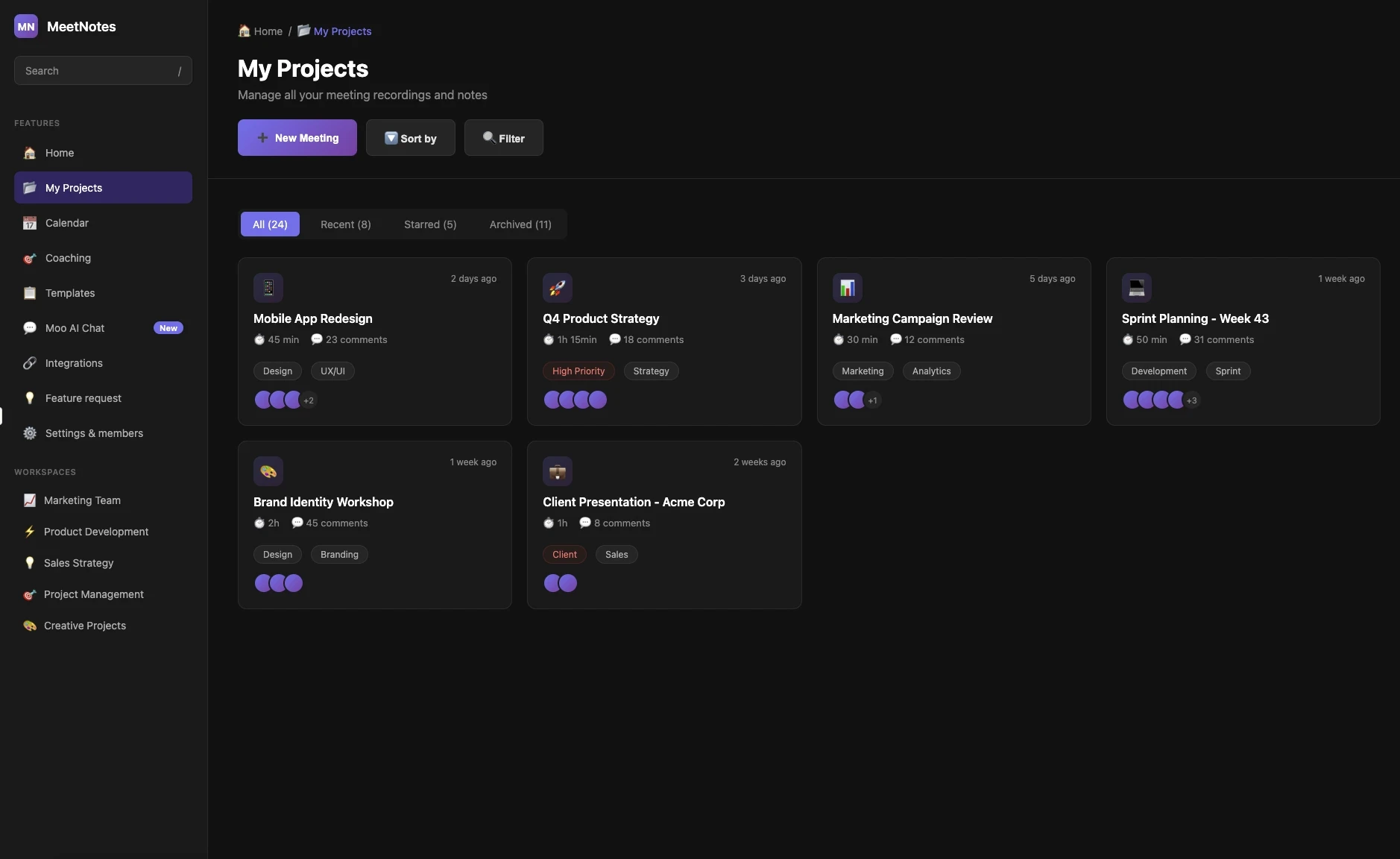
We’re excited to announce the launch of the Bookmarks tab in the new Notepad!
Key Highlights:
Access all your meeting bookmarks in one place via the left navigation menu.
Each bookmark now comes with a title and a short summary for quick reference.
Easily filter bookmarks by category: Important, Action Items, Positive, or Concern.
View only the bookmarks you created.
Copy and share bookmarks effortlessly.
Click on any bookmark to jump to that exact timestamp in the meeting recording.
Share this post:
v1.54.0
Introducing the Bookmarks tab in the Notepad
DESIGNED, BUILT AND WRITTEN BY
Content
Content
We’re excited to announce the launch of the Bookmarks tab in the new Notepad!
Key Highlights:
Access all your meeting bookmarks in one place via the left navigation menu.
Each bookmark now comes with a title and a short summary for quick reference.
Easily filter bookmarks by category: Important, Action Items, Positive, or Concern.
View only the bookmarks you created.
Copy and share bookmarks effortlessly.
Click on any bookmark to jump to that exact timestamp in the meeting recording.
Share this post: