If your cold emails keep landing in spam, it usually means your cold email infrastructure isn’t set up correctly, your domains, DNS, warmup, and sending limits aren’t optimized.
To help you fix that, here are the 10 best cold email infrastructure tools that handle domain setup, authentication, warmup, routing, and deliverability for you.
These tools are ideal for agencies, founders, and sales teams who want safe sending and consistent inbox placement.
Let’s break them down.
What Is Cold Email Infrastructure?
Cold email infrastructure is the technical setup that makes your cold emails land in the inbox instead of spam.
It includes your domain, DNS records (SPF, DKIM, DMARC), warmed mailboxes, sending limits, IP reputation, and routing.
When these parts are set up correctly, your emails look safe to Gmail and Outlook.
When they are not, your domain gets flagged, emails bounce, or everything goes to spam.
Cold email infrastructure tools automate this setup so you don’t have to do manual DNS work or risk burning your main domain.
Top 10 Cold Email Infrastructure Services & Providers for Better Deliverability
Stamina – Best for AI-Powered Outreach and Done-For-You Email Setup
Zapmail – Ideal for Pre-Warmed Mailboxes & Instant Cold Email Infrastructure
Maildoso – Best for Fast Mailbox Creation, Free Domains & High Deliverability
Inframail – Great for Unlimited Inboxes, Dedicated IPs & Fast Setup
Mailscale – Best for Cheap, Fast & Scalable Cold Email Inboxes
Hypertide – Ideal for Automated Google, Microsoft, and Entra Infrastructure
Primeforge – Best for Google Workspace and Microsoft 365 Mailboxes
Mailreef – Great for Dedicated Cold Email Servers, and Unlimited Mailboxes
Woodpecker – Best for All-in-One Cold Email and Free Verification & Warm-Up
Snov.io – Ideal for Multichannel Email, LinkedIn Outreach, and Lead Finder
1. Stamina – Best for AI-Powered Outreach + Done-For-You Email Setup
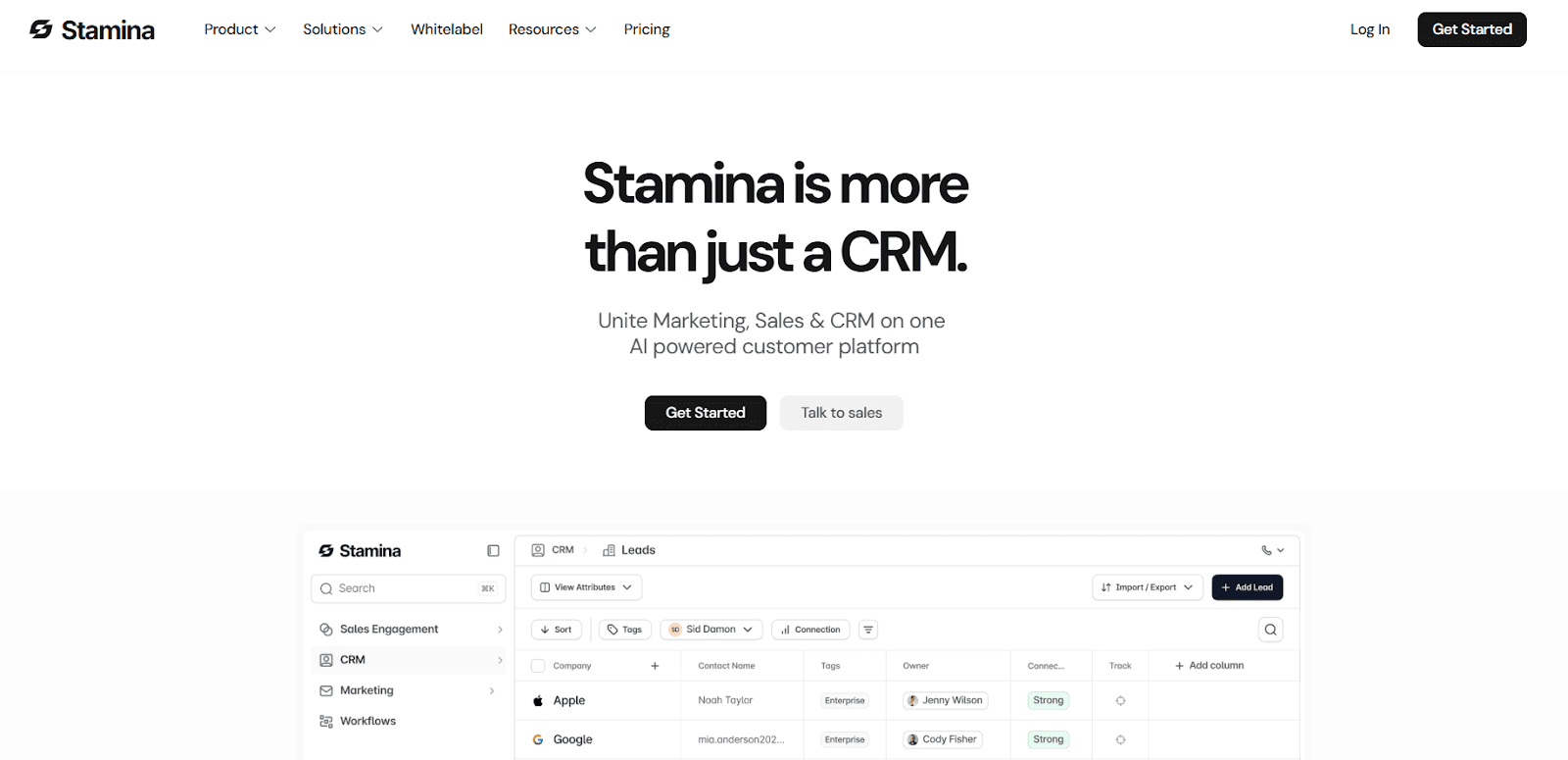
Stamina is a sales engagement, CRM, and marketing platform that also gives you a done-for-you cold email setup.
It sets up your outreach domains, inboxes, DNS (SPF, DKIM, DMARC), warms them automatically, manages deliverability, rotates domains, and gives you AI-powered campaigns through its AI SDR, Zara.
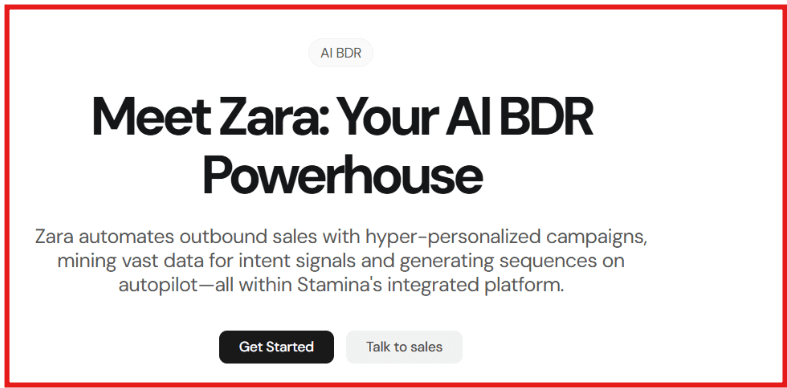
It is built for teams that want high-deliverability cold outreach, AI-generated email sequences, dynamic warmup, and a full CRM in one place.
Here are a few key features of Stamina:
Done-For-You domain + inbox setup (provisions domains, configures SPF/DKIM/DMARC, creates inboxes, sets forwarding).
AI SDR “Zara” for lead research, message writing, sequence building, and enrichment.
AI-driven warmup, dynamic send limits, and inbox placement monitoring.
Domain rotation + multi-inbox management for safe, high-volume sending.
Built-in CRM, marketing automation, workflows, call intelligence, and unified inbox.
Pros & Cons of Stamina:
Pros | Cons |
Full DFY outreach setup (domains, DNS, inboxes, warmup) | Needs onboarding to use all modules |
Strong deliverability tools (rotation, warmup, inbox testing) | DNS setup requires 24–72 hrs propagation |
White-label option available | |
Complete CRM + marketing + outreach in one place |
Stamina Pricing:
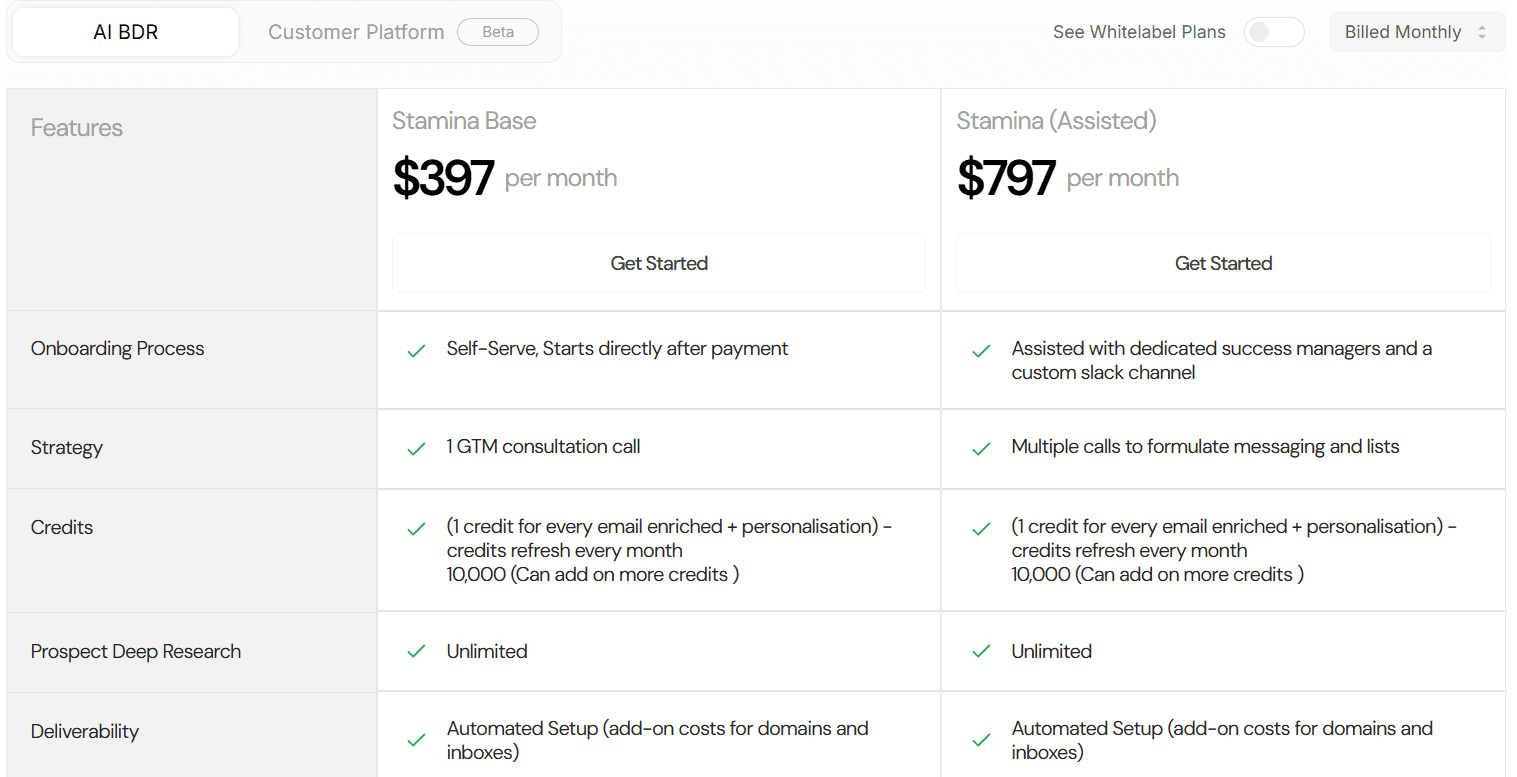
Stamina Base – $397/month, Self-serve, 1 GTM consultation call, 10,000 credits/month, Unlimited automated setup (domains + inboxes, add-on cost)
Stamina Assisted – $797/month, Dedicated success manager, Custom Slack channel, Multiple GTM calls, 10,000 credits/month, Unlimited automated setup (domains + inboxes, add-on cost)
Best for:
Agencies, sales teams, and B2B companies that want AI-powered outreach, DFY domain + inbox setup, and strong deliverability inside one platform.
2. Zapmail – Best for Pre-Warmed Mailboxes and Instant Cold Email Infrastructure
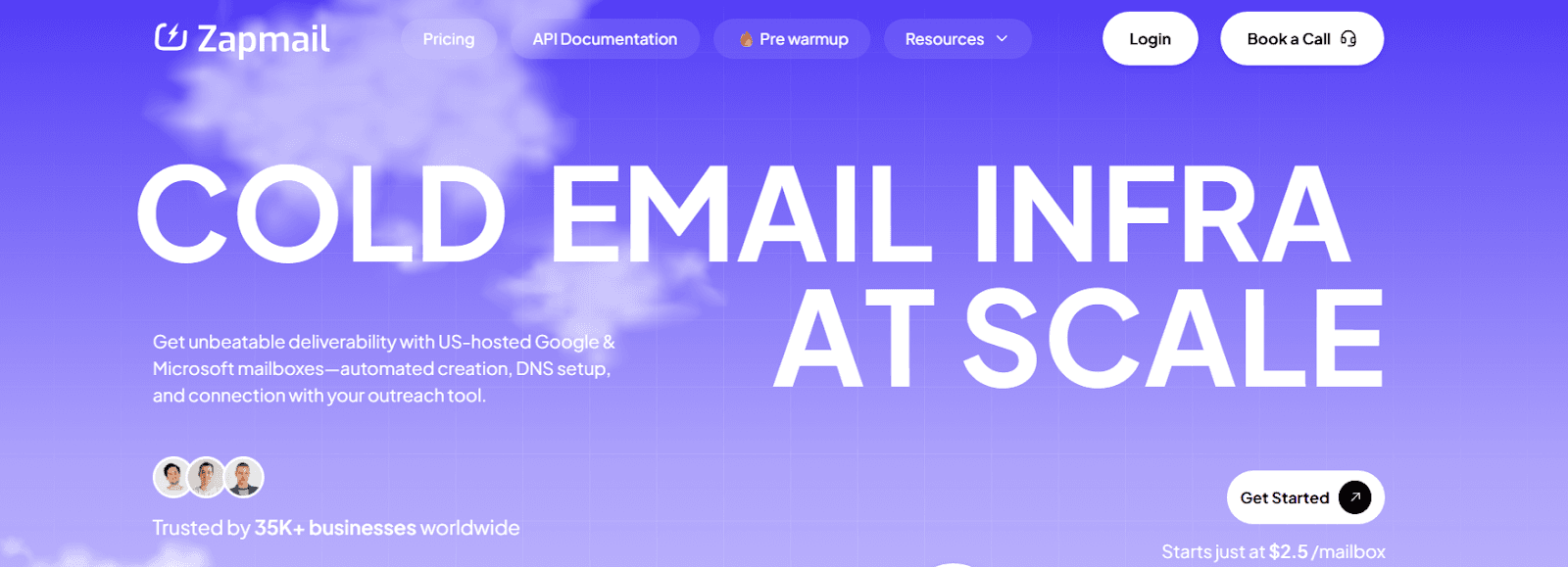
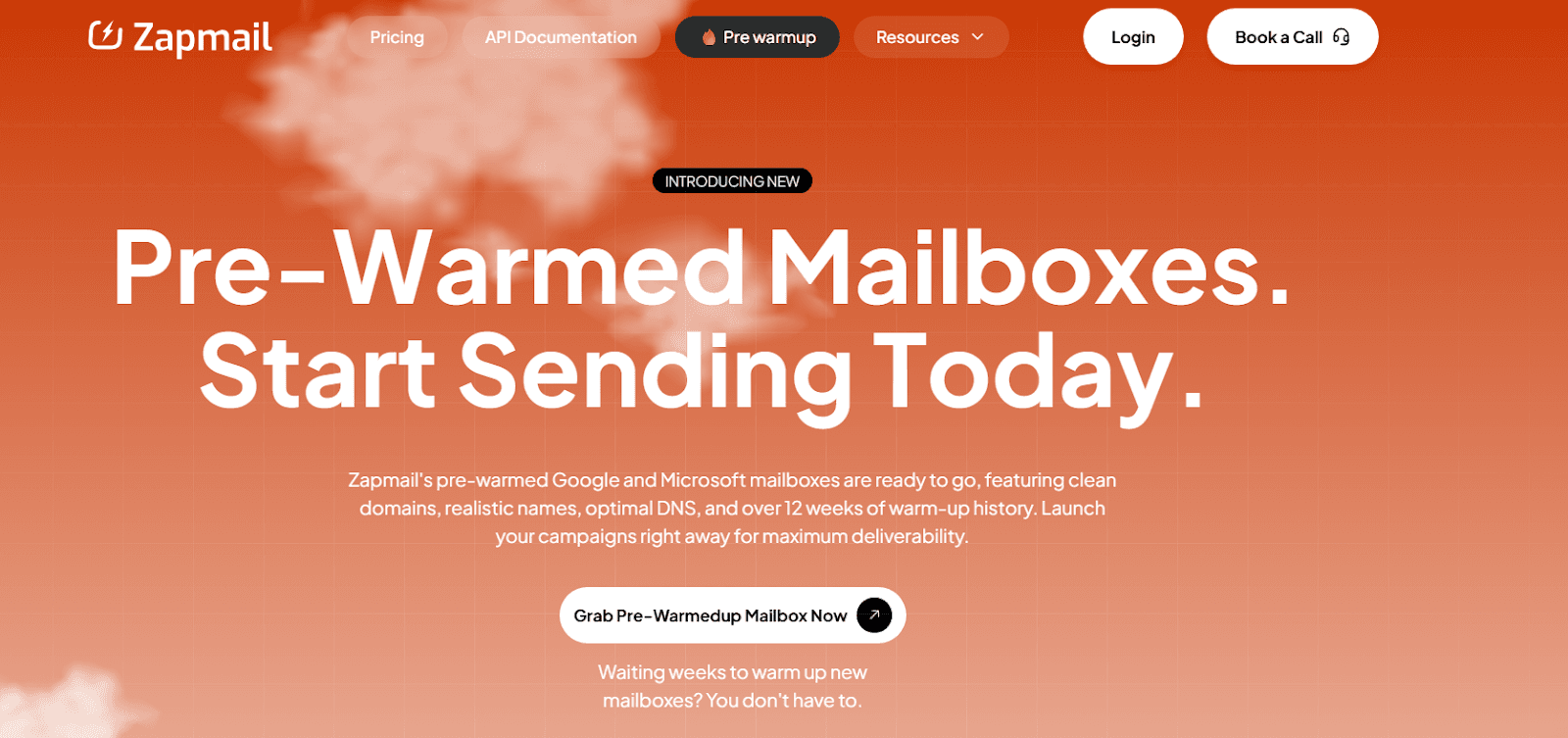
Zapmail is a cold email infrastructure platform that gives you US-hosted Google and Microsoft mailboxes, already warmed for 12+ weeks.
It automates mailbox creation, domain setup, SPF/DKIM/DMARC, tracking domains, and connects to 50+ outreach tools through OAuth.
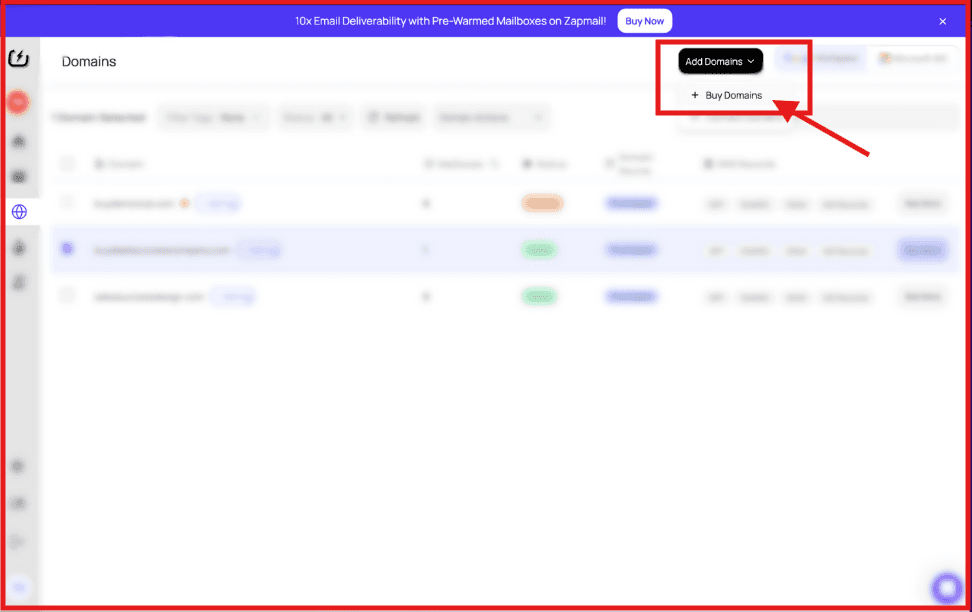
You can buy domains, connect your own, manage DNS, run multiple workspaces, and scale mailboxes in minutes.
Here are a few key features of Zapmail:
Pre-warmed Google and Microsoft mailboxes with 12+ weeks of warm-up already completed for instant sending.
Automated DNS setup (SPF, DKIM, DMARC, and custom tracking domains configured instantly).
Workspace-level isolation with one domain per workspace and full admin access for safer deliverability.
Domain flexibility to buy new domains or connect your own, with forwarding, masking, and DNS management.
AI-powered tools like Instant Domain Genie, Smart Mailbox Namer, and Persona Snapshots for fast setup and branding.
Pros & Cons of Zapmail:
Pros | Cons |
Pre-warmed mailboxes ready to send instantly | No refund policy |
Automated DNS + OAuth setup | Extra cost for additional mailboxes |
US IPs + clean domains for high deliverability |
Zapmail Pricing:
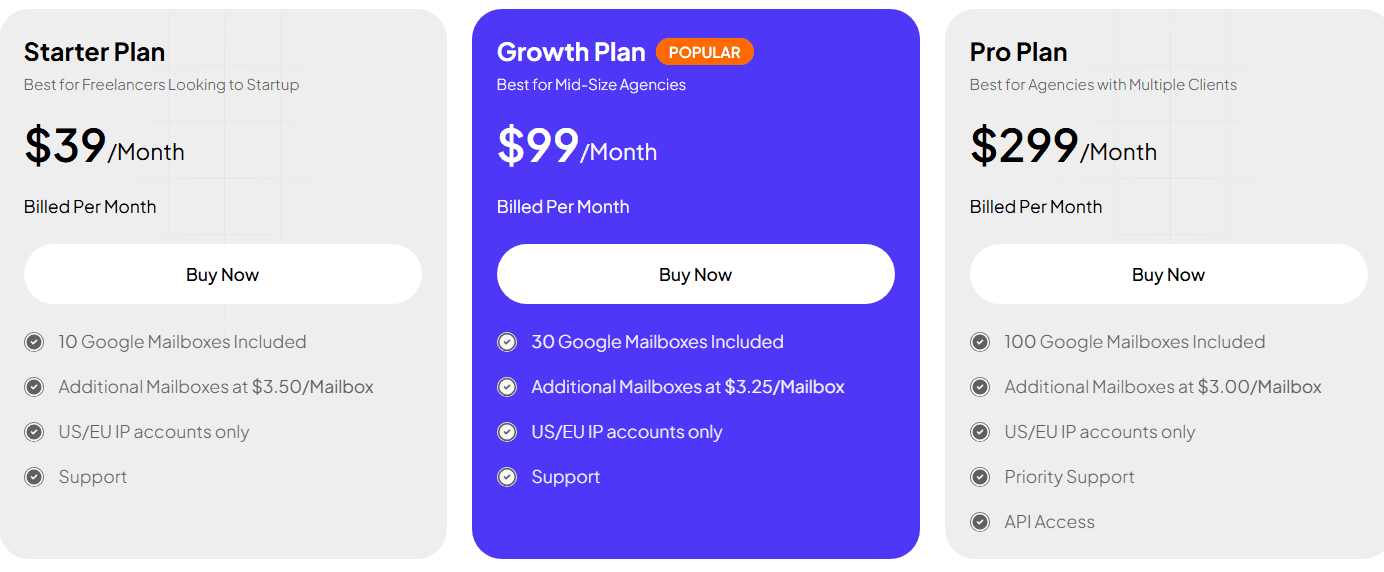
Starter - $39/month (10 Google mailboxes included; additional mailboxes typically $3.50 each)
Growth - $99/month (30 Google mailboxes included; additional ~$3.25 each)
Pro - $299/month (100 Google mailboxes included; additional ~$3.00 each)
Best for:
Agencies, outbound teams, and SaaS tools that need ready-to-send mailboxes, fast DNS setup, and easy integrations with outreach platforms.
3. Maildoso – Best for Fast Mailbox Creation, Free Domains, and High Deliverability
Maildoso is a cold email infrastructure platform that gives you reputable domains, pre-configured mailboxes, automatic SPF/DKIM/DMARC, master inbox management, and built-in IP rotation.
You can create hundreds of domains and thousands of mailboxes in minutes, export them to any outreach tool, and monitor mailbox health with daily reputation checks.
Here are a few key features of Maildoso:
High deliverability setup with automatic IP rotation and inbox placement checks for Google & Outlook mailboxes.
Master inbox routing, allowing you to manage thousands of replies from a single inbox.
Daily mailbox reputation scoring and real-time health checks.
Free domain forwarding, redirecting all outreach domains to your main site.
ESP-level sending, since Maildoso hosts its own SMTP servers with full IP rotation.
Pros & Cons of Maildoso
Pros | Cons |
Free domains included with every plan | Cannot add custom DNS records (CNAME only) |
Auto SPF/DKIM/DMARC + MX setup in minutes | Does not allow importing external domains |
Extremely fast setup (1,000 mailboxes in ~10 minutes) | Hard daily limit of 95 emails per mailbox |
Master inbox + AI warmup + domain redirect included | Warmup only works on Maildoso mailboxes |
Maildoso Pricing
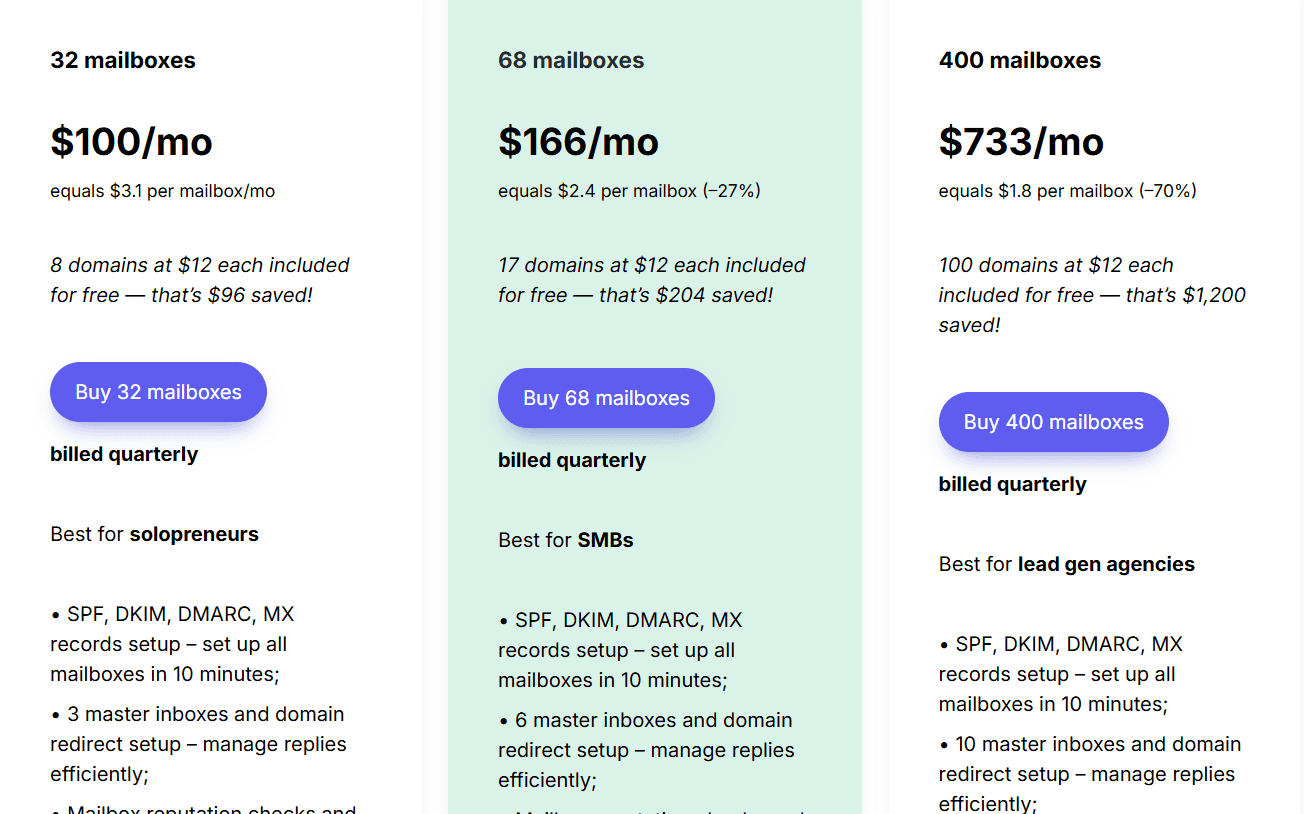
32 mailboxes - $100/month (≈ $3.1/mailbox)
68 mailboxes - $166/month (≈ $2.4/mailbox)
400 mailboxes - $733/month (≈ $1.8/mailbox)
30-day money-back guarantee on mailboxes (domain cost non-refundable).
Best for:
Solopreneurs, SMBs, and lead-gen agencies that need cheap mailboxes, free domains, auto DNS setup, and very fast cold email infrastructure.
4. Inframail – Best for Unlimited Inboxes, Dedicated IPs, and Fast Cold Email Setup
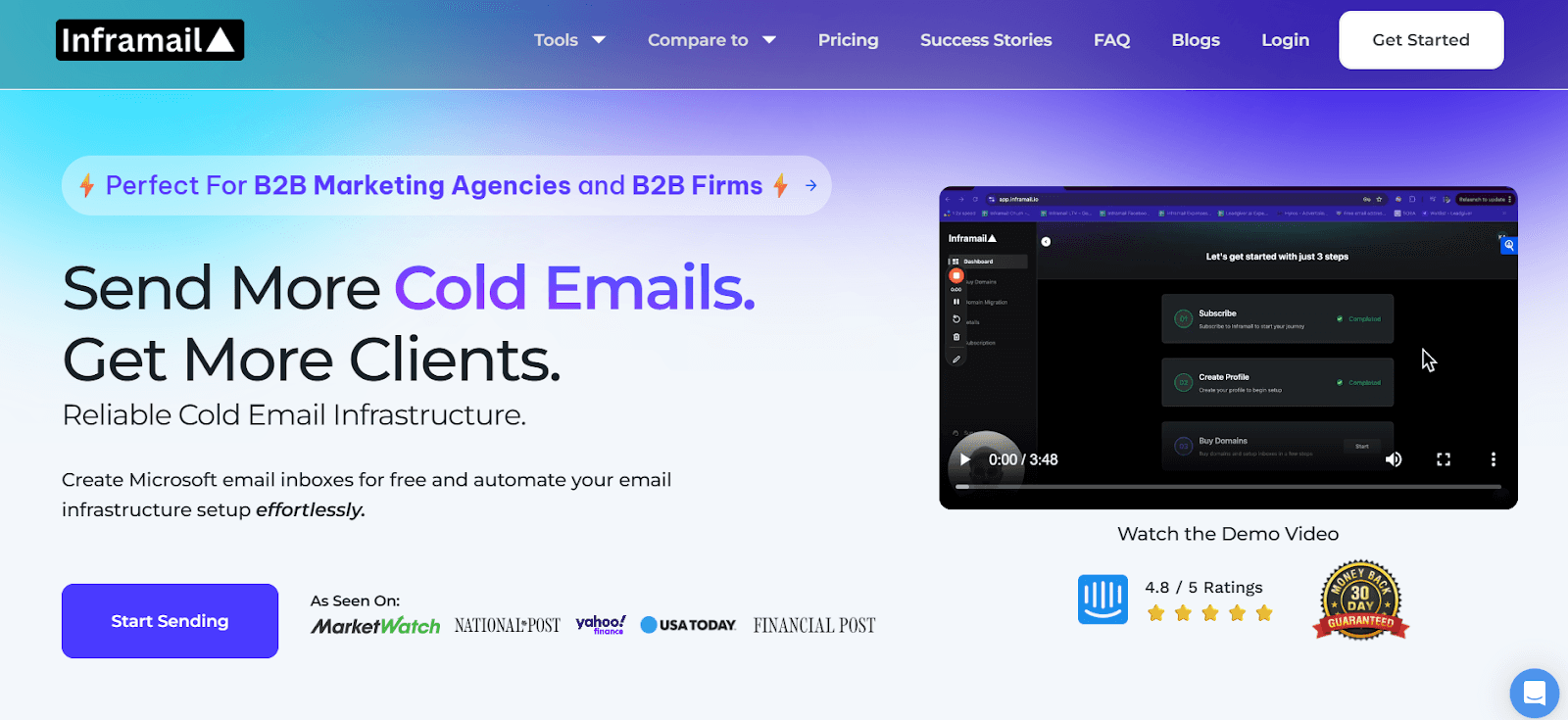
Inframail is a cold email infrastructure platform that lets you create unlimited Microsoft-based inboxes in seconds, buy domains, set up SPF/DKIM/DMARC automatically, and run high-volume outreach with dedicated IPs.
It removes the need for Google/Outlook inboxes and allows you to export inboxes directly into Instantly, Smartlead, and ReachInbox.
Here are the key features of Inframail:
Unlimited inbox creation, with ready-to-go Microsoft-backed email accounts built for cold outreach.
Automatic SPF, DKIM, DMARC setup, domain redirects, and email forwarders in seconds.
Phantom Redirect feature that hides redirects from ESPs to protect deliverability.
Unlimited domain setups per day, plus 1-on-1 deliverability coaching.
Pros & Cons of Inframail
Pros | Cons |
Unlimited inboxes for one flat monthly price | Domains are not included in plans |
Dedicated US IPs + instant IP swaps | Warmup still required for at least 2 weeks |
Automatic SPF/DKIM/DMARC + fast setup | Cannot send emails directly from Inframail |
Very fast provisioning (inboxes in seconds) | Must buy domains separately |
Inframail Pricing
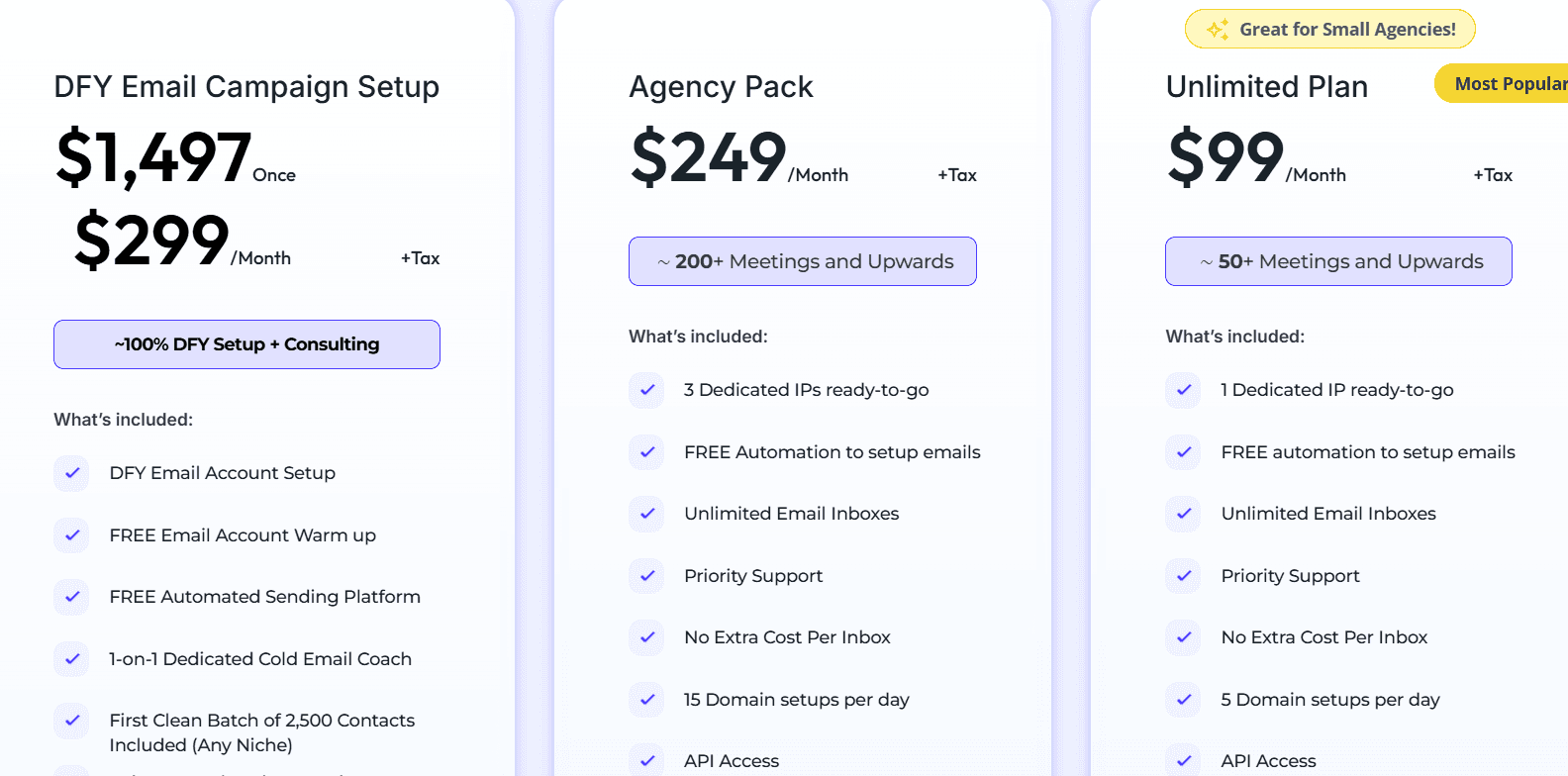
Unlimited Plan – $99/month, 1 dedicated US IP, unlimited inboxes, 5 domain setups per day, no extra cost per inbox
Agency Pack – $249/month, 3 dedicated US IPs, unlimited inboxes, 15 domain setups per day, 1:1 deliverability consultant
DFY Campaign Setup – $1497 once + $299/month, done-for-you email accounts, free warmup, 2,500 clean contacts included
5. Mailscale – Best for Cheap, Fast, and Scalable Cold Email Inboxes

Mailscale is a cold email inbox provider that lets you instantly create dozens or hundreds of company email accounts for outreach.
You can buy domains inside Mailscale or bring your own, generate inboxes in under 60 seconds, and download a CSV.
Mailscale optimizes deliverability for you, manages the infrastructure, scans IPs and domains for issues, and guarantees 95–100% deliverability or your money back.
Here are a few key features of Mailscale:
Instant inbox creation, letting you generate 50 to 1000+ inboxes in under 60 seconds.
Built-in deliverability management, guaranteeing 95–100% inbox placement or you get a refund or new domains.
Domain setup inside the platform, with auto-configured DNS for $10–$15 per domain.
Pros & Cons of Mailscale
Pros | Cons |
Very fast inbox generation (50–1000+ in seconds) | Only 5 email accounts allowed per domain |
Automatic SPF/DKIM/DMARC + DNS setup | No email forwarding or master inbox |
95–100% deliverability guarantee | Shared IPs, not dedicated IPs |
Mailscale Pricing
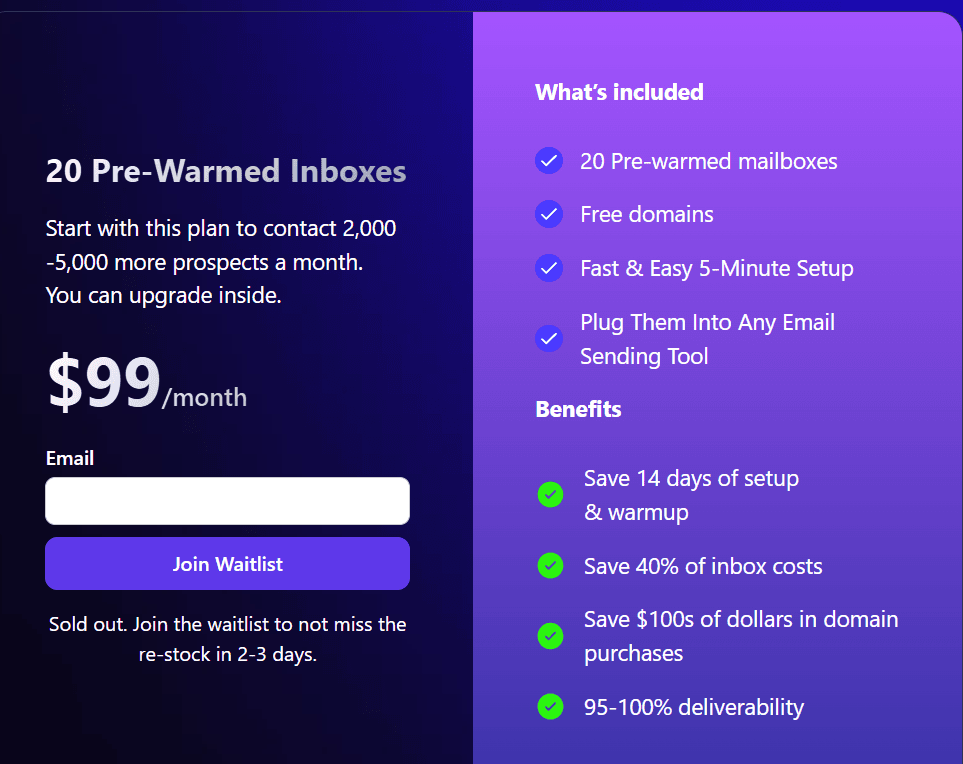
Business Plan – $119/month, generate up to 50 inboxes, buy or add domains inside Mailscale, 5-minute setup, import into any sending tool, save 12+ hours of manual work
(Free domain included with trial.)
Best for:
Agencies, solopreneurs, B2B teams, and consultants that need 50–1000+ inboxes fast, want cheap inbox costs, and need guaranteed deliverability for cold outreach.
6. Hypertide – Best for Automated Multi-Platform Cold Email Infrastructure
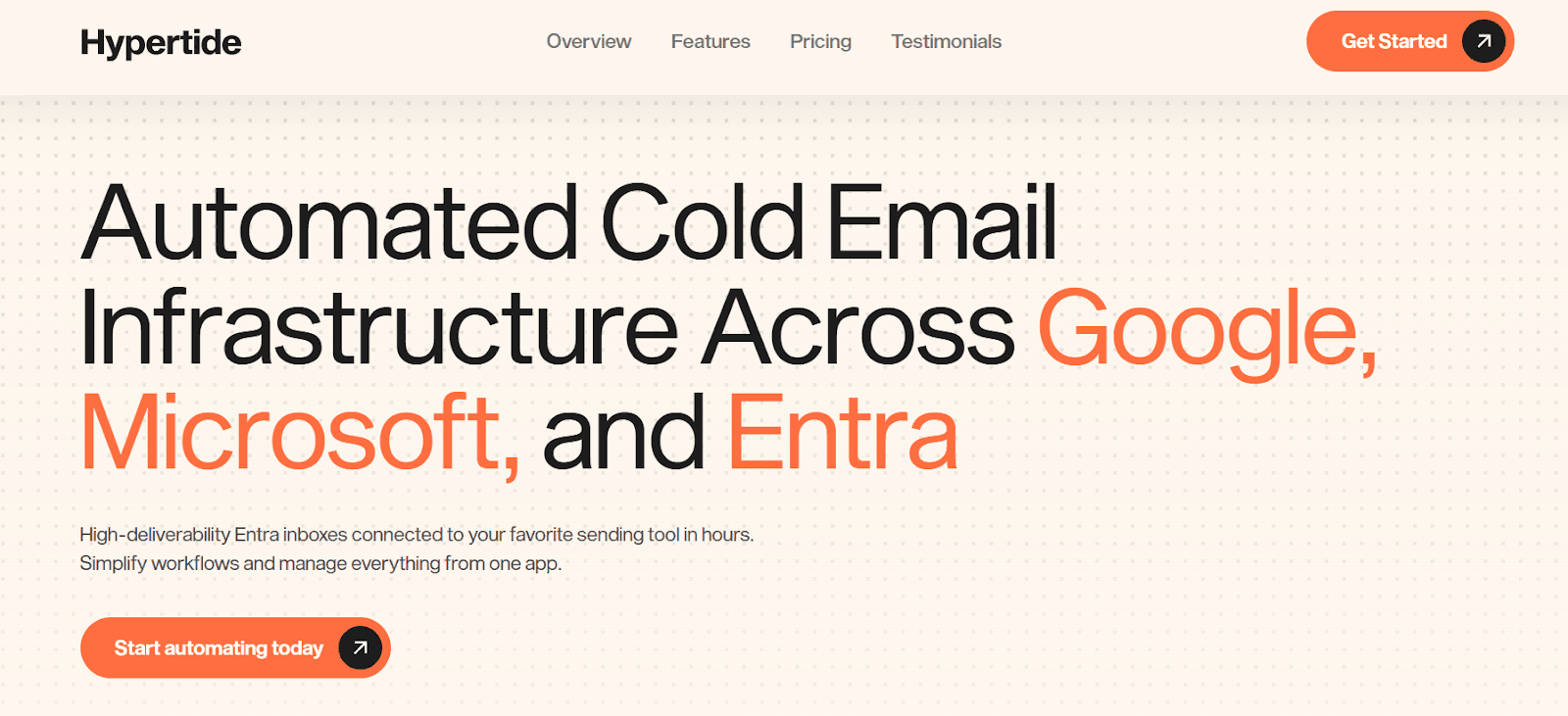
Hypertide is an automated cold email infrastructure platform that sets up high-deliverability inboxes across Google, Microsoft, and Entra.
Each order has its own isolated tenant, with dedicated domains, IPs, users, and pre-configured SPF, DKIM, and DMARC.
Hypertide automates everything in 4-6 hours, connects inboxes directly to your sequencers (Smartlead, Instantly, Bison), and scales sending safely with up to 5,000 emails/month per order.
Here are a few key features of Hypertide:
Automated setup in 4-6 hours, across Google, Microsoft, and Entra, no virtual assistants, no manual configuration.
Tenant separation for every order, giving each user unique domains, unique IPs, and better deliverability.
100 Azure inboxes per order, split across two domains (50–52 each), with authentic Outlook UI.
Sending capacity of 5,000 emails/month, based on 2 emails/day per inbox after warmup.
Pros & Cons of Hypertide
Pros | Cons |
Fully automated setup (no VAs or manual DNS work) | No free trial available |
Dedicated tenant per order for cleaner reputation | Bringing your own domains slows setup (3–5 days) |
Works with Google, Microsoft, Entra |
Hypertide Pricing
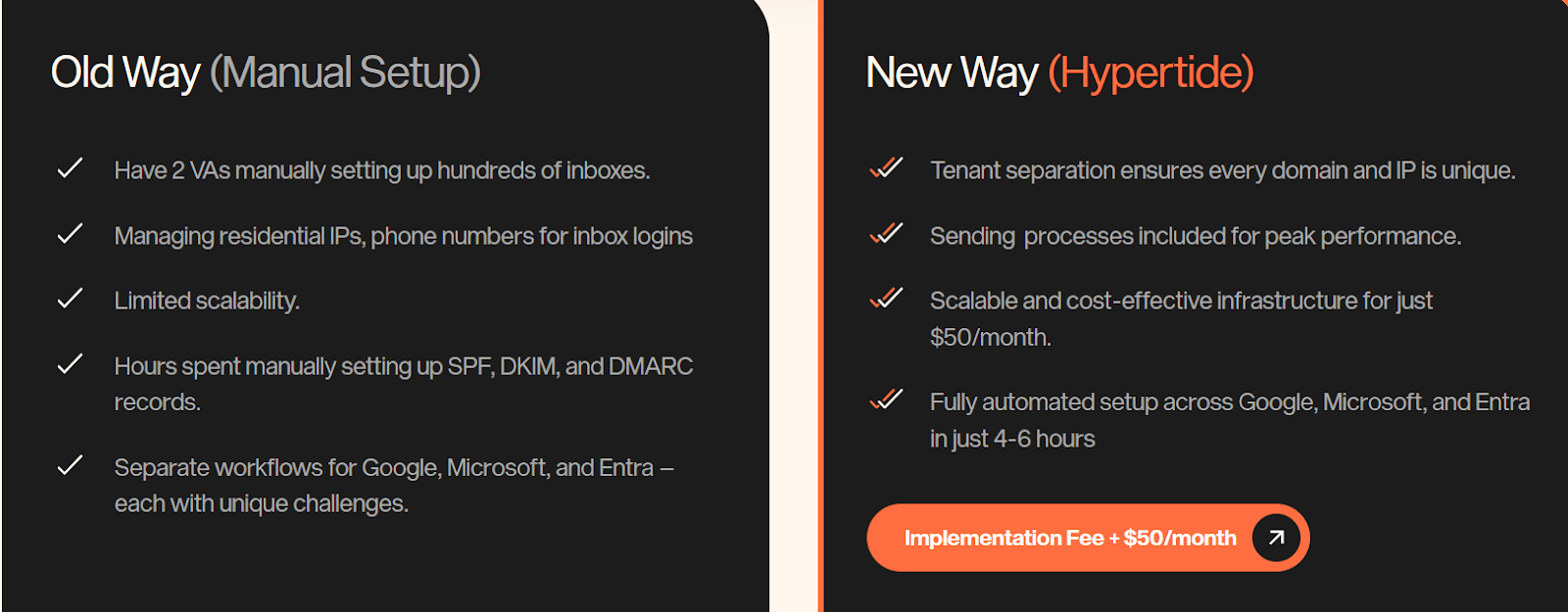
I. $50/month per order + one-time implementation fee
4–6 hour automated setup
SPF, DKIM, DMARC auto-configured
Warmup tools included
Dedicated tenant + Microsoft Azure infrastructure
II. Domains:
Hypertide can buy domains for $15.5 each (24h setup)
Or bring your own domains (3–5 day setup)
Best For
Teams that need fast, fully automated, high-deliverability cold email infrastructure across multiple platforms.
7. Primeforge – Best for Google Workspace and Microsoft 365 Mailboxes With ESP Matching
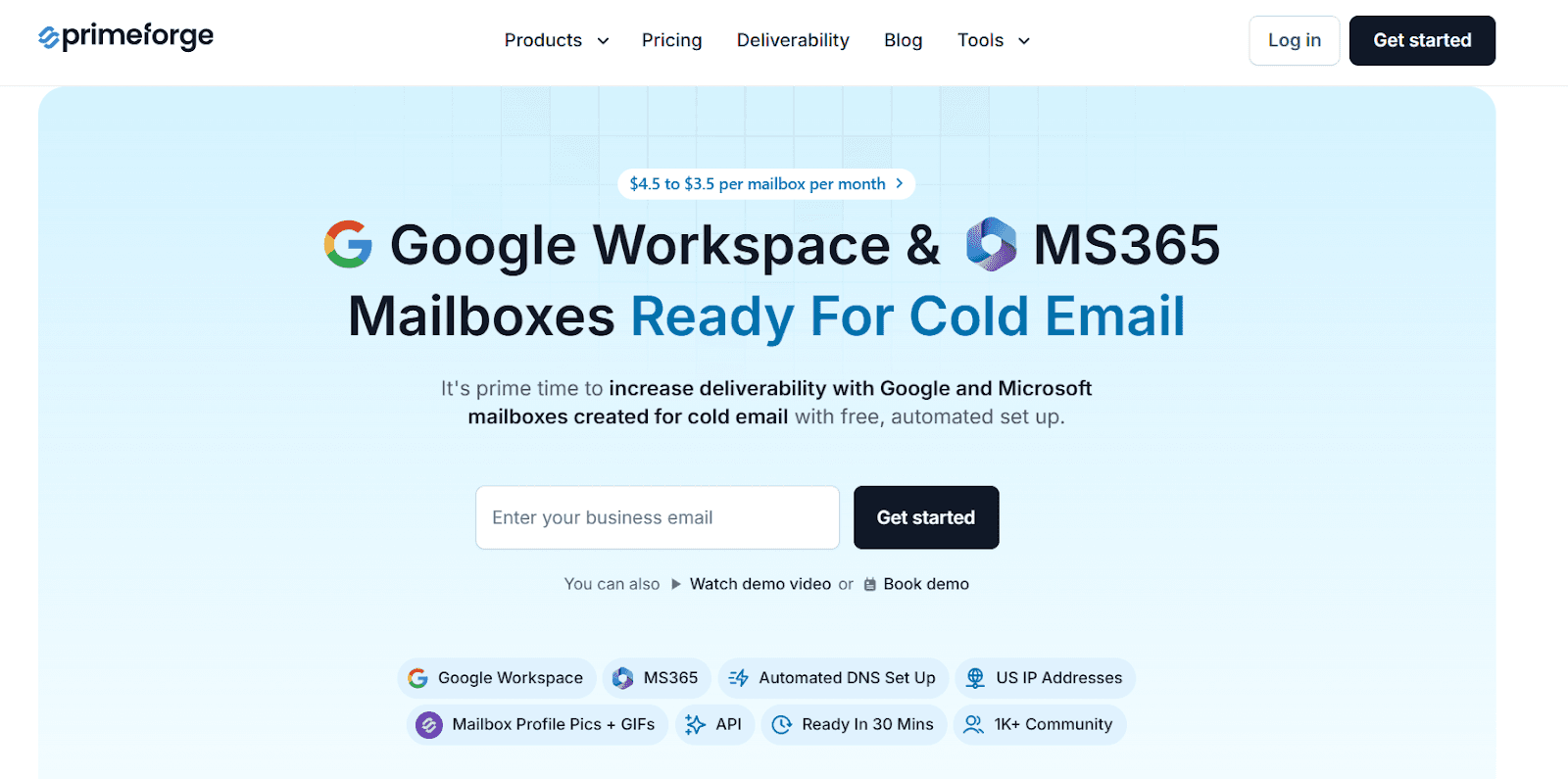
Primeforge is a cold email infrastructure tool that gives you Google Workspace and MS365 mailboxes with US IPs, all optimized for cold outreach.
It automates domain setup, DNS records, mailbox creation, and profile picture/GIF setup so you can start sending in about 30 minutes.
You can buy domains inside the platform, manage them at scale, and connect everything to your cold email tools instantly.
Here are a few key features of Primeforge:
Google Workspace and MS365 mailboxes built specifically for cold outreach with US IP addresses.
Free automated setup for SPF, DKIM, DMARC, DNS, and mailbox creation.
Mailbox profile pictures + GIF headshots, including branded looping logos.
ESP matching, send from the same provider (Google/MS365) your prospects use to improve inbox placement.
Ready in ~30 minutes, much faster than buying directly from Google or Microsoft.
Pros & Cons of Primeforge
Pros | Cons |
Google + Microsoft mailboxes with US IPs | No free trial |
Automated DNS + SPF/DKIM/DMARC setup | Must buy domains + mailboxes to use |
Set GIFs and profile pics at scale | Paying yearly for discount; monthly is higher |
Works with any cold email software | One subscription per Forge product |
Primeforge Pricing
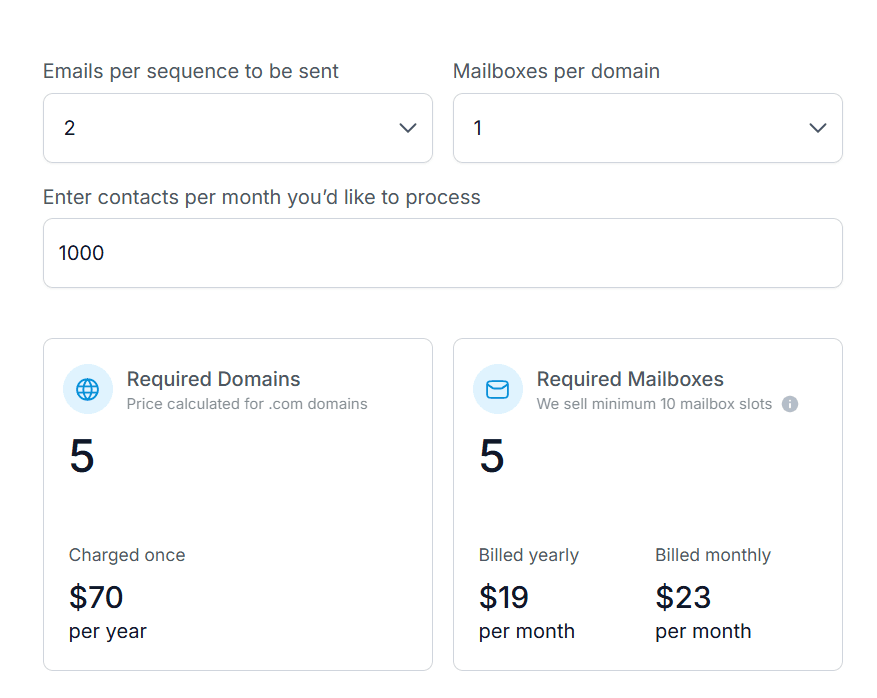
$3.5–$4.5 per mailbox per month
Minimum 10 mailbox slots
.com domains cost ~$14/year
Includes automated DNS setup, mailbox hosting, maintenance, API access, and GIF/profile pic setup
Best For
Teams that want Google Workspace or Microsoft 365 mailboxes built for cold outreach, with automated DNS setup, and fast setup (30 minutes).
8. Mailreef – Best for Dedicated Cold Email Servers
Mailreef is a full cold email infrastructure platform that gives you your own dedicated mail server, dedicated IP, unlimited inboxes, and 1-click domain + mailbox creation.
It is built for high-volume cold email senders who want stability, zero blocked mailboxes, and complete control over deliverability.
Here are a few key features of Mailreef:
1-click creation of domains and mailboxes with automatic SPF, DKIM, DMARC.
Dedicated mail server and dedicated IP (no shared resources, no rotating IPs).
Unlimited free inboxes under your domains, created instantly.
Cold-email–friendly setup that permits cold outreach and supports large-scale sending.
Pros & Cons of Mailreef
Pros | Cons |
Dedicated server + IP for full control | Requires domain purchases for scaling |
Unlimited mailboxes at no extra cost | $0.001 per send adds up at very high volumes |
1-click domain + inbox creation | Requires mini warmup strategy (Mailreef doesn’t auto-warm) |
Mailreef Pricing
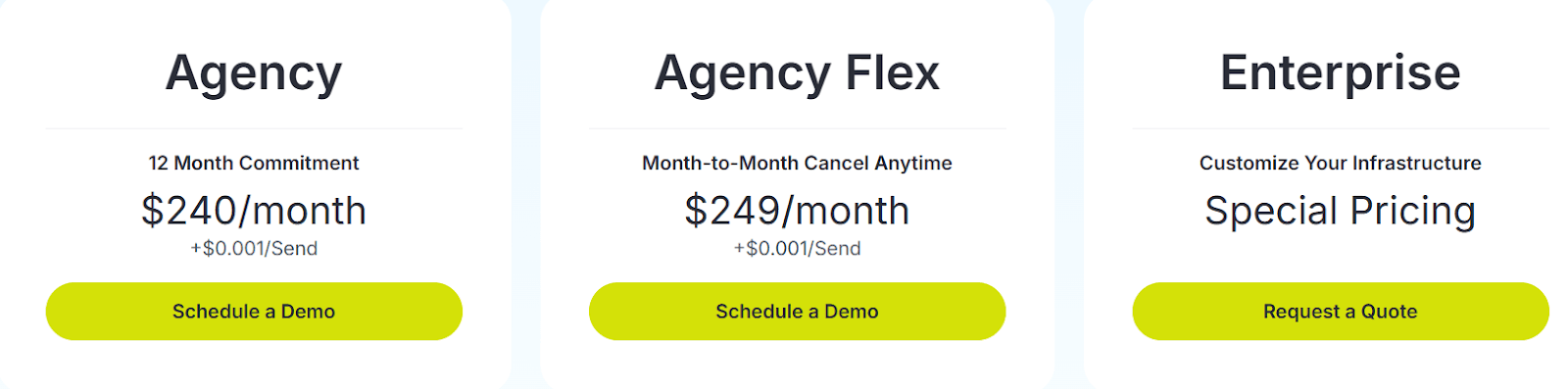
Agency – $240/month + $0.001 per send, 12-month commitment.
Agency Flex – $249/month + $0.001 per send, month-to-month, cancel anytime.
Enterprise – Custom plan, custom infrastructure + volume pricing.
All plans include: dedicated server, dedicated IP, unlimited inboxes, BYOD support, 1-click domain purchase, auto SPF/DKIM/DMARC, monitoring, API, spammer screening, SmartLead & Instantly integrations.
Best For
Agencies, founders, and high-volume cold email teams that want their own mail server, zero blocking, unlimited inboxes, and full control over deliverability.
9. Woodpecker – Best for All-in-One Cold Email and Free Verification
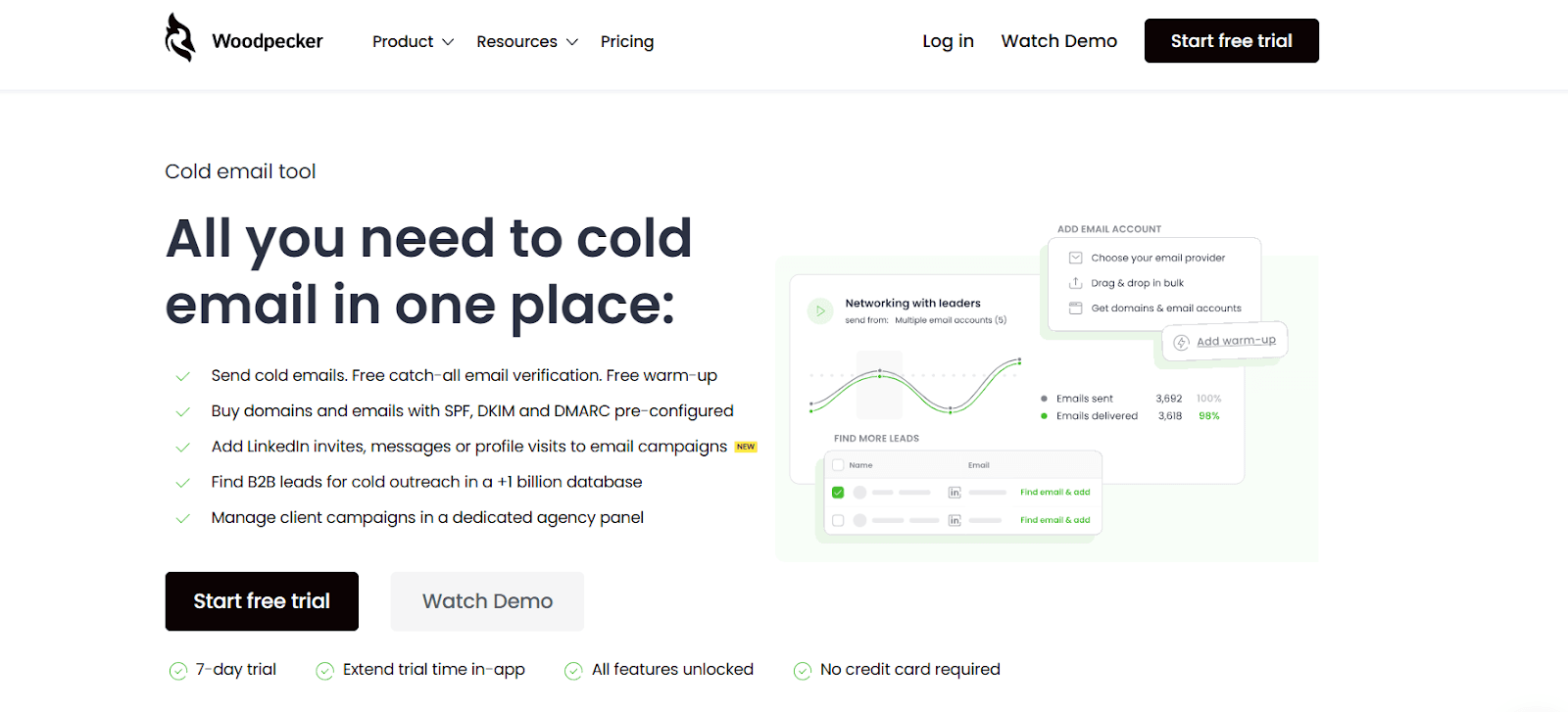
Woodpecker is a cold email platform that gives you sending, verification, warm-up, inbox rotation, LinkedIn automation, and lead finding in one place.
It also lets you buy domains and email accounts with SPF, DKIM, and DMARC pre-configured, so you can start outreach safely without technical setup.
Here are a few key features of Woodpecker:
Free catch-all email verification (real-time, powered by Bouncer).
Free warm-up (Mailivery integration with ramp-up to 50/day).
Centralized inbox for replies across all connected accounts.
LinkedIn automation (profile visits, invites, messages).
Pros & Cons of Woodpecker
Pros | Cons |
Free verification and warm-up | Extra warm-ups cost $5/inbox |
Inbox rotation + adaptive sending | LinkedIn slots cost $29/mo |
Domain audit + deliverability tools | Pricing scales with prospects |
Woodpecker Pricing
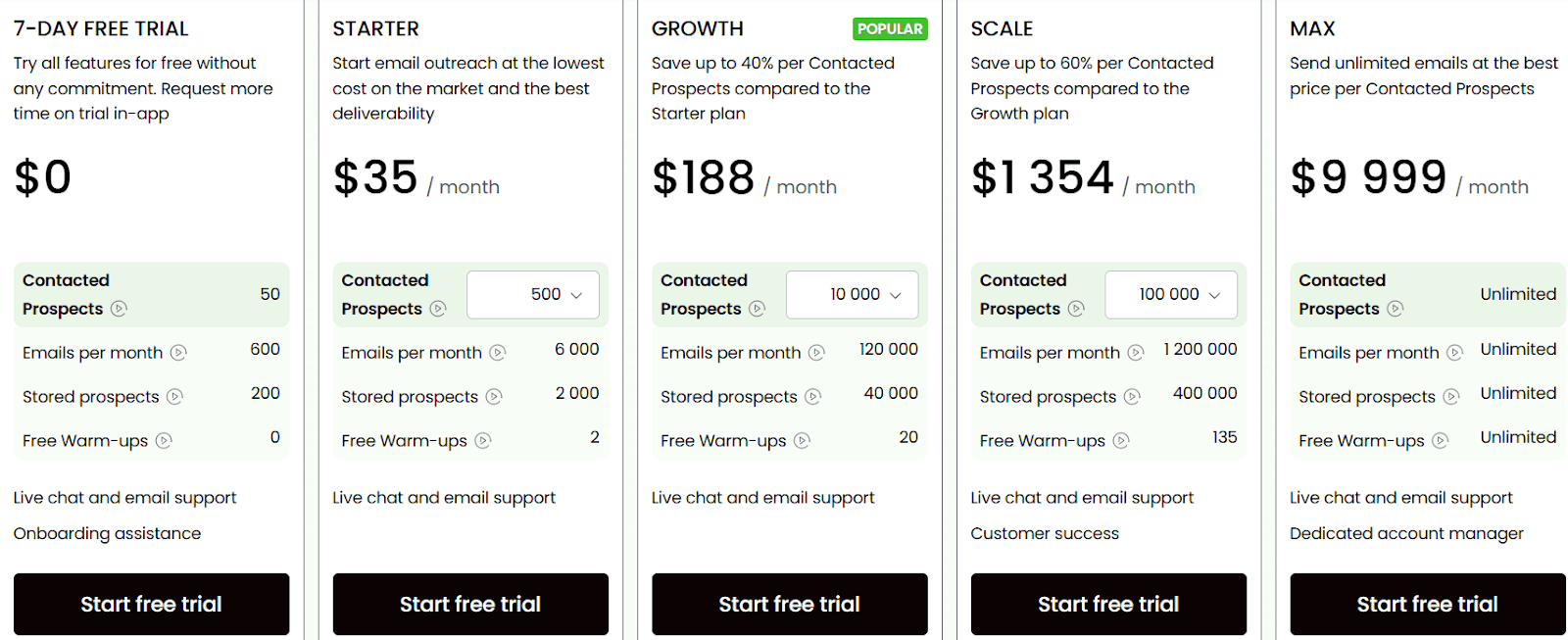
Starter – $35/mo, 500 contacted prospects, 6,000 emails/month, 2,000 stored prospects, 2 free warm-ups
Growth – $188/mo, 10,000 contacted prospects, 120,000 emails/month, 40,000 stored prospects, 20 free warm-ups
Scale – $1,354/mo, 100,000 contacted prospects, 1,200,000 emails/month, 400,000 stored prospects, 135 free warm-ups
Max – $9,999/mo, Unlimited contacted prospects, unlimited emails, unlimited stored prospects, unlimited warm-ups, dedicated account manager
10. Snov.io – Best for Multichannel Email and LinkedIn Outreach
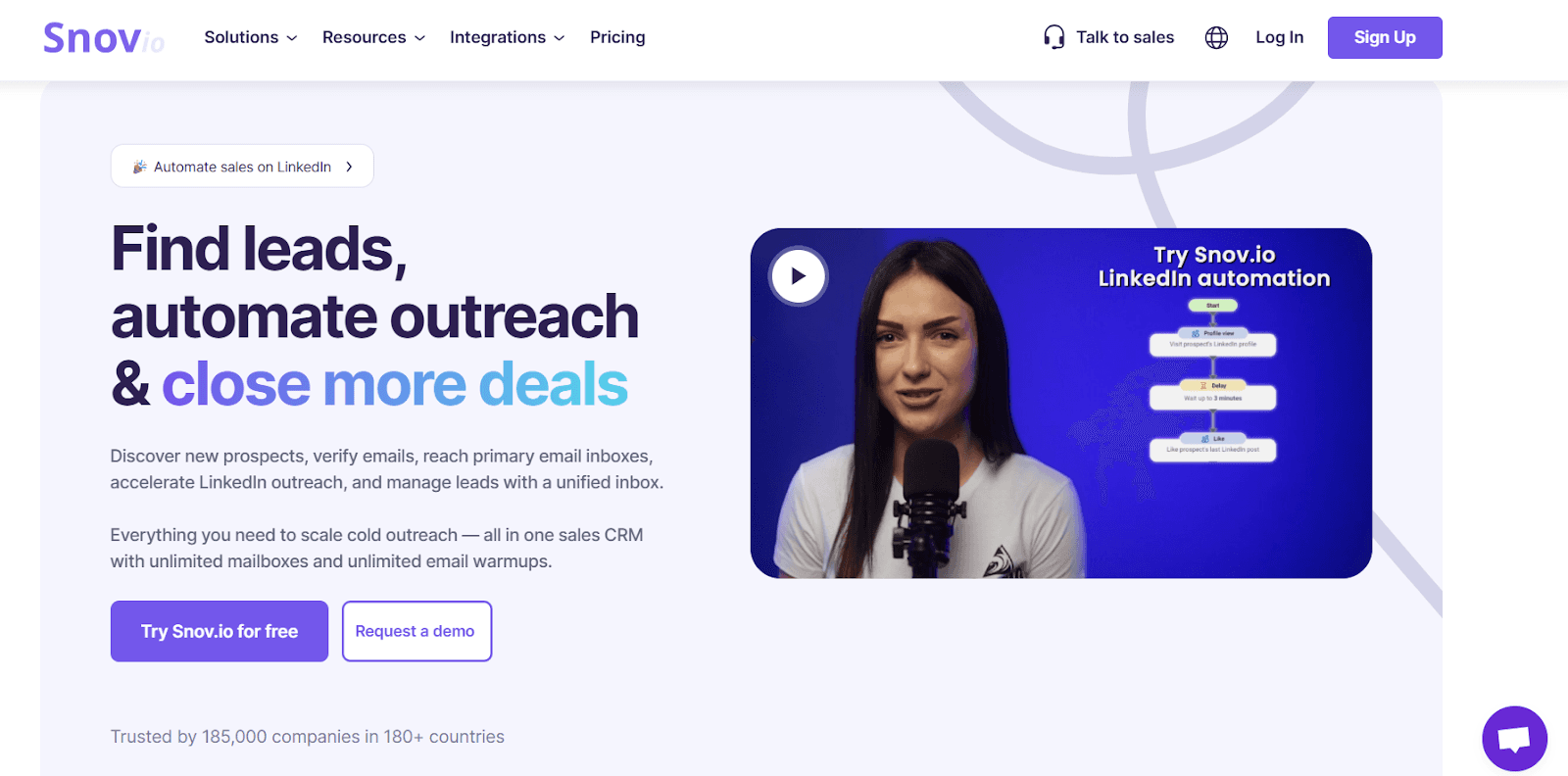
Snov.io is a multichannel outreach platform that gives you cold email, LinkedIn automation, lead finding, email verification, warm-up, CRM, and bulk sending in one place.
It also includes a large B2B database (1B+ leads) and tools to extract, verify, and enrich leads before adding them to campaigns.
The key features of Snov.io are:
Built-in Lead Finder (email finder, domain search, LinkedIn extraction, bulk finder).
Multichannel sequences with email + LinkedIn actions (visits, invites, messages).
Mailbox rotation to send safely from multiple accounts.
Free email verification inside campaigns.
Pros & Cons of Snov.io:
Pros | Cons |
Multichannel outreach (email + LinkedIn) | Shared tracking domain by default |
Large verified B2B lead database | LinkedIn accounts need warm-up manually |
Mailbox rotation + safe sending controls | Missing personalization fields move leads to “To Check” |
Snov.io Pricing
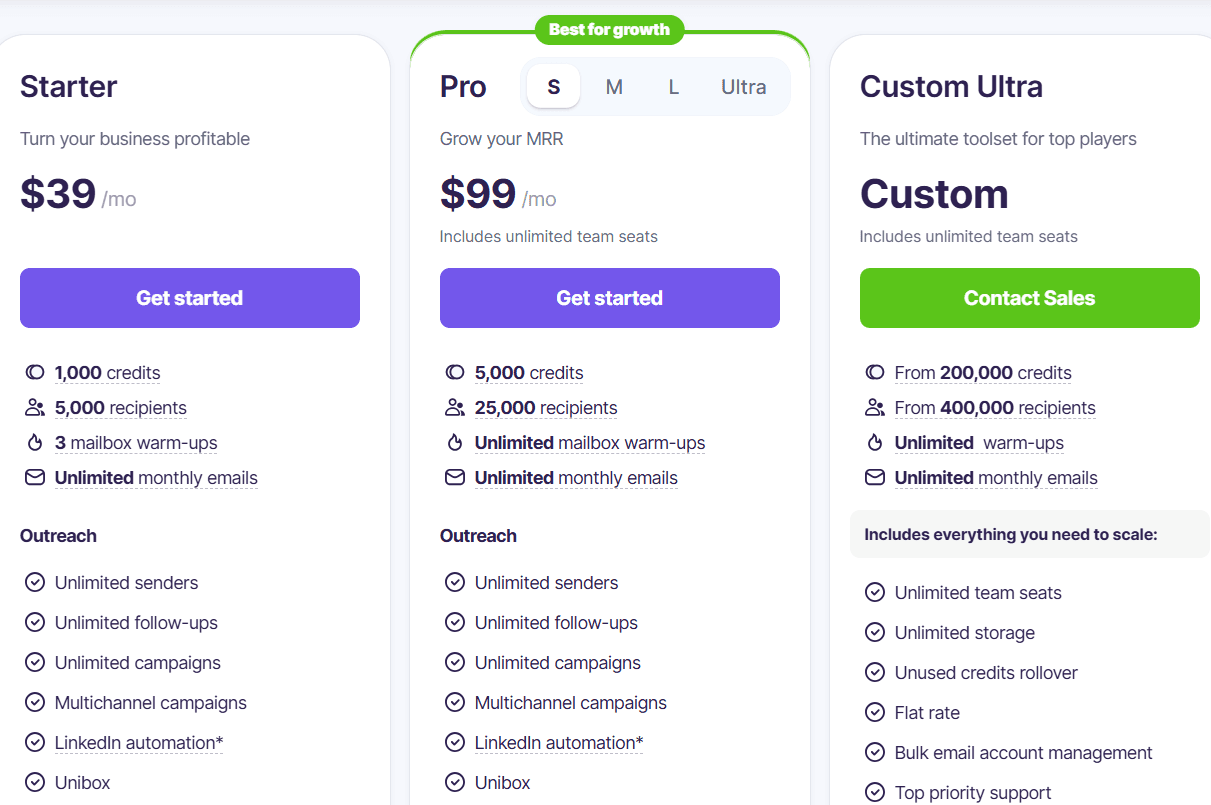
Starter – $39/month, 1,000 credits, 5,000 recipients, 3 mailbox warm-ups, unlimited monthly emails
Pro – $99/month, 5,000 credits, 25,000 recipients, unlimited mailbox warm-ups, unlimited monthly emails
Custom Ultra – Contact Sales, From 200,000 credits, from 400,000 recipients, unlimited warm-ups, unlimited monthly emails
Best for:
Teams that want email, LinkedIn outreach, a built-in lead database, and advanced sending controls in one place.
Which Cold Email Infrastructure Should You Choose?
Every tool on this list solves a different part of cold email infrastructure, but not all of them fit every team.
Here’s the simplest way to pick:
If you want pre-warmed inboxes with zero setup, Zapmail or Hypertide are the easiest.
If you want the lowest-cost infrastructure, Maildoso or Mailscale give you cheap inboxes you can scale quickly.
If you want unlimited inbox creation with server-level control, Mailreef or Inframail are better.
If you want outreach and infrastructure in one place, Woodpecker or Snov.io make is a better choice.
If you want a platform that gives you AI-powered outreach, CRM, warm-up, domain setup, deliverability, and automation, Stamina is the best cold email infrastructure to start with.
It gives you done-for-you domains, inboxes, DNS setup, automated warm-up, domain rotation, an AI SDR (Zara), and a built-in CRM, so you can launch and scale cold email without touching any technical setup.
Frequently Asked Questions
1. What is cold email infrastructure?
Cold email infrastructure is the backend system that handles domains, inboxes, DNS records, warm-up, and safe sending limits.
It keeps your emails out of spam and protects your domain reputation.
Without it, cold outreach becomes risky and unreliable.
2. Do I need a warm-up tool separately?
Not always, Stamina, Zapmail, Maildoso, Hypertide, Woodpecker, and Snov.io include warm-up built in.
Inframail and Mailscale need external or manual warm-up.
You can pick based on how much automation you want.
3. How many emails can I send safely per inbox?
Most inboxes stay safe at 30–75/day after full warm-up.
New inboxes should start with 5–20/day and increase gradually.
Every tool recommends slow scaling to avoid spam filters.
4. Should I use my main domain for cold email?
No, using your main domain can damage your brand reputation if it gets flagged.
Always use separate outreach domains for cold email. This protects your primary domain and inboxes.