10 Best CRM for Small Business in 2026

Find the best CRM for small business in 2026. Our guide compares 10 top tools on features, pricing, and use cases to help you scale and close more deals.

0 - Minute Read

Your customer data probably lives in too many places right now. A lead fills out a form, someone replies from Gmail, another note ends up in a spreadsheet, and the follow-up task sits in one rep’s head until it’s forgotten. That’s how small businesses lose deals without realizing it. The problem usually isn’t effort. It’s fragmentation.

A CRM gives you one operating system for sales and customer relationships. It puts contacts, deal stages, activity history, reminders, and follow-ups in one place so your team can work from the same record instead of piecing together a story from inboxes and tabs. For teams running using a CRM for inside sales teams, that centralization is often the difference between reactive selling and a repeatable process.

The timing matters. CRM adoption is already mainstream among established companies. Konze’s CRM statistics roundup says 91% of companies with 11 or more employees use a CRM system. The same source reports an average sales increase of about 29% for businesses using CRM systems and says every dollar invested in CRM returns $8.71. Small businesses aren’t buying CRM because it sounds organized. They’re buying it because leaking revenue is expensive.

The hard part isn’t deciding whether you need one. It’s choosing the best CRM for small business when every vendor claims to do everything. Feature lists don’t help much because most tools can store contacts, manage deals, and send emails. What matters is fit. Some CRMs are built for high-volume outbound. Some are better for service firms that need automation. Some shine when your company lives in Google Workspace. Some become expensive the minute you need marketing, reporting, and support in the same stack.

This guide focuses on the job each CRM does best, the trade-offs that show up after rollout, and the kind of business each one fits.

1. Stamina
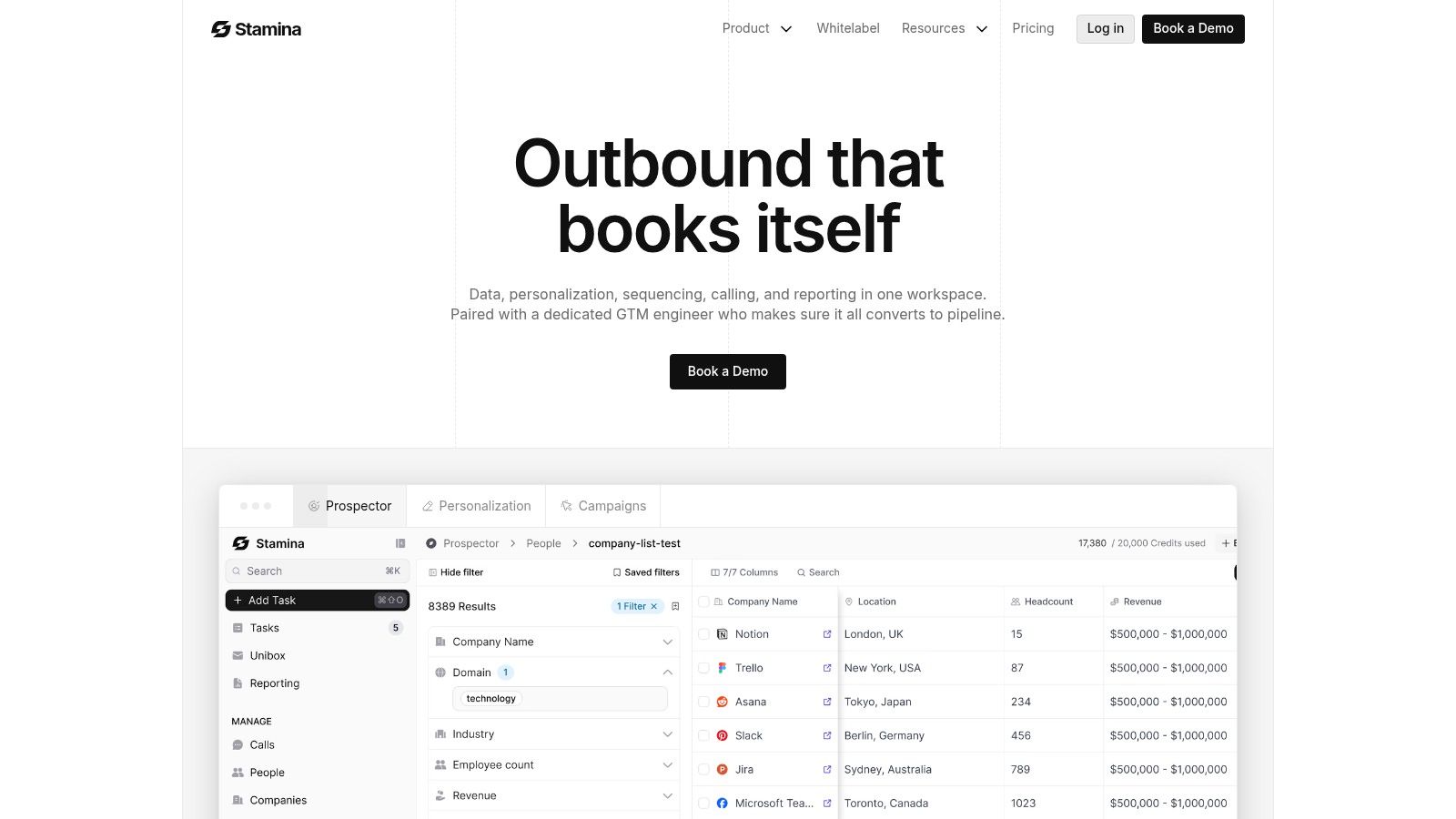
Stamina

Stamina is the one I’d put on the shortlist when the problem isn’t “we need a CRM,” but “we’re tired of running five disconnected tools to do one revenue workflow.” It combines CRM, sales engagement, and marketing execution in a single platform, which changes how small teams operate day to day. Instead of syncing data across apps and hoping fields match, teams work from one source of truth.

That matters most for SMBs where one person often owns multiple parts of the funnel. The SDR might also send nurture emails. The founder might still review deals. The marketer might need visibility into pipeline quality, not just lead volume. Stamina is built for that overlap.

Best for all-in-one AI-driven pipeline generation

The strongest reason to consider Stamina is Zara, its built-in AI SDR. Zara helps identify and research ideal prospects, then generates personalized outreach, sequences, and message variants at scale. That’s a practical advantage for teams that want to move faster without outsourcing prospecting quality to a separate tool.

It also adds warm prospecting signals such as website visitor and social cues, which makes outbound feel less random. That’s important because outbound fails when teams blast cold lists with no timing or context. Stamina gives sales reps and founders more signal before they reach out.

Practical rule: If your team keeps exporting leads from one system, sequencing them in another, and then logging results back into a CRM, you don’t have a CRM problem. You have a workflow architecture problem.

Where it fits and where it doesn’t

Stamina is a strong fit for growing SMBs, agencies, consultants, and startup teams that want one connected system instead of a stack of point tools. Agency mode and potential white-label options make it more flexible than a typical small-business CRM, especially for firms that manage outreach or revenue operations on behalf of clients.

The trade-off is that pricing isn’t publicly listed. You’ll need to request a demo from Stamina to understand cost, onboarding, and implementation details. That won’t appeal to buyers who want instant self-serve pricing comparisons.

There’s also a real change-management component. Teams moving from separate tools into one unified platform usually need to rethink process ownership, not just import contacts. AI-generated personalization still needs human review too. If your offer is nuanced or your market is regulated, no AI should send messages without oversight.

What works in practice

Stamina works best when a business wants coordinated marketing, outbound, and CRM motion under one roof. It’s less about storing records and more about creating execution speed.

  • Best use case: SMBs that want one system for prospecting, outreach, pipeline tracking, and nurture.

  • Biggest upside: Fewer tool handoffs, cleaner data, and faster campaign execution.

  • Watch-out: Get clarity on onboarding scope before you buy, especially if you’re replacing several tools at once.

2. HubSpot CRM
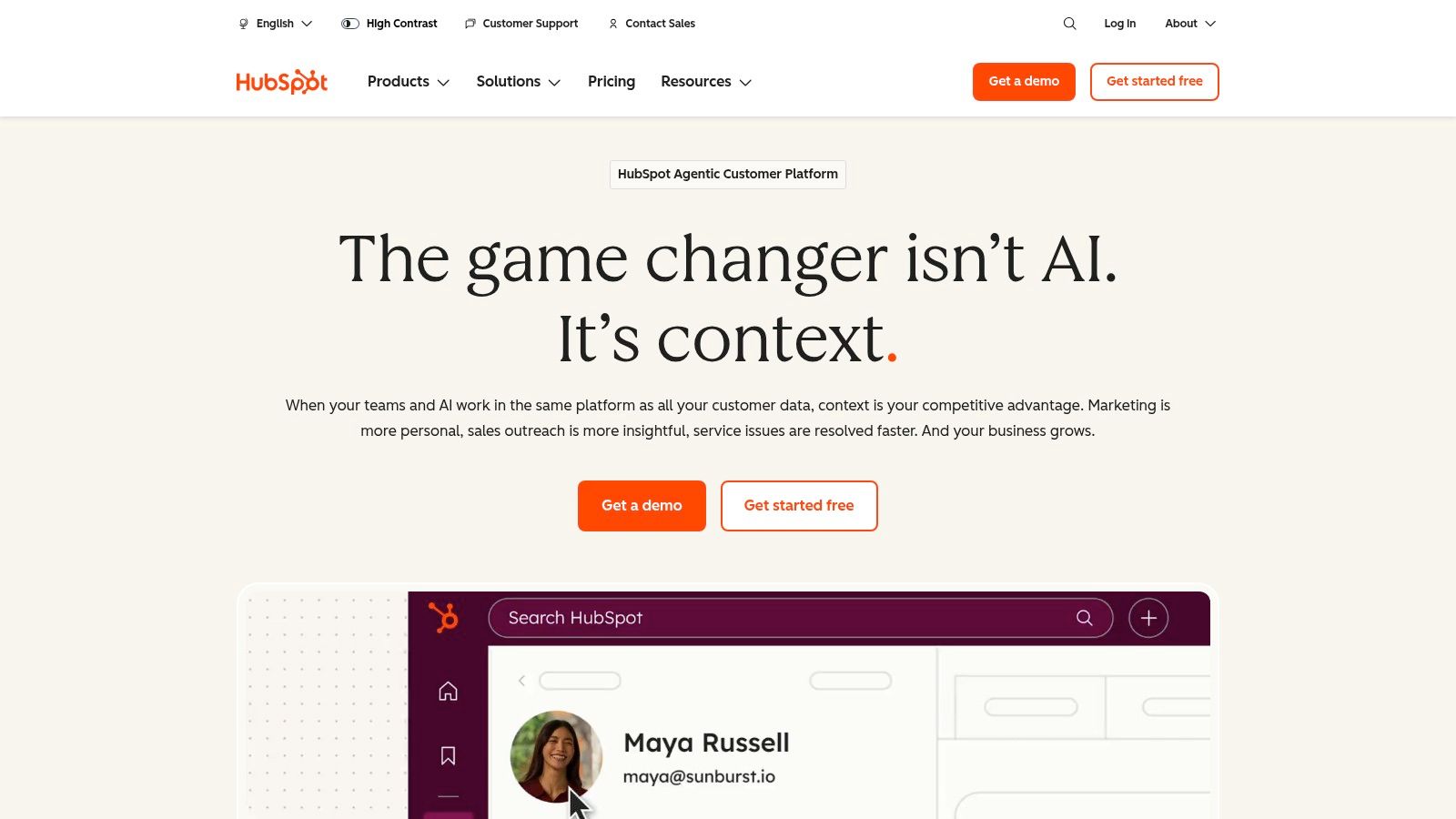
HubSpot CRM (Sales Hub + “Smart CRM”)

A common small-business scenario looks like this. Leads come in through the website, a sales rep answers from their inbox, support questions land somewhere else, and nobody fully trusts the pipeline report by Friday. HubSpot appeals to owners in that position because it brings those motions into one system without asking the team to learn something obscure.

That is the job-to-be-done for HubSpot. It gives a small business a CRM that sales, marketing, and service can all use early, then expands with the company if the process gets more complex. For teams that want the lowest-friction path from spreadsheets and disconnected tools to a shared customer record, HubSpot is usually one of the safest choices.

The product is approachable. Contacts, deals, forms, meeting scheduling, chat, email tracking, and basic reporting fit together in a way that makes sense quickly. Adoption matters more than feature count in a small business, and HubSpot tends to get adopted because the interface is clear and the setup path is well guided.

That does not mean it is the right fit for every SMB.

HubSpot works best for companies that want a broad operating system for customer acquisition and retention, not just a sales pipeline board. If the plan is to connect inbound lead capture, follow-up emails, support handoffs, and campaign reporting under one roof, HubSpot is strong. If the business is instead chasing highly customized outbound workflows or the lowest possible cost per seat, other tools on this list can be a better match.

Process still matters. A clean setup, defined lifecycle stages, and ownership rules will do more for results than turning on every feature. Teams that need help structuring that foundation should review these practical CRM best practices. Businesses comparing connected software stacks should also look at what an all-in-one business platform approach changes operationally before buying point tools one by one.

HubSpot also has a mature ecosystem around customer communication. If live chat is part of your lead capture or support flow, the HubSpot Live Chat integration is one example of how easily the platform can extend.

The trade-off shows up after the honeymoon period. HubSpot is easy to start, but costs can rise fast once a team adds paid hubs, more users, more advanced automation, and larger marketing contact counts. I usually recommend HubSpot when the business values clarity, cross-team adoption, and room to grow more than strict budget minimization.

In practical terms:

  • Best use case: SMBs that want one CRM shared across sales, marketing, and service, especially if inbound leads drive growth.

  • Biggest upside: Fast adoption, polished user experience, and a clear path from basic CRM to a broader revenue stack.

  • Watch-out: Pricing can become difficult to justify if you only use a fraction of the platform or need advanced features across multiple hubs.

3. Zoho CRM
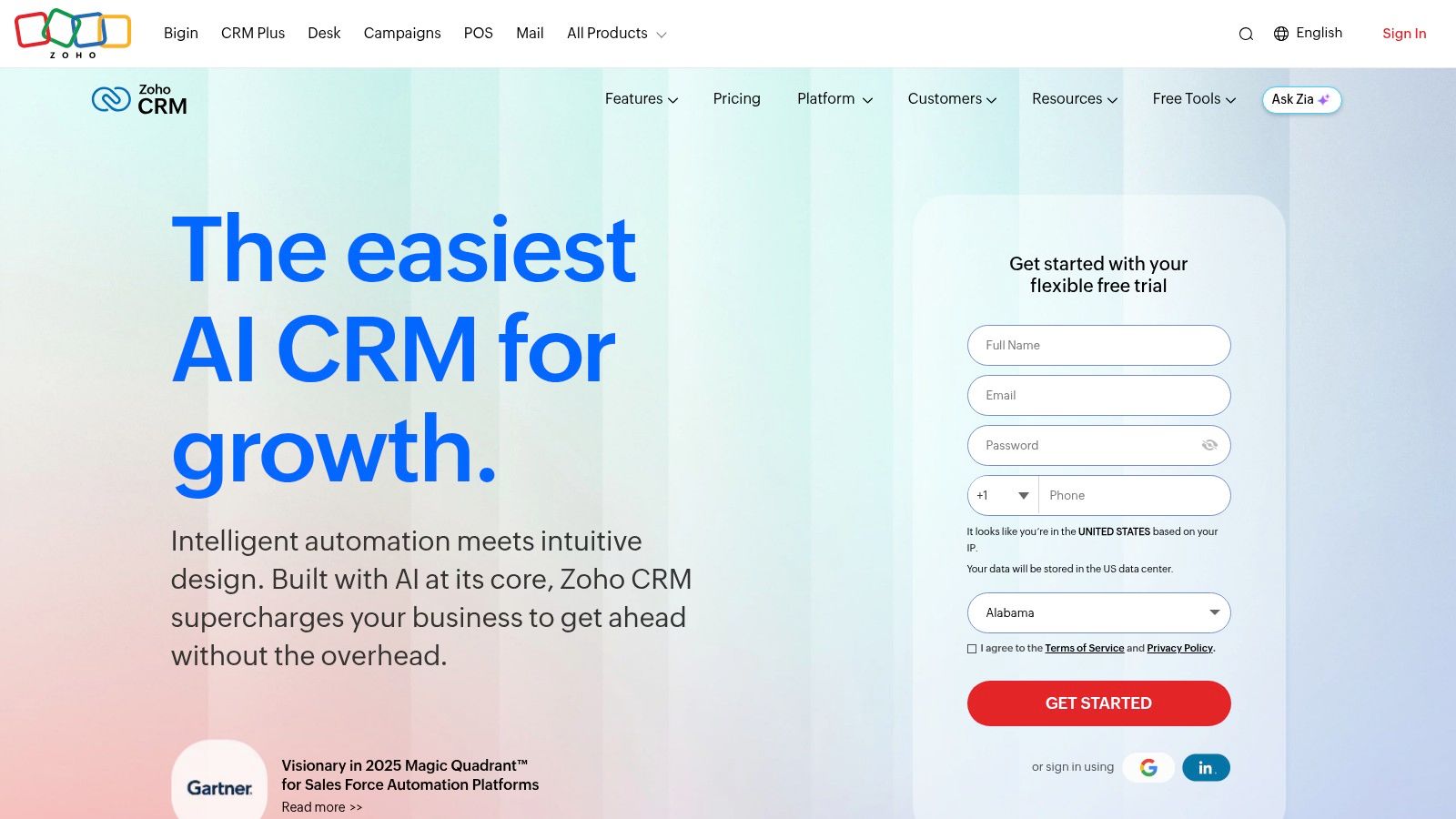
Zoho CRM

A small team usually feels Zoho in one of two moments. Leads are starting to slip between inboxes and spreadsheets, or the business has outgrown a simple pipeline CRM and needs rules, automation, and reporting without paying enterprise prices.

Zoho CRM fits that second job especially well. It is a strong choice for owners who want control over how leads are assigned, how follow-up happens, and what the team sees at each stage. If your core need is "give me a CRM I can shape around my process," Zoho deserves a hard look.

Best for customization without enterprise pricing

Zoho works best when sales process matters more than polish. Teams can build assignment rules, scoring, workflows, multichannel outreach, and custom fields that reflect how the business sells. That flexibility is the point.

It also becomes more attractive if the company expects to use other Zoho products such as Books, Desk, or Campaigns. In practice, this is the trade-off many SMBs have to make. A cleaner interface is nice, but fewer disconnected tools often matters more over a year of real use. Teams that need repeatable handoffs before they add automation should first document a clear sales workflow and ownership process.

The catch is straightforward. Zoho asks for setup discipline. If nobody owns field design, pipeline stages, reports, and automations, the account gets messy fast. I have seen small businesses buy Zoho for value, then treat it like a contact database because the original configuration work never got finished.

That does not make Zoho a bad fit. It makes it a manager's CRM, not just a rep's CRM.

  • Best use case: SMBs that need customization, process control, and room to expand into a broader operating stack.

  • Biggest upside: Strong capability for the price, especially for teams with defined sales steps and admin ownership.

  • Watch-out: Adoption can lag if the business wants instant simplicity or never assigns someone to maintain the system.

4. Pipedrive
Pipedrive

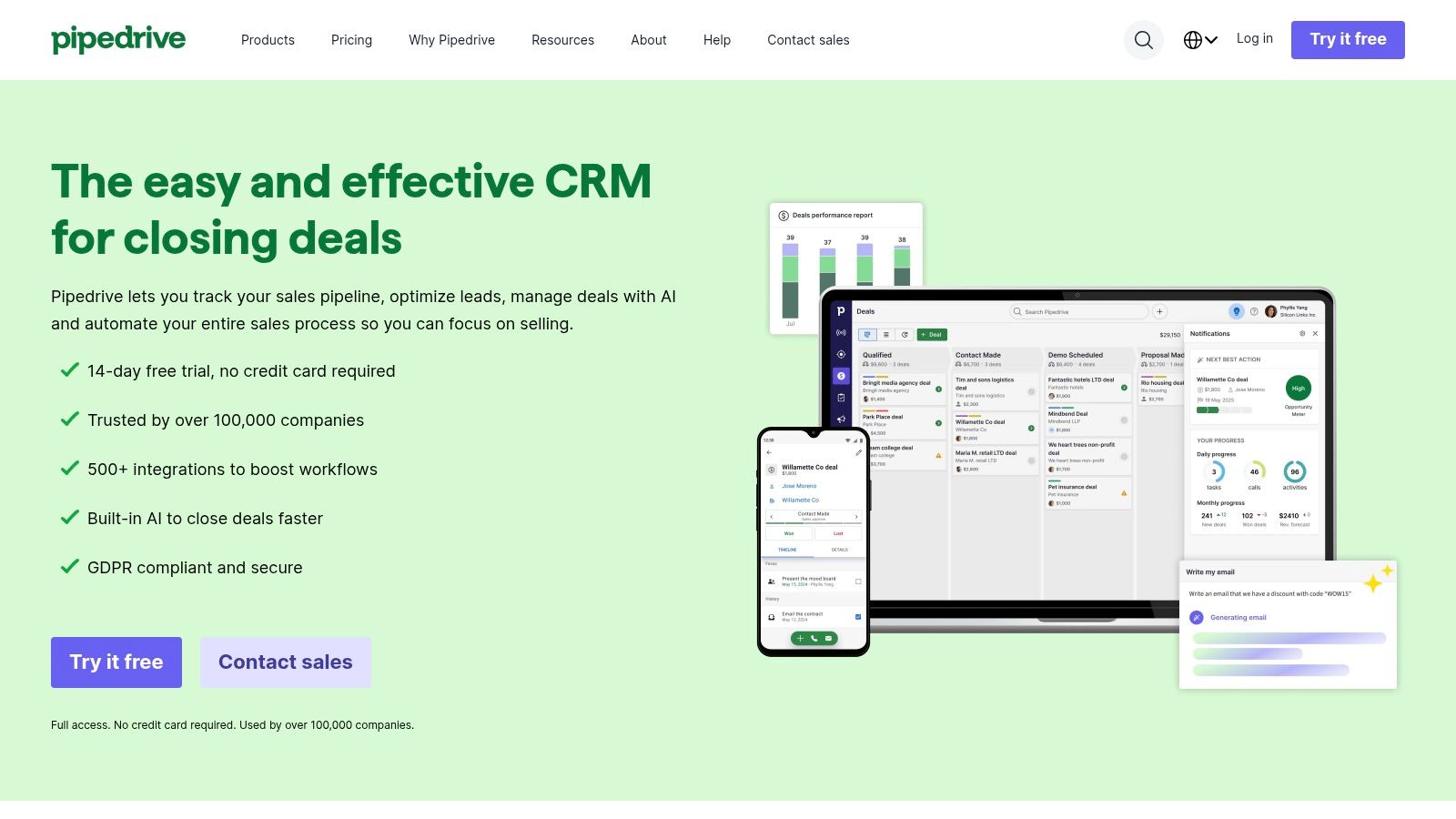
A common small-business sales scenario looks like this. Leads are coming in, reps are following up from memory, and the owner cannot tell which deals are active versus stalled. Pipedrive fits that job well because it keeps the pipeline visible and pushes the team toward the next action.

Its value is less about breadth and more about behavior. Reps open the board, see what moved, spot what is overdue, and update deals without feeling like they are feeding a reporting system. That matters for small teams that need adoption first and sophistication second.

Best for teams that need a CRM reps will actually use

Pipedrive is a strong fit for businesses with a straightforward sales motion. If the job to be done is organize deals, track follow-ups, and keep outbound activity from slipping through the cracks, it usually gets there faster than broader platforms. That is especially true for owner-led teams, small account executive groups, and companies graduating from spreadsheets.

I have seen Pipedrive work best when management wants consistency without hiring a full-time CRM admin. You can set stages, define activities, and build basic automations without turning implementation into a quarter-long project. Teams deciding whether they need a CRM or a dedicated outreach tool should also understand the difference between a sales engagement platform vs CRM and where each one fits.

One practical advantage stands out. Pipedrive makes it easy to answer a rep-level question fast: who needs attention today?

Where the trade-offs show up

Pipedrive becomes a tougher fit when the business wants one system to manage marketing, service, advanced reporting, and complex cross-functional workflows. It handles day-to-day sales execution well, but that does not automatically make it the right hub for the full customer lifecycle.

This is the primary trade-off. Pipedrive gives small businesses clarity and speed, but that focus can feel limiting once management wants deeper attribution, heavier customization, or tighter coordination across departments. If your sales process is high-volume and rep-driven, that simplicity is an advantage. If your process depends on layered approvals, detailed forecasting, or all-in-one operations, you may outgrow it faster than expected.

  • Best use case: Small sales teams that need fast adoption, clear pipeline visibility, and dependable follow-up management.

  • Biggest upside: Reps usually understand it quickly, which improves data quality and daily use.

  • Watch-out: It is easier to outgrow if you need broader business automation beyond core sales execution.

5. Salesforce Starter Suite
Salesforce Starter Suite (Sales Cloud Starter)

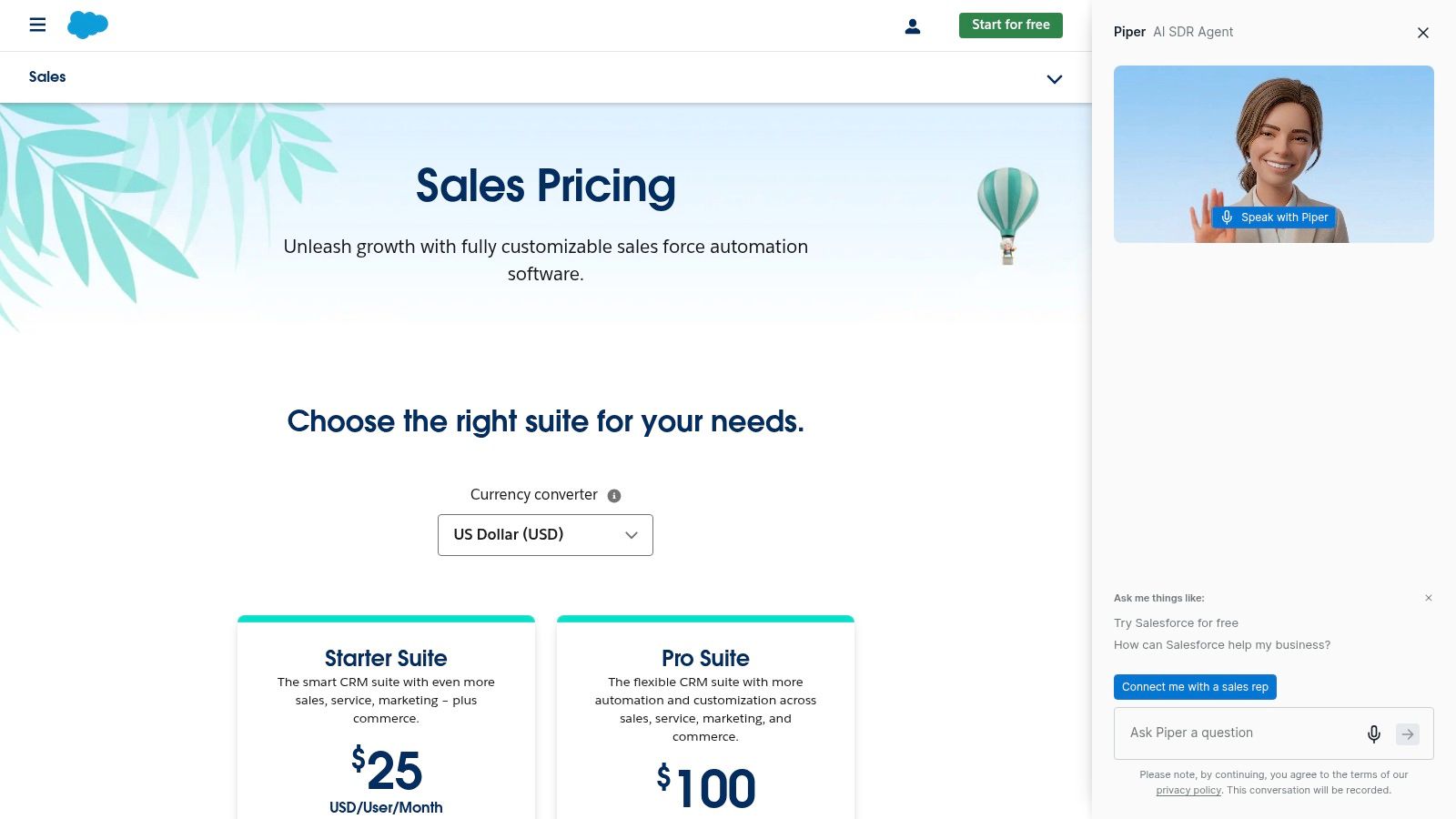
A small team often reaches Salesforce after a familiar moment. The sales process that worked in spreadsheets and a lighter CRM starts breaking once handoffs, reporting requests, and custom workflows pile up. Salesforce Starter Suite appeals to owners who want to stop switching systems every year and build on one platform from the start.

That is the job-to-be-done here. Salesforce Starter Suite is not the best fit for a team that only needs a clean pipeline and fast rep adoption. It fits businesses that expect more process complexity soon and would rather accept more setup now than migrate later.

Best for SMBs buying for the next stage, not just this quarter

Salesforce gives small businesses a path from basic contact and opportunity tracking into deeper workflow design, service, reporting, and app integrations. That matters when the company already knows sales will not stay simple for long.

AppExchange is part of that case. The Gain guide to CRM options for small business points to the breadth of available integrations and extensions, including Slack connectivity. For a business with unusual approval flows, industry-specific needs, or a mixed tech stack, that flexibility can be more valuable than a lower starting price.

There is also a planning advantage. Teams comparing outbound software with core CRM systems should understand the boundary between the two before they buy. This explanation of sales engagement platform vs CRM use cases for growing sales teams helps clarify whether Salesforce should be the system of record, or whether it needs a separate outbound layer beside it.

Where the trade-offs show up

Starter Suite still carries the core Salesforce trade-off. You get room to configure the system around your process, but someone has to own that process. Fields need governance. Permissions need structure. Reports need maintenance. If nobody on the team can make those decisions, the CRM can become cluttered fast.

This is why some small businesses buy Salesforce too early.

A founder-led team with one sales manager and no admin support may get more value from a simpler CRM they can run well every day. A small business with a clear sales process, a dedicated operations owner, and a realistic plan for growth can justify Salesforce much earlier because the platform will not need to be replaced as requirements expand.

  • Best use case: SMBs expecting more complex workflows, cross-team reporting, or deeper customization within the next phase of growth.

  • Biggest upside: Strong long-term fit if you want one CRM that can expand with your process instead of forcing a migration later.

  • Watch-out: Setup discipline matters. Without clear ownership, Salesforce can feel heavier than a small team needs.

6. Freshsales Suite
Freshsales Suite (Freshworks)

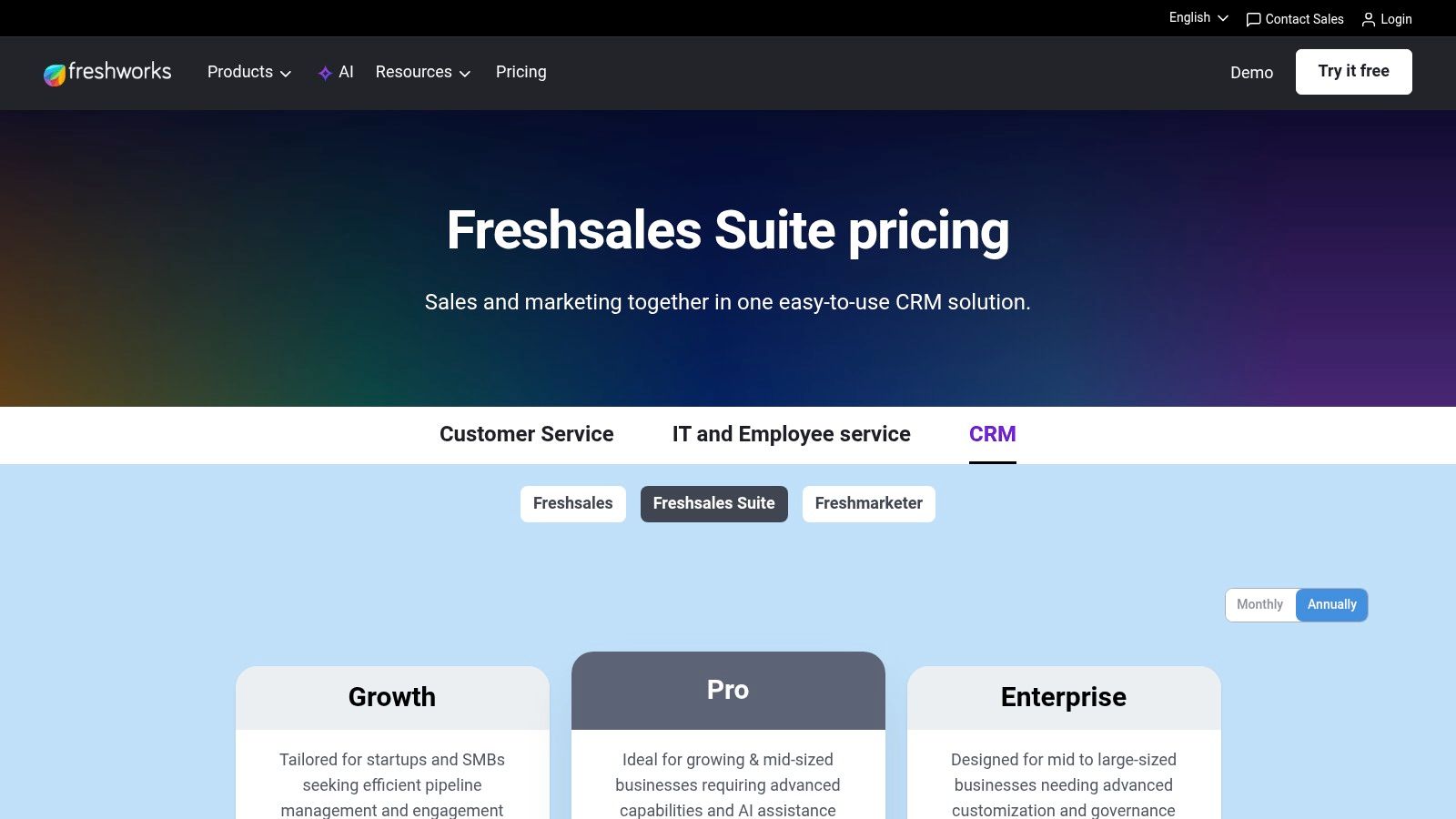
A common small-business problem looks like this. Leads come in through a form, sales replies from one tool, marketing sends campaigns from another, and nobody has a clean view of what happened after the first touch. Freshsales Suite fits that job better than many SMB CRMs because it combines CRM, communication, and marketing functions in one place without the setup load that comes with larger systems.

That bundled approach is the primary reason to consider it.

Freshsales works best for teams that want fewer moving parts. Email, calling, chat, basic marketing journeys, and pipeline management live inside the same product, so the handoff between lead capture and follow-up is easier to manage. For a founder-led team or a lean sales group, that can matter more than having the deepest customization on the market.

Best for SMBs that want one system for lead capture and follow-up

The practical use case is not “any small business.” It is a business that wants to respond fast, track conversations in one record, and avoid buying three separate tools too early. If reps are calling, emailing, and working inbound leads every day, Freshsales can reduce admin work and keep activity visible without much training.

Freddy AI and the built-in sales workflow tools also help teams that need guidance inside the CRM instead of heavy manual reporting. That said, Freshsales is usually a better fit for straightforward sales motions than for highly customized processes with lots of edge cases.

Where the trade-offs show up

Freshsales is broad, but breadth is not the same as depth. As your team asks for more advanced reporting, more detailed automation, or more specialized marketing execution, you may reach the limits of the plan you started with and need to move upmarket faster than expected.

That is the main buying caution.

Small businesses often choose Freshsales because it feels accessible on day one. The smarter question is whether the version that fits your workflow six months from now still fits your budget and operating model. Teams that know they want an all-in-one workspace usually do well here. Teams that already rely on best-in-class specialist tools may find the built-in approach less compelling.

  • Strong fit: SMBs that want one platform for pipeline management, outreach, and lead engagement.

  • Biggest upside: Faster rollout and less tool sprawl than running separate CRM, phone, chat, and basic marketing systems.

  • Watch-out: Costs and complexity can rise once you need advanced automation, reporting, or larger-scale marketing features.

7. monday sales CRM
monday sales CRM

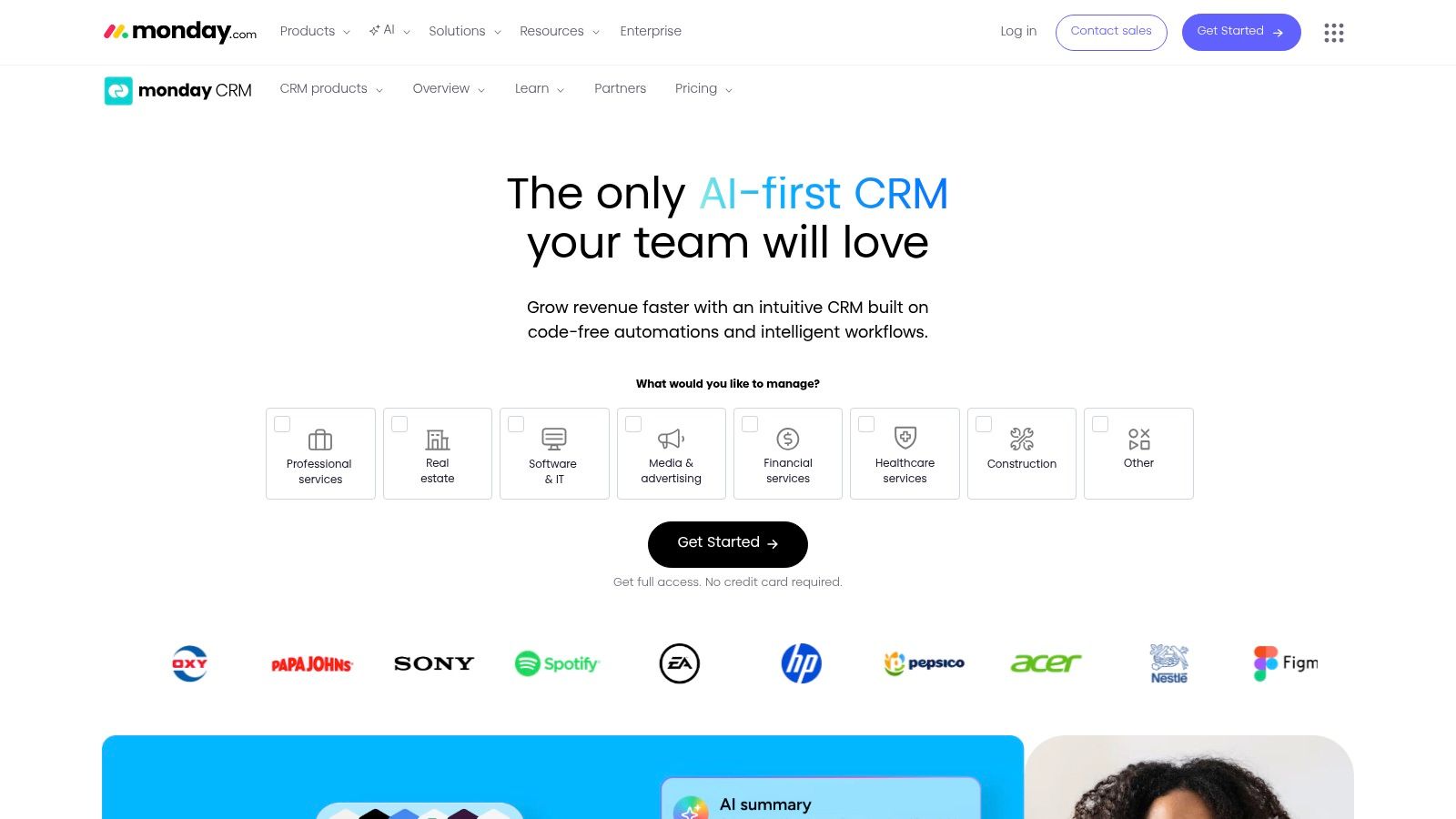
A small team starts with a simple pipeline. Six months later, sales needs deal tracking, onboarding wants handoff visibility, and leadership wants one dashboard that shows what is stuck. That is the job monday sales CRM handles well.

monday sales CRM fits businesses that care as much about workflow design as classic CRM discipline. If your team already runs projects or internal operations in monday.com, adoption is usually easier because the interface, board structure, and automation logic already make sense to staff outside sales.

Best for teams that need CRM plus operational handoffs

The practical reason to choose monday is not just that it looks cleaner than older CRMs. It is that you can map revenue work across departments without forcing everyone into a sales-first system. A lead can move from intake to qualification to closed-won, then into onboarding or delivery with much less friction than in tools built only for account executives.

That makes it a strong fit for agencies, service firms, and collaborative SMBs where sales, fulfillment, and client success overlap.

The trade-off is real. monday gives you a lot of freedom, and freedom creates governance work. If you do not define stage rules, field ownership, naming conventions, and automation logic early, the account can turn into a patchwork of boards that each team uses differently. Small businesses often underestimate that risk because the product feels approachable on day one.

Buy it for adaptability. Plan for structure.

Where the trade-offs show up

monday sales CRM is less opinionated than Pipedrive or more traditional sales systems. That helps teams with unusual processes, but it also means managers need to make more decisions during setup. Pipeline design, permissions, dashboards, and cross-board reporting do not always feel plug-and-play if you want clean sales operations.

Plan limits matter too. Some automation, reporting, and AI functionality depend on tier and usage allowances, so pricing can look reasonable at first and then shift once more teams start building inside the platform.

For the right SMB, that is still a fair trade. If your job-to-be-done is creating one visible system for sales activity and post-sale execution, monday sales CRM can be a better fit than a stricter CRM that handles pipeline management well but breaks once work moves downstream.

8. Keap
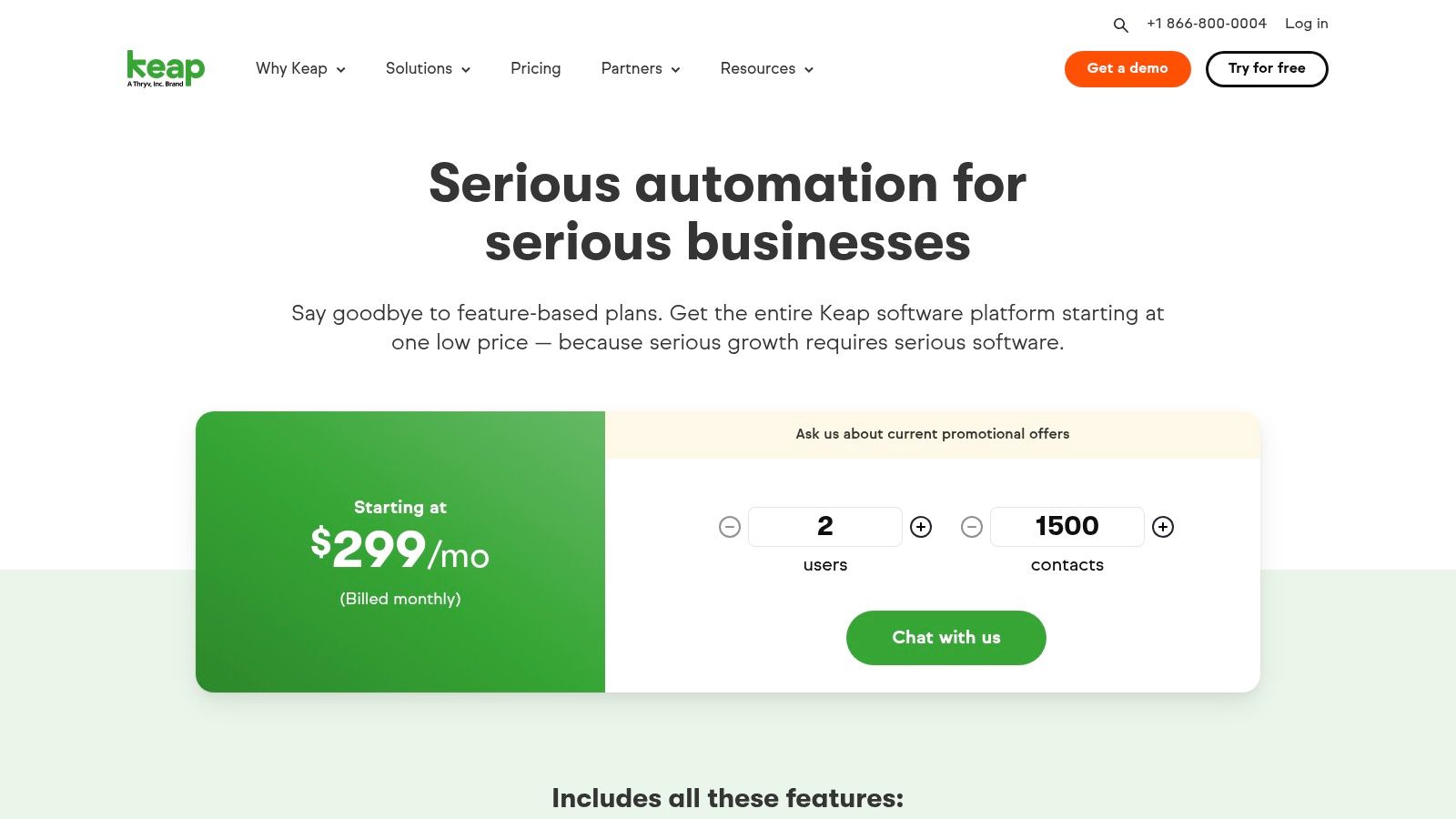
Keap (formerly Infusionsoft)

Keap still fills a useful niche that many newer CRMs don’t serve especially well. It’s a strong option for service businesses, consultants, coaches, and solopreneurs who need CRM plus automation plus money-moving features in one place.

That combination matters. A lot of small businesses don’t just need lead tracking. They need appointment booking, follow-up automation, invoices, quotes, and payment collection tied to the customer record. Keap is built around that operating reality.

Best for service businesses that sell and fulfill in one workflow

If your sales process blends directly into service delivery, Keap can reduce a lot of manual handoffs. You can capture leads, automate follow-ups, send proposals or invoices, and manage appointments without assembling a stack from scratch.

The implementation support is part of the appeal too. Small businesses often need more than software access. They need help turning their process into automation. Keap has long leaned into that hands-on setup angle.

The practical downside

Keap can become expensive when you add contacts, text marketing, and extras. It also isn’t the cleanest fit for businesses with heavier outbound sales development or teams that need advanced pipeline analytics.

Still, if you run a service-led business and care about operational follow-through as much as prospecting, Keap deserves consideration.

  • Best use case: Service SMBs that want CRM, automation, appointments, and payments together.

  • Less ideal for: Pure outbound sales teams or businesses wanting a modern sales floor experience.

  • Main benefit: It closes the gap between lead management and revenue collection.

9. Copper
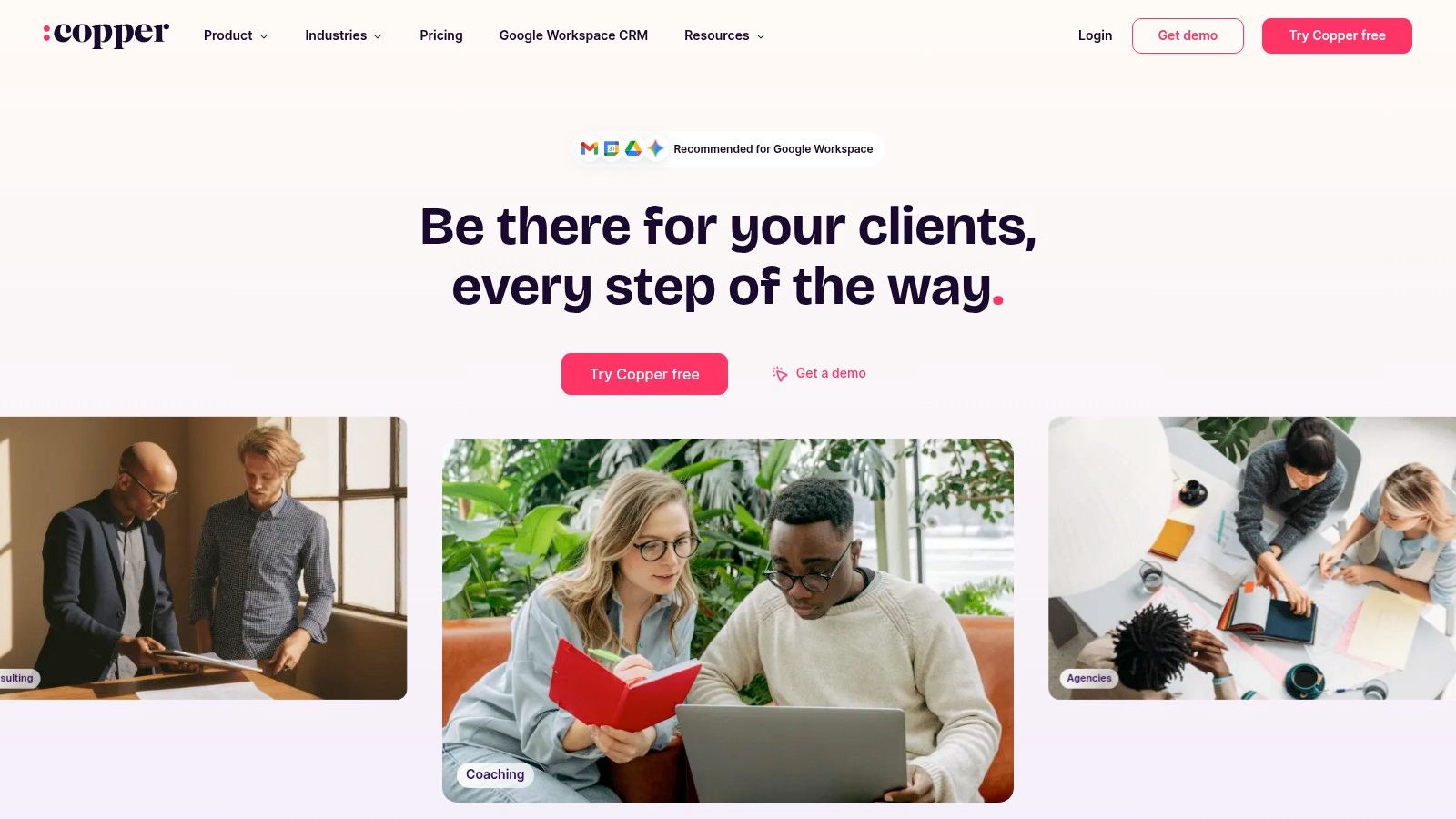
Copper

Copper’s value is easy to describe. If your business lives in Gmail, Google Calendar, and Drive all day, Copper reduces the friction of using a CRM at all. That sounds minor until you’ve watched a team avoid logging activity because the CRM feels like a separate world.

Copper is one of the best examples of a CRM built around context, not just features. It sits close to where relationship work happens, which is why Google Workspace-centric teams tend to like it quickly.

Best for deep Google Workspace alignment

The job-to-be-done here is simple. Keep reps and account managers inside Gmail while still capturing contacts, tasks, pipeline activity, and communication history. For firms that sell through relationships rather than high-volume outreach, that’s often enough.

Copper also tends to have lighter admin overhead than more customizable platforms. That makes it a practical choice for small teams that want adoption without a long implementation project.

The trade-off

Copper is best when your company is committed to Google Workspace. If your stack is mixed, or if you need advanced automation and analytics early, it can feel narrower than some alternatives.

For the right team, though, narrow is exactly what makes it work. The best CRM for small business isn’t always the most expansive one. Sometimes it’s the tool your team will use every day.

10. Close
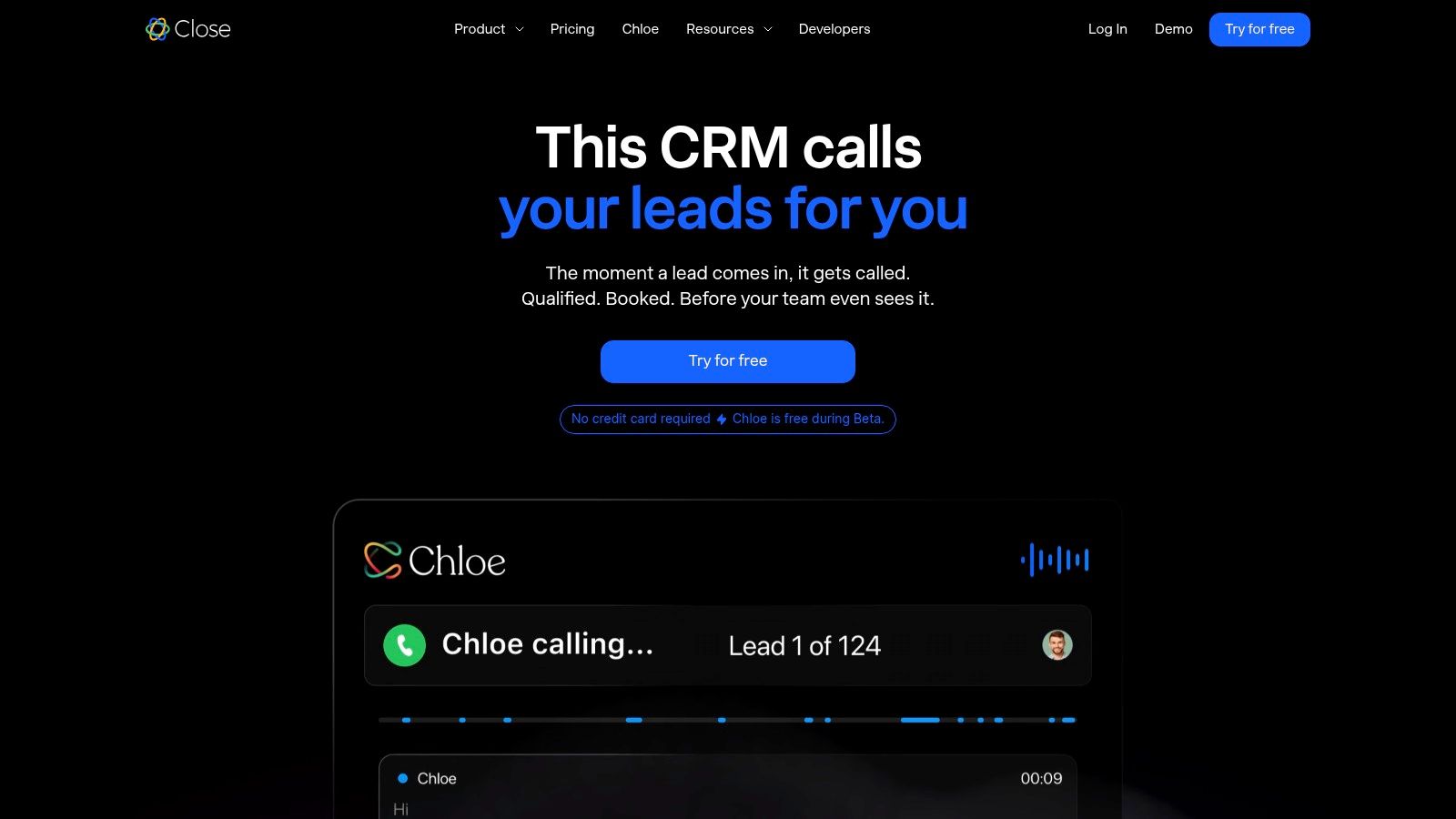
Close

Close is built for teams that sell by contacting a lot of prospects and following up relentlessly. If your reps spend the day calling, texting, emailing, and moving deals, Close feels purpose-built in a way broader CRMs often don’t.

The importance of category fit becomes clear. Some CRMs are records systems with light outreach. Close is much closer to a selling environment with CRM attached. For inside sales teams, that distinction is huge.

Best for high-volume outbound and call-heavy teams

Built-in calling, SMS, email workflows, and multi-pipeline management make Close attractive for startups, agencies, and SMB sales teams running active outbound motion. Reps don’t need to bounce into several tools to complete basic communication tasks.

The platform also benefits from transparent positioning and clear per-seat pricing. That alone removes some of the buying friction found in more layered CRM stacks.

Where it’s not the best fit

Close is less compelling if your business needs deeper marketing automation, customer support workflows, or broad post-sale customer success functionality. You can connect other systems, but the center of gravity is still sales execution.

That’s not a flaw. It’s the product choice. If your main job is to help reps contact more leads efficiently and keep communication history tied to opportunities, Close does that job well.

Top 10 Small-Business CRM Comparison

Product

Core features

AI & Outreach

Target audience

Unique selling point

Price & value

Stamina (Recommended)

Unified marketing, sales engagement & CRM; workflows, broadcasts

Zara AI SDR: prospect research + personalized sequences; warm website/social signals

SMBs, agencies, SDR/sales teams, growth managers

All-in-one AI SDR + warm prospecting; agency & white‑label options

Contact sales for tailored pricing; enterprise-grade capabilities for SMBs

HubSpot CRM (Sales Hub)

Contacts, deals, email, forms, chat; modular hubs

Sequences & sales automation on paid tiers; integrations

Early-stage to scaling SMBs wanting ecosystem

Generous free tier, HubSpot Academy & marketplace

Free core tools; costs rise as hubs/contacts scale

Zoho CRM

Deals/contacts, workflows, multichannel engagement, blueprints

Zia AI assistance; automation and reporting

Cost-conscious SMBs and Zoho One users

Broad feature set at low per-user price; tight Zoho app integration

Strong price-to-capability ratio; free up to 3 users

Pipedrive

Visual Kanban pipelines, activities, forecasting

Email sync/tracking, automations, add-ons

Outbound/deal-driven SMB sales teams

Fast adoption; seller-centric UX and low admin

Affordable entry per-seat; some features require add-ons

Salesforce Starter Suite

Contact/opportunity mgmt, basic marketing email, service

Basic marketing sends; AppExchange extensibility

SMBs seeking enterprise path and scalability

Clear upgrade path into Salesforce ecosystem

Low entry price; add-ons and higher tiers increase cost

Freshsales Suite (Freshworks)

Multichannel engagement, built-in phone/chat, landing pages

Freddy AI for scoring/assistance; SMS/WhatsApp support

SMBs wanting native comms under one roof

Strong native communications stack; friendly onboarding

Competitive pricing; free limited plan available

monday sales CRM

Visual boards, automations, forecasting, dashboards

AI sidekick (credit-based); meeting transcriptions

Teams using monday.com; cross-team collaboration

Highly configurable work OS with familiar board UX

Pricing varies by seat with minimums; add-ons may be needed

Keap (Infusionsoft)

Visual automations, payments/invoices, landing pages

SMS & email automation; campaign templates

Small service businesses, solopreneurs

Built-in payments + guided implementation/support

Pricing varies; text marketing and extra contacts add cost

Copper

Gmail/Workspace-native CRM, pipelines, tasks

Gmail sidebar auto-capture; templates & bulk send

Gmail‑centric teams focused on relationships

Seamless Google Workspace integration; low context switching

Clear tiering; starter limits on contacts and features

Close

Native calling, SMS, email, power dialer, workflows

AI assistants for emails/calls; call transcription

Inside-sales and high-volume outbound teams

Built-in power dialer and call-focused workflows

Transparent per-seat pricing; phone add-ons increase TCO

Your Action Checklist to Choose and Onboard Your CRM

Picking the best CRM for small business gets easier when you stop comparing every feature and start naming the problem you need to solve first. Most failed CRM decisions start with a tool demo and end with a messy rollout. The better path is to decide what job the system must do for your business in the next year.

Start with your bottleneck. If leads disappear after the first touch, you need pipeline discipline and follow-up automation. If your team is juggling outreach, forms, nurture emails, and reporting across multiple tools, you need consolidation. If reps avoid the CRM because it feels slow or unnatural, you need a system that fits how they already work.

1. Define your number one problem

Be specific. “We need a CRM” is too vague to help.

A better version sounds like this:

  • Leads go cold: Reps don’t know who to contact next and follow-ups are inconsistent.

  • Marketing and sales are disconnected: Form fills, emails, and deal records don’t line up.

  • Too many tools: Your team is paying for separate systems that don’t share clean data.

  • No visibility: You can’t trust your pipeline or forecast because activity isn’t logged consistently.

Once you can name the operational pain clearly, the shortlist usually gets smaller fast. A sales-first team might lean toward Pipedrive or Close. A Google Workspace business might favor Copper. A service business may get more value from Keap. A team that wants one connected revenue stack should look closely at Stamina.

2. Shortlist two or three realistic contenders

Don’t evaluate ten tools at once. That turns the decision into noise. Choose two or three that match your workflow and budget range.

One practical rule helps here. Only shortlist products that fit your current operating model and your likely next stage. Buying too small creates migration pain. Buying too big creates adoption problems and shelfware.

Most small businesses don’t fail with CRM because the software is weak. They fail because they bought a system that didn’t match team behavior.

3. Run a real trial, not a fake one

A useful trial doesn’t mean clicking around a demo account for twenty minutes. It means loading actual contacts, setting up one pipeline, assigning next steps, and having your team run a live workflow through the system.

Ask simple questions during the trial:

  • Can reps update deals quickly?

  • Can managers see what’s stuck without manual chasing?

  • Can marketing and sales view the same customer record?

  • Does the tool reduce steps or add them?

Ease of use matters more than a long feature sheet. A slightly less powerful CRM that your team uses consistently will beat a complex one that everyone avoids.

4. Calculate total cost, not just sticker price

CRM pricing gets misleading fast. Entry-level plans often look affordable, but real cost comes from seats, contacts, communication usage, add-ons, implementation, and plan upgrades tied to automation or reporting.

Map out the version you’ll need within six to twelve months. If a tool only becomes useful after you buy the next tier, price that tier now. If onboarding support is essential, include it in the decision. Cheap software with expensive workarounds is not cheap.

5. Commit to one system and train around it

Once you choose, stop hedging. Businesses get poor CRM outcomes when they keep letting spreadsheets, inboxes, and side systems remain the unofficial source of truth.

Set rules early. Define required fields. Standardize pipeline stages. Decide who owns administration. Train the team on real workflows, not abstract feature tours. Then review adoption in the first weeks, especially note quality, activity logging, and next-step discipline.

6. Keep the implementation scope tight

The best first rollout is usually smaller than people expect. Don’t try to automate every corner of the business in week one. Start with contact structure, one pipeline, core activity logging, and one or two automations that save obvious manual work.

That gives the team a stable foundation. After adoption is real, expand into reporting, nurture campaigns, lead routing, service workflows, or deeper integrations.

A CRM should make the business easier to run. If your rollout turns into a giant internal IT project, the scope is probably too broad. Choose the system that matches your actual job-to-be-done, implement it with discipline, and your CRM can become one of the most valuable assets in your growth stack.

If your team wants more than a contact database, Stamina is worth a serious look. It brings CRM, sales engagement, outbound automation, marketing flows, and AI prospecting into one connected platform, which is exactly what many growing SMBs need when separate tools start slowing the business down.

Your customer data probably lives in too many places right now. A lead fills out a form, someone replies from Gmail, another note ends up in a spreadsheet, and the follow-up task sits in one rep’s head until it’s forgotten. That’s how small businesses lose deals without realizing it. The problem usually isn’t effort. It’s fragmentation.

A CRM gives you one operating system for sales and customer relationships. It puts contacts, deal stages, activity history, reminders, and follow-ups in one place so your team can work from the same record instead of piecing together a story from inboxes and tabs. For teams running using a CRM for inside sales teams, that centralization is often the difference between reactive selling and a repeatable process.

The timing matters. CRM adoption is already mainstream among established companies. Konze’s CRM statistics roundup says 91% of companies with 11 or more employees use a CRM system. The same source reports an average sales increase of about 29% for businesses using CRM systems and says every dollar invested in CRM returns $8.71. Small businesses aren’t buying CRM because it sounds organized. They’re buying it because leaking revenue is expensive.

The hard part isn’t deciding whether you need one. It’s choosing the best CRM for small business when every vendor claims to do everything. Feature lists don’t help much because most tools can store contacts, manage deals, and send emails. What matters is fit. Some CRMs are built for high-volume outbound. Some are better for service firms that need automation. Some shine when your company lives in Google Workspace. Some become expensive the minute you need marketing, reporting, and support in the same stack.

This guide focuses on the job each CRM does best, the trade-offs that show up after rollout, and the kind of business each one fits.

1. Stamina

Stamina

Stamina is the one I’d put on the shortlist when the problem isn’t “we need a CRM,” but “we’re tired of running five disconnected tools to do one revenue workflow.” It combines CRM, sales engagement, and marketing execution in a single platform, which changes how small teams operate day to day. Instead of syncing data across apps and hoping fields match, teams work from one source of truth.

That matters most for SMBs where one person often owns multiple parts of the funnel. The SDR might also send nurture emails. The founder might still review deals. The marketer might need visibility into pipeline quality, not just lead volume. Stamina is built for that overlap.

Best for all-in-one AI-driven pipeline generation

The strongest reason to consider Stamina is Zara, its built-in AI SDR. Zara helps identify and research ideal prospects, then generates personalized outreach, sequences, and message variants at scale. That’s a practical advantage for teams that want to move faster without outsourcing prospecting quality to a separate tool.

It also adds warm prospecting signals such as website visitor and social cues, which makes outbound feel less random. That’s important because outbound fails when teams blast cold lists with no timing or context. Stamina gives sales reps and founders more signal before they reach out.

Practical rule: If your team keeps exporting leads from one system, sequencing them in another, and then logging results back into a CRM, you don’t have a CRM problem. You have a workflow architecture problem.

Where it fits and where it doesn’t

Stamina is a strong fit for growing SMBs, agencies, consultants, and startup teams that want one connected system instead of a stack of point tools. Agency mode and potential white-label options make it more flexible than a typical small-business CRM, especially for firms that manage outreach or revenue operations on behalf of clients.

The trade-off is that pricing isn’t publicly listed. You’ll need to request a demo from Stamina to understand cost, onboarding, and implementation details. That won’t appeal to buyers who want instant self-serve pricing comparisons.

There’s also a real change-management component. Teams moving from separate tools into one unified platform usually need to rethink process ownership, not just import contacts. AI-generated personalization still needs human review too. If your offer is nuanced or your market is regulated, no AI should send messages without oversight.

What works in practice

Stamina works best when a business wants coordinated marketing, outbound, and CRM motion under one roof. It’s less about storing records and more about creating execution speed.

  • Best use case: SMBs that want one system for prospecting, outreach, pipeline tracking, and nurture.

  • Biggest upside: Fewer tool handoffs, cleaner data, and faster campaign execution.

  • Watch-out: Get clarity on onboarding scope before you buy, especially if you’re replacing several tools at once.

2. HubSpot CRM

HubSpot CRM (Sales Hub + “Smart CRM”)

A common small-business scenario looks like this. Leads come in through the website, a sales rep answers from their inbox, support questions land somewhere else, and nobody fully trusts the pipeline report by Friday. HubSpot appeals to owners in that position because it brings those motions into one system without asking the team to learn something obscure.

That is the job-to-be-done for HubSpot. It gives a small business a CRM that sales, marketing, and service can all use early, then expands with the company if the process gets more complex. For teams that want the lowest-friction path from spreadsheets and disconnected tools to a shared customer record, HubSpot is usually one of the safest choices.

The product is approachable. Contacts, deals, forms, meeting scheduling, chat, email tracking, and basic reporting fit together in a way that makes sense quickly. Adoption matters more than feature count in a small business, and HubSpot tends to get adopted because the interface is clear and the setup path is well guided.

That does not mean it is the right fit for every SMB.

HubSpot works best for companies that want a broad operating system for customer acquisition and retention, not just a sales pipeline board. If the plan is to connect inbound lead capture, follow-up emails, support handoffs, and campaign reporting under one roof, HubSpot is strong. If the business is instead chasing highly customized outbound workflows or the lowest possible cost per seat, other tools on this list can be a better match.

Process still matters. A clean setup, defined lifecycle stages, and ownership rules will do more for results than turning on every feature. Teams that need help structuring that foundation should review these practical CRM best practices. Businesses comparing connected software stacks should also look at what an all-in-one business platform approach changes operationally before buying point tools one by one.

HubSpot also has a mature ecosystem around customer communication. If live chat is part of your lead capture or support flow, the HubSpot Live Chat integration is one example of how easily the platform can extend.

The trade-off shows up after the honeymoon period. HubSpot is easy to start, but costs can rise fast once a team adds paid hubs, more users, more advanced automation, and larger marketing contact counts. I usually recommend HubSpot when the business values clarity, cross-team adoption, and room to grow more than strict budget minimization.

In practical terms:

  • Best use case: SMBs that want one CRM shared across sales, marketing, and service, especially if inbound leads drive growth.

  • Biggest upside: Fast adoption, polished user experience, and a clear path from basic CRM to a broader revenue stack.

  • Watch-out: Pricing can become difficult to justify if you only use a fraction of the platform or need advanced features across multiple hubs.

3. Zoho CRM

Zoho CRM

A small team usually feels Zoho in one of two moments. Leads are starting to slip between inboxes and spreadsheets, or the business has outgrown a simple pipeline CRM and needs rules, automation, and reporting without paying enterprise prices.

Zoho CRM fits that second job especially well. It is a strong choice for owners who want control over how leads are assigned, how follow-up happens, and what the team sees at each stage. If your core need is "give me a CRM I can shape around my process," Zoho deserves a hard look.

Best for customization without enterprise pricing

Zoho works best when sales process matters more than polish. Teams can build assignment rules, scoring, workflows, multichannel outreach, and custom fields that reflect how the business sells. That flexibility is the point.

It also becomes more attractive if the company expects to use other Zoho products such as Books, Desk, or Campaigns. In practice, this is the trade-off many SMBs have to make. A cleaner interface is nice, but fewer disconnected tools often matters more over a year of real use. Teams that need repeatable handoffs before they add automation should first document a clear sales workflow and ownership process.

The catch is straightforward. Zoho asks for setup discipline. If nobody owns field design, pipeline stages, reports, and automations, the account gets messy fast. I have seen small businesses buy Zoho for value, then treat it like a contact database because the original configuration work never got finished.

That does not make Zoho a bad fit. It makes it a manager's CRM, not just a rep's CRM.

  • Best use case: SMBs that need customization, process control, and room to expand into a broader operating stack.

  • Biggest upside: Strong capability for the price, especially for teams with defined sales steps and admin ownership.

  • Watch-out: Adoption can lag if the business wants instant simplicity or never assigns someone to maintain the system.

4. Pipedrive

Pipedrive

A common small-business sales scenario looks like this. Leads are coming in, reps are following up from memory, and the owner cannot tell which deals are active versus stalled. Pipedrive fits that job well because it keeps the pipeline visible and pushes the team toward the next action.

Its value is less about breadth and more about behavior. Reps open the board, see what moved, spot what is overdue, and update deals without feeling like they are feeding a reporting system. That matters for small teams that need adoption first and sophistication second.

Best for teams that need a CRM reps will actually use

Pipedrive is a strong fit for businesses with a straightforward sales motion. If the job to be done is organize deals, track follow-ups, and keep outbound activity from slipping through the cracks, it usually gets there faster than broader platforms. That is especially true for owner-led teams, small account executive groups, and companies graduating from spreadsheets.

I have seen Pipedrive work best when management wants consistency without hiring a full-time CRM admin. You can set stages, define activities, and build basic automations without turning implementation into a quarter-long project. Teams deciding whether they need a CRM or a dedicated outreach tool should also understand the difference between a sales engagement platform vs CRM and where each one fits.

One practical advantage stands out. Pipedrive makes it easy to answer a rep-level question fast: who needs attention today?

Where the trade-offs show up

Pipedrive becomes a tougher fit when the business wants one system to manage marketing, service, advanced reporting, and complex cross-functional workflows. It handles day-to-day sales execution well, but that does not automatically make it the right hub for the full customer lifecycle.

This is the primary trade-off. Pipedrive gives small businesses clarity and speed, but that focus can feel limiting once management wants deeper attribution, heavier customization, or tighter coordination across departments. If your sales process is high-volume and rep-driven, that simplicity is an advantage. If your process depends on layered approvals, detailed forecasting, or all-in-one operations, you may outgrow it faster than expected.

  • Best use case: Small sales teams that need fast adoption, clear pipeline visibility, and dependable follow-up management.

  • Biggest upside: Reps usually understand it quickly, which improves data quality and daily use.

  • Watch-out: It is easier to outgrow if you need broader business automation beyond core sales execution.

5. Salesforce Starter Suite

Salesforce Starter Suite (Sales Cloud Starter)

A small team often reaches Salesforce after a familiar moment. The sales process that worked in spreadsheets and a lighter CRM starts breaking once handoffs, reporting requests, and custom workflows pile up. Salesforce Starter Suite appeals to owners who want to stop switching systems every year and build on one platform from the start.

That is the job-to-be-done here. Salesforce Starter Suite is not the best fit for a team that only needs a clean pipeline and fast rep adoption. It fits businesses that expect more process complexity soon and would rather accept more setup now than migrate later.

Best for SMBs buying for the next stage, not just this quarter

Salesforce gives small businesses a path from basic contact and opportunity tracking into deeper workflow design, service, reporting, and app integrations. That matters when the company already knows sales will not stay simple for long.

AppExchange is part of that case. The Gain guide to CRM options for small business points to the breadth of available integrations and extensions, including Slack connectivity. For a business with unusual approval flows, industry-specific needs, or a mixed tech stack, that flexibility can be more valuable than a lower starting price.

There is also a planning advantage. Teams comparing outbound software with core CRM systems should understand the boundary between the two before they buy. This explanation of sales engagement platform vs CRM use cases for growing sales teams helps clarify whether Salesforce should be the system of record, or whether it needs a separate outbound layer beside it.

Where the trade-offs show up

Starter Suite still carries the core Salesforce trade-off. You get room to configure the system around your process, but someone has to own that process. Fields need governance. Permissions need structure. Reports need maintenance. If nobody on the team can make those decisions, the CRM can become cluttered fast.

This is why some small businesses buy Salesforce too early.

A founder-led team with one sales manager and no admin support may get more value from a simpler CRM they can run well every day. A small business with a clear sales process, a dedicated operations owner, and a realistic plan for growth can justify Salesforce much earlier because the platform will not need to be replaced as requirements expand.

  • Best use case: SMBs expecting more complex workflows, cross-team reporting, or deeper customization within the next phase of growth.

  • Biggest upside: Strong long-term fit if you want one CRM that can expand with your process instead of forcing a migration later.

  • Watch-out: Setup discipline matters. Without clear ownership, Salesforce can feel heavier than a small team needs.

6. Freshsales Suite

Freshsales Suite (Freshworks)

A common small-business problem looks like this. Leads come in through a form, sales replies from one tool, marketing sends campaigns from another, and nobody has a clean view of what happened after the first touch. Freshsales Suite fits that job better than many SMB CRMs because it combines CRM, communication, and marketing functions in one place without the setup load that comes with larger systems.

That bundled approach is the primary reason to consider it.

Freshsales works best for teams that want fewer moving parts. Email, calling, chat, basic marketing journeys, and pipeline management live inside the same product, so the handoff between lead capture and follow-up is easier to manage. For a founder-led team or a lean sales group, that can matter more than having the deepest customization on the market.

Best for SMBs that want one system for lead capture and follow-up

The practical use case is not “any small business.” It is a business that wants to respond fast, track conversations in one record, and avoid buying three separate tools too early. If reps are calling, emailing, and working inbound leads every day, Freshsales can reduce admin work and keep activity visible without much training.

Freddy AI and the built-in sales workflow tools also help teams that need guidance inside the CRM instead of heavy manual reporting. That said, Freshsales is usually a better fit for straightforward sales motions than for highly customized processes with lots of edge cases.

Where the trade-offs show up

Freshsales is broad, but breadth is not the same as depth. As your team asks for more advanced reporting, more detailed automation, or more specialized marketing execution, you may reach the limits of the plan you started with and need to move upmarket faster than expected.

That is the main buying caution.

Small businesses often choose Freshsales because it feels accessible on day one. The smarter question is whether the version that fits your workflow six months from now still fits your budget and operating model. Teams that know they want an all-in-one workspace usually do well here. Teams that already rely on best-in-class specialist tools may find the built-in approach less compelling.

  • Strong fit: SMBs that want one platform for pipeline management, outreach, and lead engagement.

  • Biggest upside: Faster rollout and less tool sprawl than running separate CRM, phone, chat, and basic marketing systems.

  • Watch-out: Costs and complexity can rise once you need advanced automation, reporting, or larger-scale marketing features.

7. monday sales CRM

monday sales CRM

A small team starts with a simple pipeline. Six months later, sales needs deal tracking, onboarding wants handoff visibility, and leadership wants one dashboard that shows what is stuck. That is the job monday sales CRM handles well.

monday sales CRM fits businesses that care as much about workflow design as classic CRM discipline. If your team already runs projects or internal operations in monday.com, adoption is usually easier because the interface, board structure, and automation logic already make sense to staff outside sales.

Best for teams that need CRM plus operational handoffs

The practical reason to choose monday is not just that it looks cleaner than older CRMs. It is that you can map revenue work across departments without forcing everyone into a sales-first system. A lead can move from intake to qualification to closed-won, then into onboarding or delivery with much less friction than in tools built only for account executives.

That makes it a strong fit for agencies, service firms, and collaborative SMBs where sales, fulfillment, and client success overlap.

The trade-off is real. monday gives you a lot of freedom, and freedom creates governance work. If you do not define stage rules, field ownership, naming conventions, and automation logic early, the account can turn into a patchwork of boards that each team uses differently. Small businesses often underestimate that risk because the product feels approachable on day one.

Buy it for adaptability. Plan for structure.

Where the trade-offs show up

monday sales CRM is less opinionated than Pipedrive or more traditional sales systems. That helps teams with unusual processes, but it also means managers need to make more decisions during setup. Pipeline design, permissions, dashboards, and cross-board reporting do not always feel plug-and-play if you want clean sales operations.

Plan limits matter too. Some automation, reporting, and AI functionality depend on tier and usage allowances, so pricing can look reasonable at first and then shift once more teams start building inside the platform.

For the right SMB, that is still a fair trade. If your job-to-be-done is creating one visible system for sales activity and post-sale execution, monday sales CRM can be a better fit than a stricter CRM that handles pipeline management well but breaks once work moves downstream.

8. Keap

Keap (formerly Infusionsoft)

Keap still fills a useful niche that many newer CRMs don’t serve especially well. It’s a strong option for service businesses, consultants, coaches, and solopreneurs who need CRM plus automation plus money-moving features in one place.

That combination matters. A lot of small businesses don’t just need lead tracking. They need appointment booking, follow-up automation, invoices, quotes, and payment collection tied to the customer record. Keap is built around that operating reality.

Best for service businesses that sell and fulfill in one workflow

If your sales process blends directly into service delivery, Keap can reduce a lot of manual handoffs. You can capture leads, automate follow-ups, send proposals or invoices, and manage appointments without assembling a stack from scratch.

The implementation support is part of the appeal too. Small businesses often need more than software access. They need help turning their process into automation. Keap has long leaned into that hands-on setup angle.

The practical downside

Keap can become expensive when you add contacts, text marketing, and extras. It also isn’t the cleanest fit for businesses with heavier outbound sales development or teams that need advanced pipeline analytics.

Still, if you run a service-led business and care about operational follow-through as much as prospecting, Keap deserves consideration.

  • Best use case: Service SMBs that want CRM, automation, appointments, and payments together.

  • Less ideal for: Pure outbound sales teams or businesses wanting a modern sales floor experience.

  • Main benefit: It closes the gap between lead management and revenue collection.

9. Copper

Copper

Copper’s value is easy to describe. If your business lives in Gmail, Google Calendar, and Drive all day, Copper reduces the friction of using a CRM at all. That sounds minor until you’ve watched a team avoid logging activity because the CRM feels like a separate world.

Copper is one of the best examples of a CRM built around context, not just features. It sits close to where relationship work happens, which is why Google Workspace-centric teams tend to like it quickly.

Best for deep Google Workspace alignment

The job-to-be-done here is simple. Keep reps and account managers inside Gmail while still capturing contacts, tasks, pipeline activity, and communication history. For firms that sell through relationships rather than high-volume outreach, that’s often enough.

Copper also tends to have lighter admin overhead than more customizable platforms. That makes it a practical choice for small teams that want adoption without a long implementation project.

The trade-off

Copper is best when your company is committed to Google Workspace. If your stack is mixed, or if you need advanced automation and analytics early, it can feel narrower than some alternatives.

For the right team, though, narrow is exactly what makes it work. The best CRM for small business isn’t always the most expansive one. Sometimes it’s the tool your team will use every day.

10. Close

Close

Close is built for teams that sell by contacting a lot of prospects and following up relentlessly. If your reps spend the day calling, texting, emailing, and moving deals, Close feels purpose-built in a way broader CRMs often don’t.

The importance of category fit becomes clear. Some CRMs are records systems with light outreach. Close is much closer to a selling environment with CRM attached. For inside sales teams, that distinction is huge.

Best for high-volume outbound and call-heavy teams

Built-in calling, SMS, email workflows, and multi-pipeline management make Close attractive for startups, agencies, and SMB sales teams running active outbound motion. Reps don’t need to bounce into several tools to complete basic communication tasks.

The platform also benefits from transparent positioning and clear per-seat pricing. That alone removes some of the buying friction found in more layered CRM stacks.

Where it’s not the best fit

Close is less compelling if your business needs deeper marketing automation, customer support workflows, or broad post-sale customer success functionality. You can connect other systems, but the center of gravity is still sales execution.

That’s not a flaw. It’s the product choice. If your main job is to help reps contact more leads efficiently and keep communication history tied to opportunities, Close does that job well.

Top 10 Small-Business CRM Comparison

Product

Core features

AI & Outreach

Target audience

Unique selling point

Price & value

Stamina (Recommended)

Unified marketing, sales engagement & CRM; workflows, broadcasts

Zara AI SDR: prospect research + personalized sequences; warm website/social signals

SMBs, agencies, SDR/sales teams, growth managers

All-in-one AI SDR + warm prospecting; agency & white‑label options

Contact sales for tailored pricing; enterprise-grade capabilities for SMBs

HubSpot CRM (Sales Hub)

Contacts, deals, email, forms, chat; modular hubs

Sequences & sales automation on paid tiers; integrations

Early-stage to scaling SMBs wanting ecosystem

Generous free tier, HubSpot Academy & marketplace

Free core tools; costs rise as hubs/contacts scale

Zoho CRM

Deals/contacts, workflows, multichannel engagement, blueprints

Zia AI assistance; automation and reporting

Cost-conscious SMBs and Zoho One users

Broad feature set at low per-user price; tight Zoho app integration

Strong price-to-capability ratio; free up to 3 users

Pipedrive

Visual Kanban pipelines, activities, forecasting

Email sync/tracking, automations, add-ons

Outbound/deal-driven SMB sales teams

Fast adoption; seller-centric UX and low admin

Affordable entry per-seat; some features require add-ons

Salesforce Starter Suite

Contact/opportunity mgmt, basic marketing email, service

Basic marketing sends; AppExchange extensibility

SMBs seeking enterprise path and scalability

Clear upgrade path into Salesforce ecosystem

Low entry price; add-ons and higher tiers increase cost

Freshsales Suite (Freshworks)

Multichannel engagement, built-in phone/chat, landing pages

Freddy AI for scoring/assistance; SMS/WhatsApp support

SMBs wanting native comms under one roof

Strong native communications stack; friendly onboarding

Competitive pricing; free limited plan available

monday sales CRM

Visual boards, automations, forecasting, dashboards

AI sidekick (credit-based); meeting transcriptions

Teams using monday.com; cross-team collaboration

Highly configurable work OS with familiar board UX

Pricing varies by seat with minimums; add-ons may be needed

Keap (Infusionsoft)

Visual automations, payments/invoices, landing pages

SMS & email automation; campaign templates

Small service businesses, solopreneurs

Built-in payments + guided implementation/support

Pricing varies; text marketing and extra contacts add cost

Copper

Gmail/Workspace-native CRM, pipelines, tasks

Gmail sidebar auto-capture; templates & bulk send

Gmail‑centric teams focused on relationships

Seamless Google Workspace integration; low context switching

Clear tiering; starter limits on contacts and features

Close

Native calling, SMS, email, power dialer, workflows

AI assistants for emails/calls; call transcription

Inside-sales and high-volume outbound teams

Built-in power dialer and call-focused workflows

Transparent per-seat pricing; phone add-ons increase TCO

Your Action Checklist to Choose and Onboard Your CRM

Picking the best CRM for small business gets easier when you stop comparing every feature and start naming the problem you need to solve first. Most failed CRM decisions start with a tool demo and end with a messy rollout. The better path is to decide what job the system must do for your business in the next year.

Start with your bottleneck. If leads disappear after the first touch, you need pipeline discipline and follow-up automation. If your team is juggling outreach, forms, nurture emails, and reporting across multiple tools, you need consolidation. If reps avoid the CRM because it feels slow or unnatural, you need a system that fits how they already work.

1. Define your number one problem

Be specific. “We need a CRM” is too vague to help.

A better version sounds like this:

  • Leads go cold: Reps don’t know who to contact next and follow-ups are inconsistent.

  • Marketing and sales are disconnected: Form fills, emails, and deal records don’t line up.

  • Too many tools: Your team is paying for separate systems that don’t share clean data.

  • No visibility: You can’t trust your pipeline or forecast because activity isn’t logged consistently.

Once you can name the operational pain clearly, the shortlist usually gets smaller fast. A sales-first team might lean toward Pipedrive or Close. A Google Workspace business might favor Copper. A service business may get more value from Keap. A team that wants one connected revenue stack should look closely at Stamina.

2. Shortlist two or three realistic contenders

Don’t evaluate ten tools at once. That turns the decision into noise. Choose two or three that match your workflow and budget range.

One practical rule helps here. Only shortlist products that fit your current operating model and your likely next stage. Buying too small creates migration pain. Buying too big creates adoption problems and shelfware.

Most small businesses don’t fail with CRM because the software is weak. They fail because they bought a system that didn’t match team behavior.

3. Run a real trial, not a fake one

A useful trial doesn’t mean clicking around a demo account for twenty minutes. It means loading actual contacts, setting up one pipeline, assigning next steps, and having your team run a live workflow through the system.

Ask simple questions during the trial:

  • Can reps update deals quickly?

  • Can managers see what’s stuck without manual chasing?

  • Can marketing and sales view the same customer record?

  • Does the tool reduce steps or add them?

Ease of use matters more than a long feature sheet. A slightly less powerful CRM that your team uses consistently will beat a complex one that everyone avoids.

4. Calculate total cost, not just sticker price

CRM pricing gets misleading fast. Entry-level plans often look affordable, but real cost comes from seats, contacts, communication usage, add-ons, implementation, and plan upgrades tied to automation or reporting.

Map out the version you’ll need within six to twelve months. If a tool only becomes useful after you buy the next tier, price that tier now. If onboarding support is essential, include it in the decision. Cheap software with expensive workarounds is not cheap.

5. Commit to one system and train around it

Once you choose, stop hedging. Businesses get poor CRM outcomes when they keep letting spreadsheets, inboxes, and side systems remain the unofficial source of truth.

Set rules early. Define required fields. Standardize pipeline stages. Decide who owns administration. Train the team on real workflows, not abstract feature tours. Then review adoption in the first weeks, especially note quality, activity logging, and next-step discipline.

6. Keep the implementation scope tight

The best first rollout is usually smaller than people expect. Don’t try to automate every corner of the business in week one. Start with contact structure, one pipeline, core activity logging, and one or two automations that save obvious manual work.

That gives the team a stable foundation. After adoption is real, expand into reporting, nurture campaigns, lead routing, service workflows, or deeper integrations.

A CRM should make the business easier to run. If your rollout turns into a giant internal IT project, the scope is probably too broad. Choose the system that matches your actual job-to-be-done, implement it with discipline, and your CRM can become one of the most valuable assets in your growth stack.

If your team wants more than a contact database, Stamina is worth a serious look. It brings CRM, sales engagement, outbound automation, marketing flows, and AI prospecting into one connected platform, which is exactly what many growing SMBs need when separate tools start slowing the business down.

Share this article

Share this article

Send a shareable link to your team or anyone who might find it useful.

Send a shareable link to your team or anyone who might find it useful.

Copy link

Copied

Share directly to

Table of contents

Give Your Business the Stamina it needs to Thrive