
You've got an address and a sales problem.
Maybe it came from a trade show badge export. Maybe a rep dropped a pin on a strip mall and asked who operates there. Maybe marketing wants every company in an industrial park, not just the ones that show up on page one of Google Maps. That's when a simple lookup turns into a messy workflow of tabs, screenshots, registry searches, and guesswork.
A good company finder by address isn't just about identifying one business. It's about building a repeatable process that can handle one address today and a territory list tomorrow, without forcing your team to become part-time researchers.
Why Finding Companies by Address Is a Mess
Many people begin their search identically. They paste an address into Google Maps, scan the result, click the website, and hope the listing is current. If the listing is stale, missing, or tied to a landlord instead of the tenant, the search widens fast. Now someone is comparing Street View, LinkedIn, state filings, and random directory pages trying to answer a simple question: who does business here?
That frustration isn't a personal workflow issue. It's a market gap.
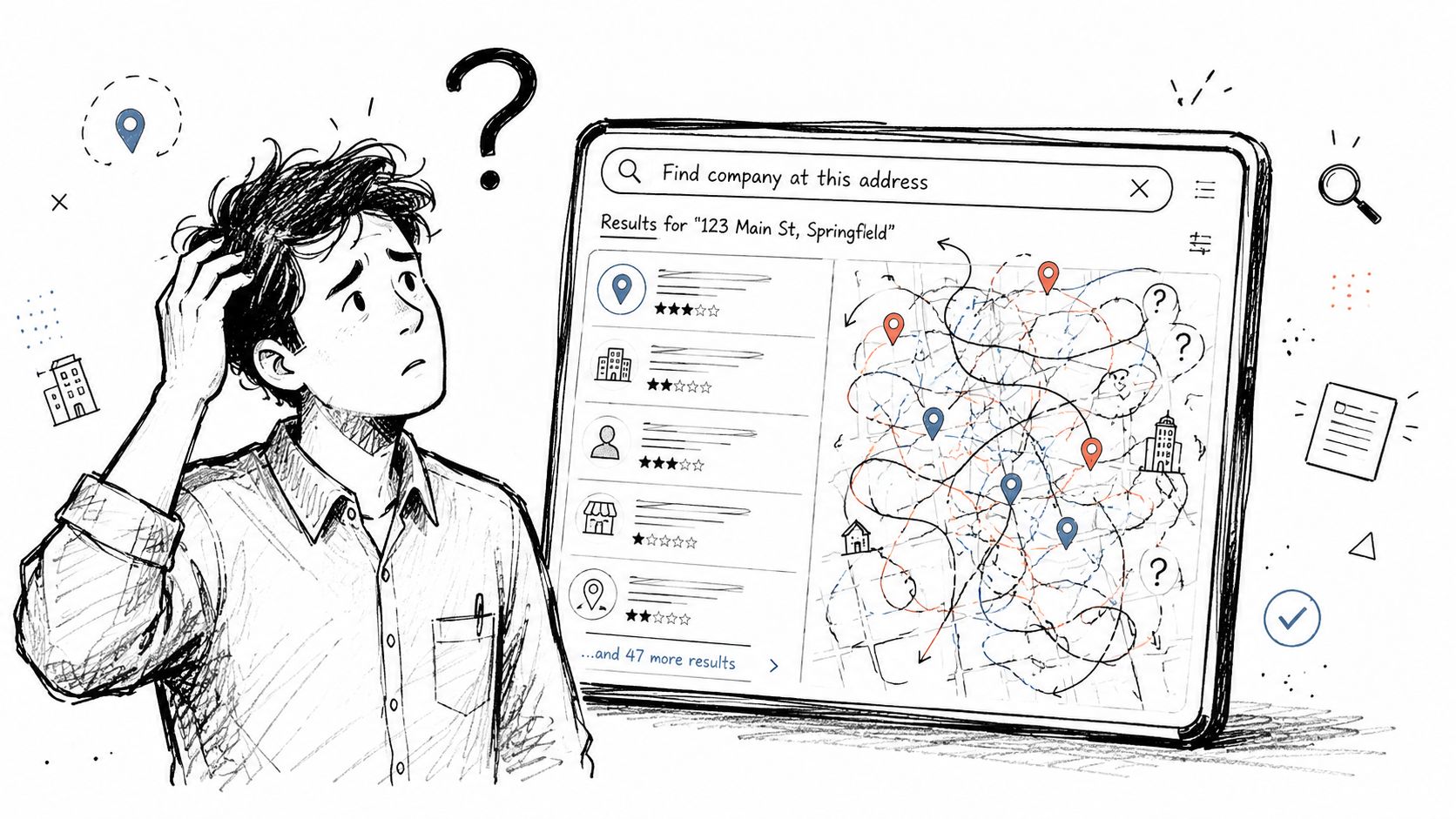
Existing content overwhelmingly focuses on individual consumers finding utility providers, but misses the commercial use case SMBs and SDRs care about: identifying all commercial entities within a geographic footprint for prospecting. That gap leaves businesses stuck with non-standardized manual scraping and high-friction workflows for outbound. EnergyBot's utility lookup example shows where mainstream content attention has gone, and where it hasn't, in this consumer-focused address lookup discussion.
Why manual search breaks at team scale
A rep doing one-off research can survive with messy steps. A sales org can't.
Three things usually go wrong:
Listings are inconsistent: Maps may show a storefront name, a legal entity, or an old tenant.
Addresses aren't unique business identifiers: Multi-tenant offices, suites, coworking spaces, and warehouses blur ownership and occupancy.
The workflow doesn't compound: One person can brute-force ten lookups. A team can't brute-force territory planning.
Practical rule: If your process depends on a rep “figuring it out” in browser tabs, it won't survive volume.
What teams actually need
Sales ops usually needs more than a name tied to a street address. The useful output is a record with a business name, location, category, contacts, and a way to route it into prospecting.
That's why the fundamental shift isn't from one tool to another. It's from ad hoc lookup to a system. If your team is building local coverage or territory-based outbound, the operational mindset is closer to local lead generation than casual web search.
The Foundation Manual Company Lookups
Before you automate anything, get your manual method right. If the base workflow is sloppy, software only helps you scale sloppy output.
The practical order is simple: start with visibility tools, move to authoritative records, then verify occupancy. That sequence prevents a common mistake. Teams often over-trust the first map result and never check whether the business is current, registered, or properly associated with that property.
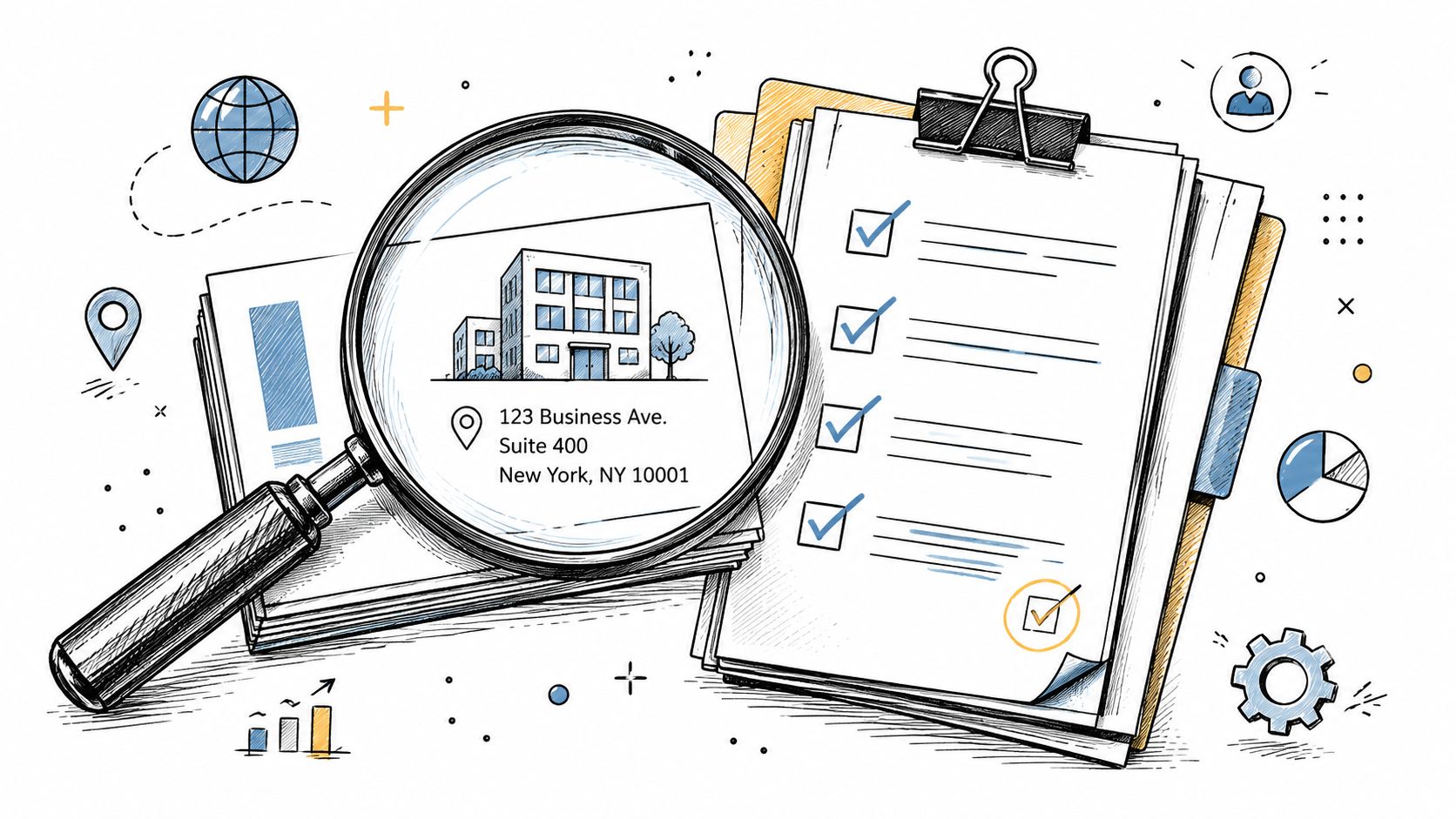
Start with maps, but treat them as hints
Google Maps and Apple Maps are useful first passes because they give you speed. You can often get a storefront name, signage, suite number, photos, reviews, and nearby business context in a minute.
Use maps to answer these questions first:
Is there a visible business name at the address?
Does the location look retail, office, industrial, or mixed-use?
Are there multiple tenants in the same building?
Does Street View show signage that differs from the listing?
This is clue gathering, not validation. Map data can lag. Businesses move. Listings get merged, duplicated, or auto-generated.
Check state business registries next
If maps suggest a business name, move to the Secretary of State or Division of Corporations website for that state. Search both the business name and the address if the registry supports it.
You're usually looking for:
Legal entity name
Status
Registered address or principal office
Filing history
Agent details
A registry helps separate branding from legal identity. “Main Street Plumbing” might market under one name while operating under a different LLC. For outbound and CRM hygiene, that distinction matters.
Registry data tells you whether an entity exists. It doesn't always tell you whether sales should prospect that location today.
Use county property records for ownership context
County property appraiser and assessor records are underrated. They won't always reveal the operating company, but they often clarify whether the address is owner-occupied, leased, or controlled by a holding entity.
That matters when you're looking at warehouses, medical offices, contractor yards, and small industrial properties. In those cases, the property owner name can point you toward a parent company or related entity even when the operating brand is sparse online.
A useful manual chain looks like this:
Step | What you learn | Main limitation |
|---|---|---|
Maps | Storefront name, signage, public presence | Can be outdated or incomplete |
State registry | Legal entity and filing status | May not reflect real-time occupancy |
County property records | Ownership and parcel context | Often shows owner, not tenant |
What manual lookup still won't solve
Manual research works for validation and edge cases. It doesn't work well for scale.
It also breaks when:
The address is a shared office: You may find many entities and no clear operator.
The business uses a different mailing address: The registered entity may point elsewhere.
The online footprint is thin: Small local firms often leave weak digital trails.
That's why manual lookup should be your baseline process, not your end state. It helps your team learn what “good data” looks like before you lean on enrichment tools or browser-based workflows like those discussed around the ZoomInfo Chrome extension.
Leveraging Public Data and Industry Codes
Public data becomes useful when your team stops treating address lookup as a one-off search and starts treating it as account classification.
An address can point to several entities, a landlord, or a parent company. Industry codes help narrow that mess into something operational. They give sales ops and marketing ops a consistent field to sort, route, and filter against, which is what SMB teams need once spreadsheets start breaking.
Why industry codes matter in practice
A company name helps with identification. An industry code helps with decisions.
That distinction matters in real workflows. If an SDR is checking one location, a name match may be enough. If your team is assigning territories, building vertical campaigns, suppressing excluded segments, or cleaning inbound form submissions, classification matters more than the exact storefront name.
NAICS is the standard many U.S. teams use for that classification. It gives you a shared way to label what a business does, even when the brand name is vague or the legal entity name is not.
Useful questions look like this:
Which addresses in this city map to contractors, not property managers?
Which locations fall into healthcare subcategories we sell to?
Which records should route to the field team because the industry and geography both fit?
Which accounts belong in the CRM, and which should stay out because the vertical is wrong?
That shift is what turns address data into a scalable prospecting input.
A cleaner workflow for public data
Public records work best as a middle layer between manual research and full enrichment. They add structure without forcing you into a full enterprise data stack.
A practical workflow looks like this:
Step | What your team does | Why it matters |
|---|---|---|
Match the address to a business record | Confirm the likely operating company or related entity | Reduces bad joins early |
Capture the industry code | Add NAICS or another standard classification field | Gives ops a usable segmentation field |
Standardize the account record | Store address, entity name, and classification together | Prevents duplicate research |
Route or segment from that record | Use geography and industry together | Supports campaigns, territory rules, and qualification |
The key is storage, not just lookup. If your team keeps running isolated searches, you repeat the same cleanup work every week. If you store those fields in a shared account model, the process compounds in a good way. A structured account setup built on Stamina Objects makes that easier because address, firmographic fields, and classification can live on the same record.
What public data is good at, and where it breaks
Public data is strong when you need consistent business attributes. It usually gives you cleaner formatting than random directory pages, and that makes filtering and deduping much easier.
It is weaker for contact-level outreach.
You can often get a business name, address, registration details, and industry classification from public or quasi-public sources. You usually will not get the right buyer, direct email, recent hiring activity, or clean buying signals. That is the trade-off. Public data helps you decide whether an account belongs in your system. It rarely tells a rep who to call.
Coverage also varies by source and by state. Some records are current. Some lag. Some point to a legal entity that exists on paper but does not reflect the operating business at that location. Teams that ignore that nuance end up over-trusting the first match.
Use public data as a system input, not a final answer
The practical move is to use public records and industry codes to standardize the first layer of account data, then enrich only the records worth deeper work.
That approach keeps costs under control and gives SMB teams a path from manual lookups to automation without jumping straight into a complex data operation. It is the same problem teams run into when they try to operationalize web data for agents and internal tools. solving AI agent data challenges covers that broader issue well.
For sales and marketing ops, the rule is simple. Use public data to classify. Use enrichment to prioritize. Use one system of record so the team does not have to solve the same address twice.
Using Reverse Business Search Tools and APIs
A team usually feels the breaking point fast. An SDR pastes one address into a search box and gets an answer in seconds. Then marketing uploads a few hundred event leads, ops tries to clean the list, and the same method falls apart.
That is the fundamental split between reverse search tools and APIs. One supports ad hoc research. The other supports a repeatable process.
Browser tools are fine for exceptions
A browser-based reverse business search tool works well when a person needs to verify a record right now. Search the address, review the result, and decide whether it belongs in the CRM.
That fits a few common jobs:
SDRs checking a single account before outreach
Marketers reviewing a small imported list
Ops teams auditing suspicious records
Customer success teams confirming a location during handoff
The upside is speed and low setup cost. The downside is inconsistency. Two reps can search the same address, make different judgment calls, and save different versions of the account. That is manageable at low volume. It becomes expensive once address-based lookup turns into a weekly habit.
APIs are for repeatable matching at scale
API access matters when address lookup is part of an operating system, not a one-time task.
Common examples include inbound form enrichment, territory routing, list cleanup, account creation, and suppression rules. In each case, the job is the same. Take a messy address input, match it to a company record, and push the result into the right workflow without asking a rep to do manual research.
Here is where API-based matching usually helps most:
Use case | What API access changes |
|---|---|
Bulk enrichment | Processes large address lists without manual lookup |
CRM writeback | Appends matched company data to account records automatically |
Routing | Assigns owners based on geography, segment, or account rules |
Data hygiene | Re-checks stale records on a schedule instead of waiting for rep cleanup |
The technical part is usually not the blocker. Match quality is.
Addresses arrive with missing suite numbers, alternate street formatting, typos, and old business names. A clean match in a suburban office park is straightforward. A match in a downtown high-rise with shared floors, virtual offices, and multiple legal entities is not. Teams that skip this distinction end up treating every returned record as equally trustworthy.
Buy for workflow, not just search accuracy
Tool selection should follow the workflow you need to support.
Choose browser tools if address lookups are occasional and the user can review results manually. Choose APIs if address matching needs to run inside lead capture, enrichment, routing, or CRM maintenance. Keep a human review step for high-value accounts, regulated segments, and dense multi-tenant locations where false matches cost real pipeline time.
I have seen teams waste months chasing perfect match rates when a simpler solution existed. Define what counts as a usable match, define what should be held for review, and store that logic in one place. That is how SMB teams move from scattered lookups to a system they can scale.
Teams building that kind of system usually run into a second problem. Search inputs come from forms, spreadsheets, scraped pages, and internal tools, all with different structure and quality. The broader issue is less about one lookup method and more about building dependable retrieval into the workflow. This piece on solving AI agent data challenges explains that problem well from the data infrastructure side.
Reverse business search is useful. It just needs rules around it. Without those rules, a tool gives you answers. With them, it gives your team a process.
Automating Prospecting with Sales Intelligence
Finding the company is only the first useful step. Revenue teams need the next layer: qualification and contacts.
That's where sales intelligence changes the job from lookup to pipeline creation.
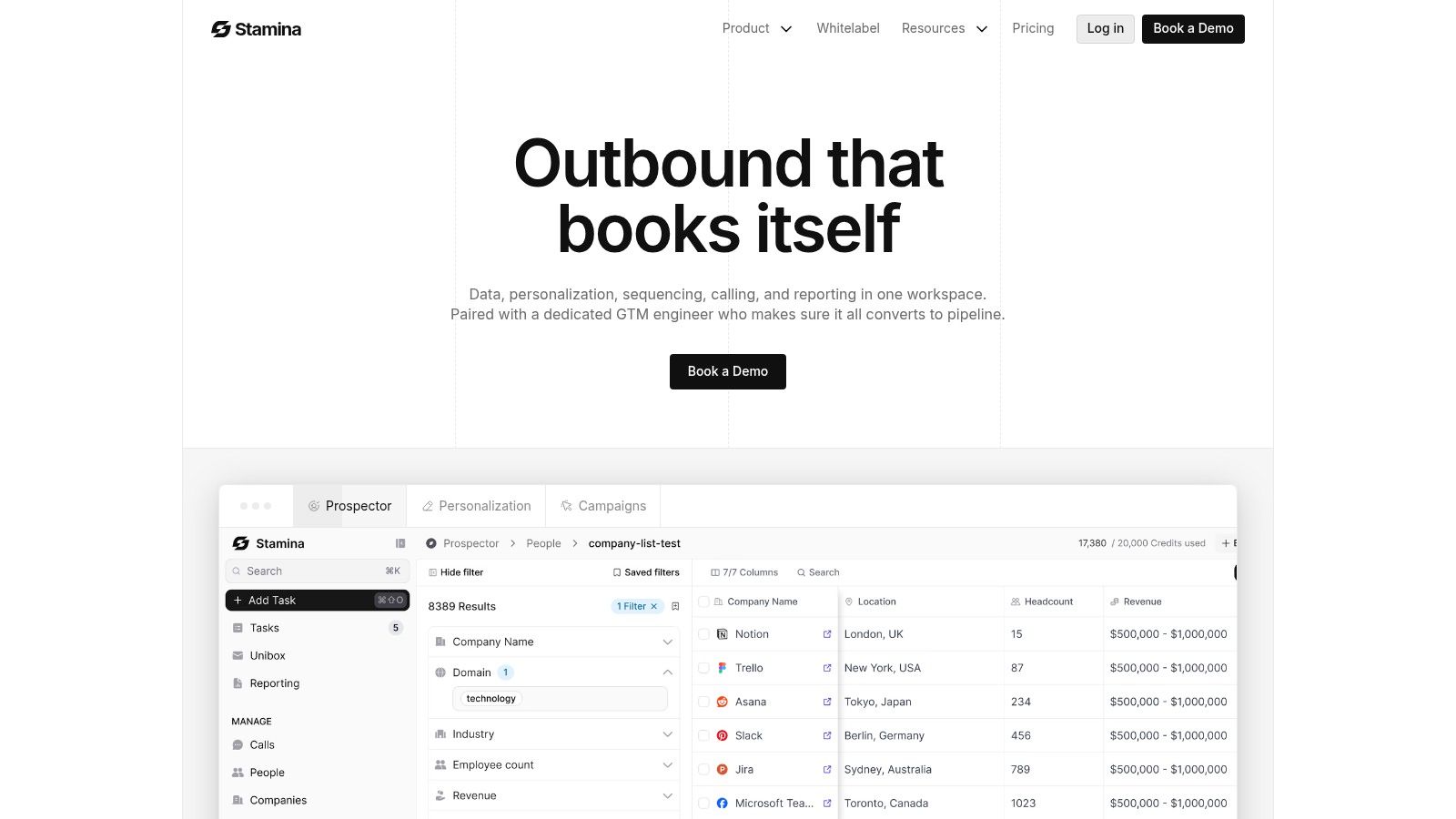
In practice, an address-driven workflow becomes valuable when you can enrich the matched company with firmographics, technographics, and role-based contact data. The output isn't “we found a business at this location.” The output is “we found a qualified account at this location, and here are the people worth contacting.”
The enrichment funnel is narrower than most teams expect
Many bad prospecting assumptions show up. Teams often think a big address list automatically becomes a big contact list. It doesn't.
Verified benchmark data from a sales intelligence workflow shows that when 6,000 companies are input into a platform like Apollo.io, only 3,000 are identified, which is a 50% coverage rate, and after filtering, the process can yield approximately 600 decision-makers from 100 selected companies, a 60% decision-maker extraction rate from qualified leads, based on the benchmark summarized from this YouTube walkthrough.
That's normal. Data narrows as quality rises.
What good automation actually does
A mature workflow handles four jobs in sequence:
Match the address to a business
Decide whether the company fits the ICP
Find likely buying roles
Push those records into outreach
This is why “best database” arguments usually miss the point. The winning setup isn't the one with the biggest headline record count. It's the one that helps your team move from raw address input to usable accounts without constant cleanup.
For teams comparing software categories before they choose a stack, this roundup of best lead generation software is a decent framing tool because it shows how lead capture, enrichment, and outreach often live in separate platforms unless you deliberately unify them.
Here's a closer look at the operational side:
The trade-off most teams underestimate
Automation saves time, but it also exposes data quality issues faster. If your inputs are weak, the system will route weak records at scale.
The fix isn't to avoid automation. It's to set qualification rules before launch:
Define accepted match confidence: Don't let every fuzzy address become an account.
Suppress obvious bad fits: Landlords, shell entities, and giant enterprises can pollute local lists.
Separate account match from contact readiness: A matched company isn't always ready for outbound.
Better sales intelligence doesn't replace judgment. It makes judgment scalable.
Building a Unified Workflow in Stamina
The issue isn't typically a lookup problem. It's a fragmentation problem.
Address search happens in one tab. company validation happens in another. contact discovery lives in a separate tool. Outreach runs somewhere else. By the time a rep is ready to send a first email, the account record is already full of copy-paste errors and missing context.
A cleaner operating model
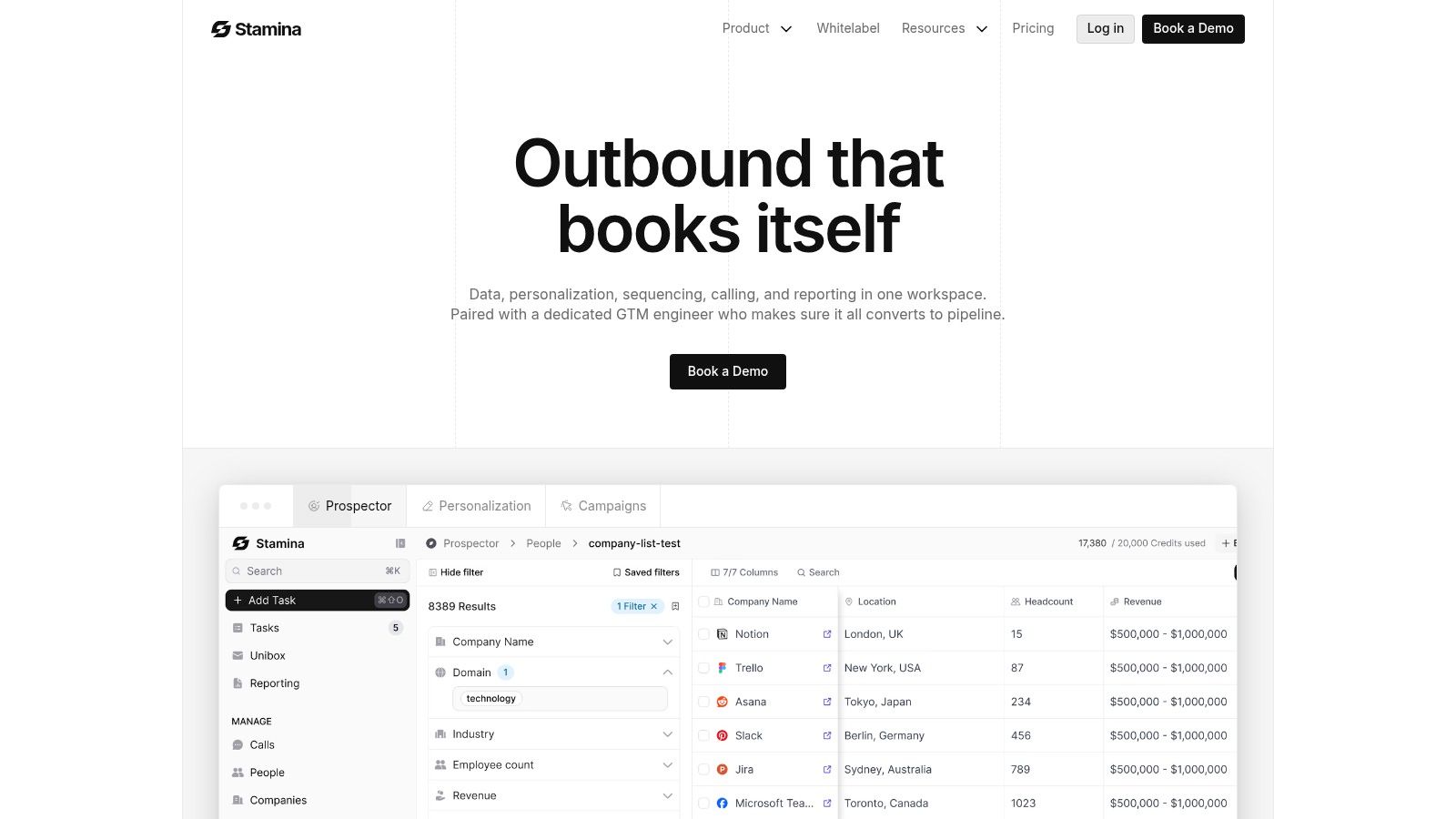
A unified workflow starts with a list of physical addresses and turns that list into working account records. The key is keeping identification, enrichment, and action in the same system so the team doesn't have to re-key information at every handoff.
A practical setup looks like this:
Upload address inputs: Bring in the raw list from events, field reps, territory research, or spreadsheets.
Match and enrich accounts: Resolve likely companies tied to those addresses, then add business context and contact data where available.
Review exceptions: Flag ambiguous or shared-location records for human review instead of forcing them into outreach.
Launch next actions: Route clean records into owner assignment, sequences, or follow-up tasks.
Why this beats the patchwork stack
The biggest gain isn't speed alone. It's continuity.
When the same workflow handles account creation, qualification, and execution, your team can preserve the thread between “this address looked promising” and “this rep is now working the account.” That makes reporting cleaner and territory management much easier.
A workflow engine matters here because address-based prospecting is rarely one step. It's usually conditional. Some records need review. Some should enrich further. Some should trigger outreach immediately. A structure like the one described in create a workflow reflects that reality better than a static import-export chain.
What to operationalize first
If you're rolling this out, keep the first version tight:
Priority | What to standardize first |
|---|---|
Input | Address formatting and source tagging |
Match logic | Rules for valid, invalid, and ambiguous records |
Qualification | Basic account filters before contact search |
Handoff | Clear owner assignment and next-step automation |
Don't start by trying to automate every exception. Start by making the common path reliable. Once the team trusts the output, you can layer in more enrichment and more aggressive routing.
Frequently Asked Questions About Finding Companies by Address
Can I find a business from a PO Box or virtual office address
Sometimes, but it's harder. A PO Box usually identifies a mailing destination, not an operating location. Virtual offices create a similar problem because many entities can share the same address. In those cases, check legal filings, registered agent details, company websites, and recent business activity before treating the address as a sales-ready location.
What if multiple companies share one address
That's common in office buildings, coworking spaces, and plazas. Don't force a single match if the address clearly supports many tenants. Capture suite numbers where possible, and mark unresolved records for review. For outbound, it's better to work a verified subset than to spray messaging across doubtful entities.
How do I verify a business is still active at an address
Use a layered check. Look for recent registry activity, current map presence, website consistency, and visible signs of current operations such as updated business hours or recent customer interaction. No single source is perfect, so use agreement across sources as your confidence signal.
What about international addresses
International company lookup usually requires country-specific registries and local data vendors. Address formats vary, legal disclosures differ, and privacy rules may be stricter. Treat your U.S. workflow as a template, not a global default.
If your team is tired of juggling maps, spreadsheets, enrichment tools, and outreach platforms just to answer “what company is at this address?”, Stamina gives you a cleaner path. You can unify account discovery, data enrichment, CRM, and outbound in one system so address-based prospecting becomes a repeatable revenue workflow instead of a manual research project.

