
TL;DR: If you’ve outgrown Instantly and need a broader operating system, pick Stamina for an all-in-one stack, Smartlead.ai for high-volume email, and lemlist for SMB multichannel outreach. Instantly still fits simple email-first workflows. Teams usually switch when they need better channel coverage, cleaner ops, or tighter coordination between prospecting, outreach, and CRM.
A common trigger looks like this. The team has outbound running in Instantly, lead data in another tool, tasks in a CRM, and reporting held together with exports, zaps, and spreadsheets. Nothing is broken enough to force a change. Everything is broken enough to slow execution.
That’s usually the main reason buyers start comparing instantly.ai alternatives.
Instantly is still a solid choice for high-volume, email-first outbound. But the trade-off gets clearer as the motion matures. SMB teams start wanting email, LinkedIn, and light CRM in one place. Agencies need cleaner client separation, permission controls, and repeatable campaign setup. Enterprise teams care less about raw send volume and more about workflow control, reporting integrity, and how the platform fits the rest of the revenue stack.
The category itself has grown well beyond basic sequencing. Analysts at MarketsandMarkets estimate the sales engagement platform market at $8.9 billion, which tracks with what I’ve seen in evaluations over the past few years. Buyers are no longer choosing between “send more” tools. They’re choosing between operating models.
That’s the lens for this guide. It sorts the best options by who they fit, including SMBs, agencies, and enterprise teams. It also covers the migration work buyers tend to underestimate, especially data cleanup, deliverability setup, sequence rebuilds, and CRM handoff logic. If you’re still deciding whether you need a sequencing tool or a broader system, this breakdown of a sales engagement platform vs CRM differences and use cases helps frame the decision.
The goal here is practical selection, not a feature parade. I’ll call out where each tool is strong, where it creates friction later, and who should avoid it. After the tool-by-tool breakdown, you’ll also get a migration checklist and sample outreach templates you can use right after switching.
1. Stamina
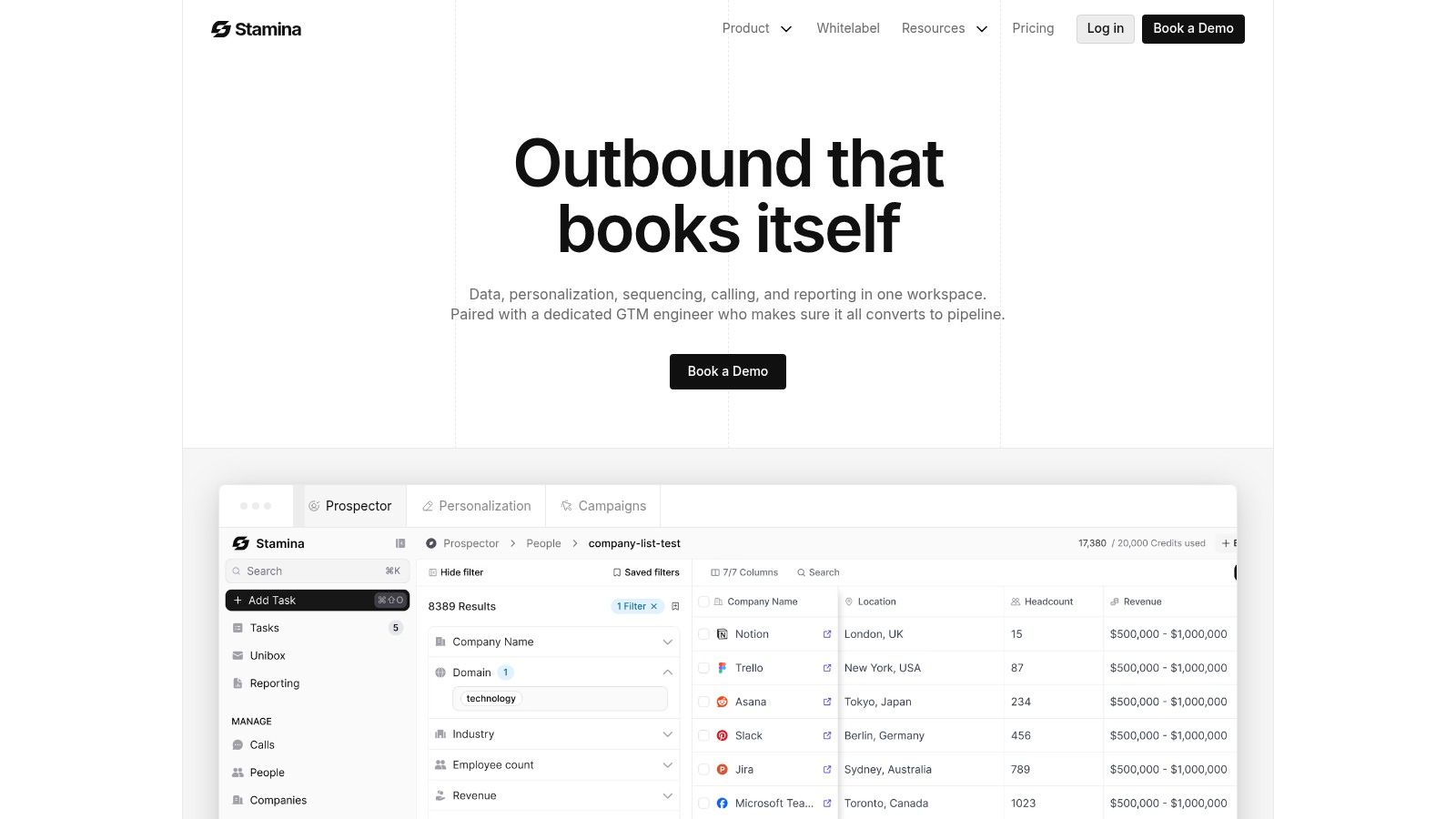
Stamina is the option I’d look at first if the actual problem isn’t email sending. It’s stack sprawl.
A lot of instantly.ai alternatives solve one adjacent problem. They add LinkedIn. They bundle a data layer. They improve warm-up. That helps, but many teams still end up managing prospecting in one app, sequences in another, calling somewhere else, and pipeline inside a separate CRM.
Stamina takes the opposite approach. It’s built as one system for prospecting, personalization, outreach, calling, CRM, and cross-team workflow orchestration.
Why it stands out
The part that changes the buying decision is the combination of software and hands-on execution support. Stamina pairs the platform with a dedicated GTM engineer who helps configure campaigns, tune deliverability, and keep the system pointed at pipeline rather than activity.
That matters more than most buyers think. Plenty of teams buy software with strong feature lists and still underperform because nobody owns the architecture after onboarding.
Stamina also gives teams a large native data layer, with 500M+ verified contacts, 50M+ companies, and 65+ targeting filters. For ops teams, that removes a lot of CSV churn. For SDR leaders, it shortens the path from segmentation to launch.
Its built-in AI SDR, Zara, is designed to help identify targets, generate personalized sequences, and support qualified demo booking. That’s a better fit for teams trying to run one connected outbound motion, especially when marketing and sales need shared workflows instead of isolated campaigns.
Practical rule: If your reps, marketers, and ops team are all logging into different systems to move one prospect from target list to meeting booked, you don’t have a tooling problem. You have a workflow design problem.
Stamina is also one of the few tools on this list that feels agency-ready by design, with multi-tenant and white-label options.
Best fit and trade-offs
Stamina works best for growing SMBs, agencies, and lean revenue teams that want one platform instead of five point solutions.
Pros:
Unified stack: Prospecting, sequencing, dialer, CRM, reporting, and workflows live together.
Built-in AI SDR: Zara helps with targeting and personalized outbound execution.
Operational support: The dedicated GTM engineer is a serious differentiator.
Agency support: Multi-tenant and white-label options make client management cleaner.
Cons:
No public pricing: You need a demo to get a quote.
More depth to configure: Small teams may need help getting the system dialed in.
If you’re trying to understand where a sales engagement platform should stop and where a CRM should start, this breakdown on sales engagement platform vs CRM differences and use cases is worth reviewing before you buy.
2. lemlist
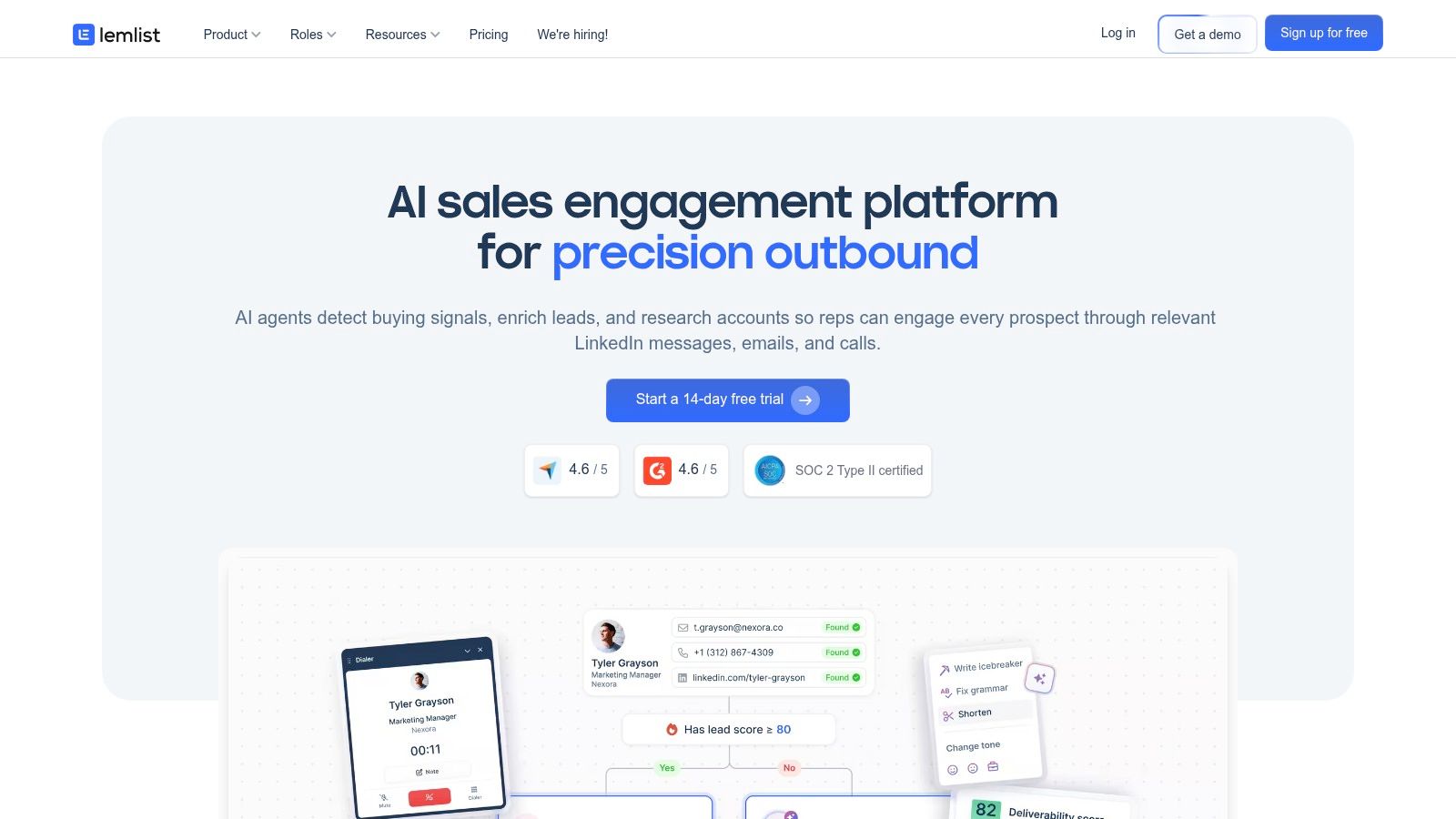
A common trigger for switching from Instantly is simple. The team has cold email working, then asks for LinkedIn steps, light calling, and better rep adoption without buying an enterprise stack.
lemlist fits that moment well.
I usually put it in the SMB multichannel bucket. It gives smaller outbound teams enough channel coverage to run email, LinkedIn, and call steps in one place, and the product is generally easier for reps to pick up than tools that feel built for ops first. If the immediate goal is to graduate from basic cold email into structured multistep drip campaign workflows for outbound sequences, lemlist is a practical step up.
Where lemlist works well
The best use case is a growing sales team that wants more than inbox rotation and warm-up, but does not want a long implementation project. lemlist covers the day-to-day motion well: sequence building, personalization, multichannel touches, and enough deliverability support to keep reps productive.
That matters during a migration. Teams rarely switch tools because they want more features on a pricing page. They switch because reps are asking for a workflow they cannot run cleanly today.
A few real trade-offs stand out:
Strong rep adoption: The interface is approachable, which reduces training time and lowers the odds that reps avoid the platform.
Good SMB multichannel coverage: Email, LinkedIn, and calling are enough for many small and mid-sized outbound motions.
Personalization is still a strength: Teams that care about custom first lines, dynamic snippets, and campaign-level tailoring usually get what they need.
Seat costs add up: lemlist gets more expensive as headcount grows, so the math changes fast for larger SDR teams or agencies staffing multiple client accounts.
That last point is the one buyers often underestimate. lemlist can be a smart move for a five-person team. It is a different conversation for a larger org rolling out seats across SDRs, AEs, managers, and ops.
It also helps to be clear on what lemlist is not. It is not the best choice if you want deep CRM replacement, heavy workflow orchestration, or agency-grade multi-account control. For enterprise teams, that usually means more tooling around it. For agencies, it can mean more operational overhead than expected.
So where does it belong in this guide? lemlist is one of the better Instantly alternatives for SMBs that need multichannel outreach and care about rep usability. It is less compelling for cost-sensitive scale, agencies managing many client environments, or enterprises trying to consolidate more of the revenue stack in one system.
3. Smartlead.ai
A team switches off Instantly because volume starts to strain the setup. They are not asking for better rep coaching or a bigger CRM layer. They need more inboxes, tighter control over sending infrastructure, and fewer operational workarounds.
That is the case for Smartlead.ai.
Smartlead is one of the closer Instantly alternatives for agencies, email operators, and teams running large mailbox fleets. Its strength is clear. It handles high-volume cold email well, especially when deliverability management matters as much as campaign creation.
Best for agencies and scale-heavy email programs
Smartlead fits buyers who treat outbound like infrastructure. Mailbox rotation, warm-up, sender health, and account-level control matter more here than polished rep workflows. If an agency manages multiple client environments or an SMB is scaling outbound through many domains, Smartlead usually makes more sense than tools built around salesperson usability first.
The trade-off is just as clear. Smartlead stays focused on email. Teams that want LinkedIn steps, calling, deeper CRM coordination, or broader sales engagement workflows will end up stitching tools together. Enterprise teams can do that, but they should expect more systems work during rollout and handoff.
Cost also needs a practical read. The base subscription is only part of the picture. Mailboxes, domains, verification, warm-up strategy, and the people managing deliverability often determine actual monthly spend.
That is why Smartlead lands in a specific category in this guide. It is a stronger fit for agencies and technical outbound teams than for generalist SMB sales teams. If the goal is a cleaner all-purpose sales engagement platform, other options in this list will be easier to live with day to day.
What Smartlead does well:
Handles mailbox scale well: Useful for large sending setups spread across many inboxes and domains.
Gives ops teams more control: Better fit for people who care about deliverability configuration, not just sequence writing.
Works for agency workflows: Multi-client campaign management is more realistic here than in many SMB-first tools.
Where it falls short:
Limited beyond email: Multichannel outreach still requires extra tools.
Less intuitive for rep-led teams: SDRs often need more support if they are used to simpler campaign builders.
Operating complexity rises fast: Strong infrastructure helps, but it also creates more setup and monitoring work.
After the switch, sequence quality still decides whether replies show up. If the team needs a reset on campaign structure, this guide on drip campaign meaning and how sequences work is worth reviewing before rebuilding outbound from scratch.
4. Saleshandy
A common switching scenario looks like this: a small team has outgrown Gmail plus spreadsheets, but every heavier platform adds setup work, rep training, and process debt they do not need yet. Saleshandy sits in that middle ground.
Saleshandy is one of the cleaner Instantly.ai alternatives for SMB teams, founder-led outbound, and early SDR pods that want structure without buying an entire sales engagement stack. In this guide, that distinction matters. Some tools are better for agencies managing many client inboxes. Others make more sense for enterprise teams with larger process requirements. Saleshandy is usually the practical pick for small teams that need to get campaigns live fast and keep day-to-day work simple.
The strength here is operational simplicity. Sequence setup is straightforward, inbox rotation is manageable, and reply handling is easier to keep under control than in tools that pile on extra workflow layers. That reduces the amount of hand-holding needed from sales ops.
A few reasons it gets shortlisted:
Fast ramp for new users: Reps and founders can usually build and launch sequences without much training.
Good fit for email-first outbound: It covers the core job well if cold email is still the main channel.
Useful inbox management: Centralized reply handling helps when campaigns run across multiple sending accounts.
Lower commitment at the start: As noted earlier in the article’s pricing comparison, it sits in the more accessible range for budget-conscious teams.
The trade-off is ceiling, not setup. Teams that want deeper multichannel orchestration, stronger reporting logic, or a more developed CRM layer can hit limits once outbound gets more specialized. Agencies may also find it less flexible than platforms built around multi-client operations.
That is why I would place Saleshandy in the SMB bucket, not the agency or enterprise bucket. It is a good migration target if the goal is to replace Instantly with something easier to run, easier to teach, and less likely to sprawl. It is a weaker fit if the switch is part of a broader rebuild that includes advanced routing, heavy personalization at scale, or tighter coordination across sales and marketing.
For teams using the migration checklist later in this guide, Saleshandy usually makes the cut when the priority is clean execution, not feature breadth. That makes it a sensible choice for simple outbound systems that need to work every day without much babysitting.
5. Woodpecker
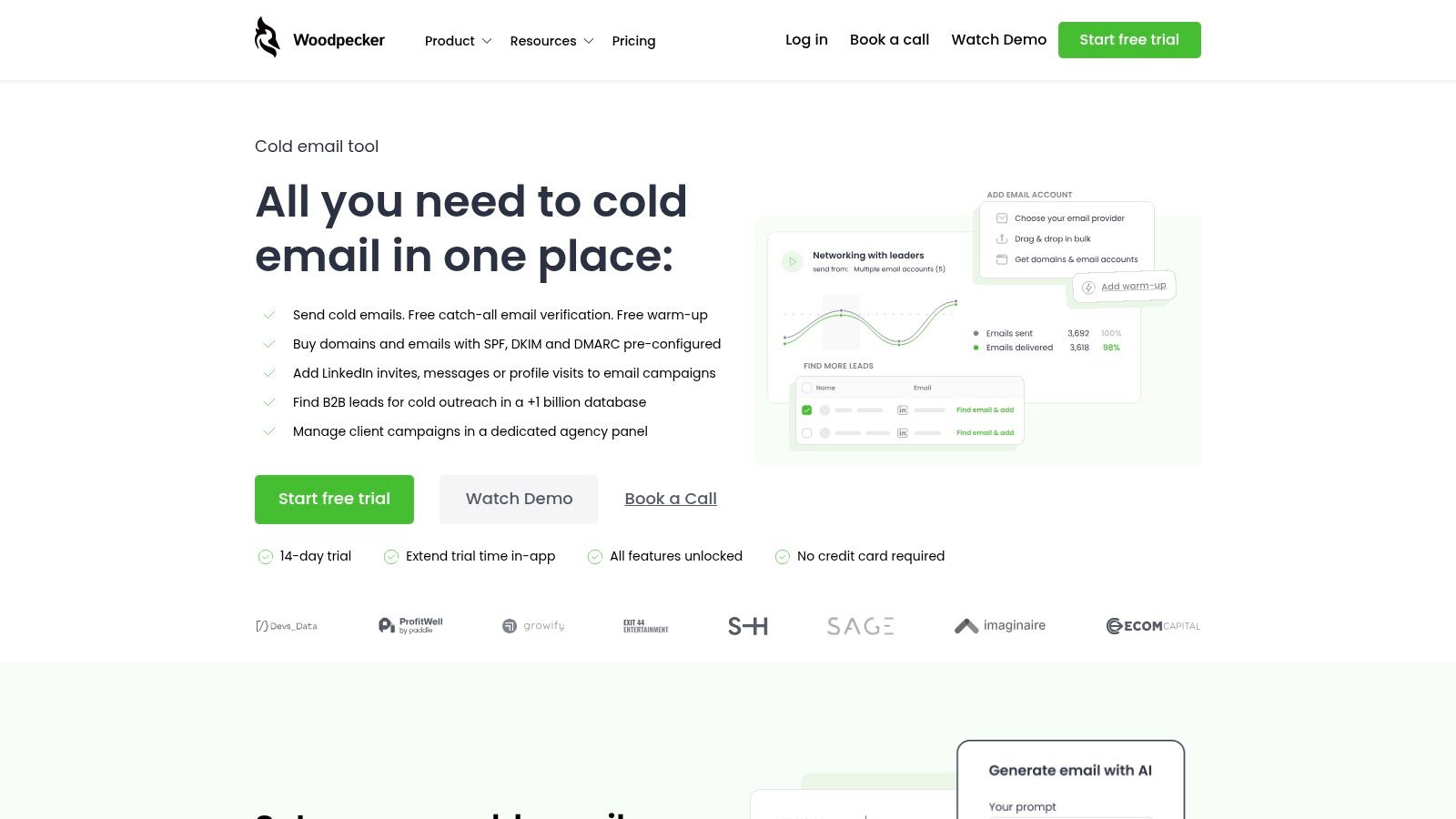
Woodpecker usually comes up when a team is tired of wrestling with a bloated outbound stack and just wants cold email to run cleanly. I have seen that pattern with small in-house sales teams and founder-led outbound in particular. The process is already defined. They do not need another layer of automation. They need a stable sending tool with fewer ways to break things.
That makes Woodpecker a practical SMB option in this guide, not an agency or enterprise pick.
Best for email-first teams that want control without extra complexity
Woodpecker's appeal is straightforward. It keeps the focus on campaign execution, inbox health, and account management instead of trying to cover prospecting, calling, CRM, and AI personalization in one place.
A few parts of the product stand out:
Deliverability is treated as a core workflow: Warm-up, sending controls, and monitoring are built into the day-to-day setup.
Account structure is simple: Teams that manage several inboxes can keep operations organized without a lot of admin overhead.
Pricing is easier to reason about: As noted earlier in this article's pricing comparison, Woodpecker tends to be easier for smaller teams to model than tools that stack costs by seat and add-ons.
The trade-off is breadth. Woodpecker works best when email is the main channel and the team already has a separate system for lead sourcing, CRM hygiene, and any heavier workflow automation. If you want one platform to run multichannel outbound, hold deeper reporting logic, and support more complex routing rules, Woodpecker can feel narrow.
That narrowness is not always a drawback. For SMBs switching off Instantly, it can be the reason the migration succeeds. Fewer knobs usually means fewer setup mistakes, fewer rep workarounds, and less ops cleanup later.
One more practical point. If the move to Woodpecker also means rebuilding sequences, the copy matters as much as the tool. This guide on copywriting for email that gets replies is worth reviewing before you port templates over.
I would put Woodpecker on the shortlist for teams using the migration checklist later in this guide when the goal is reliability, simple ownership, and a cleaner outbound system. It is a weaker fit for agencies that need client-by-client flexibility or enterprise teams that expect deeper orchestration across channels.
6. Mailshake
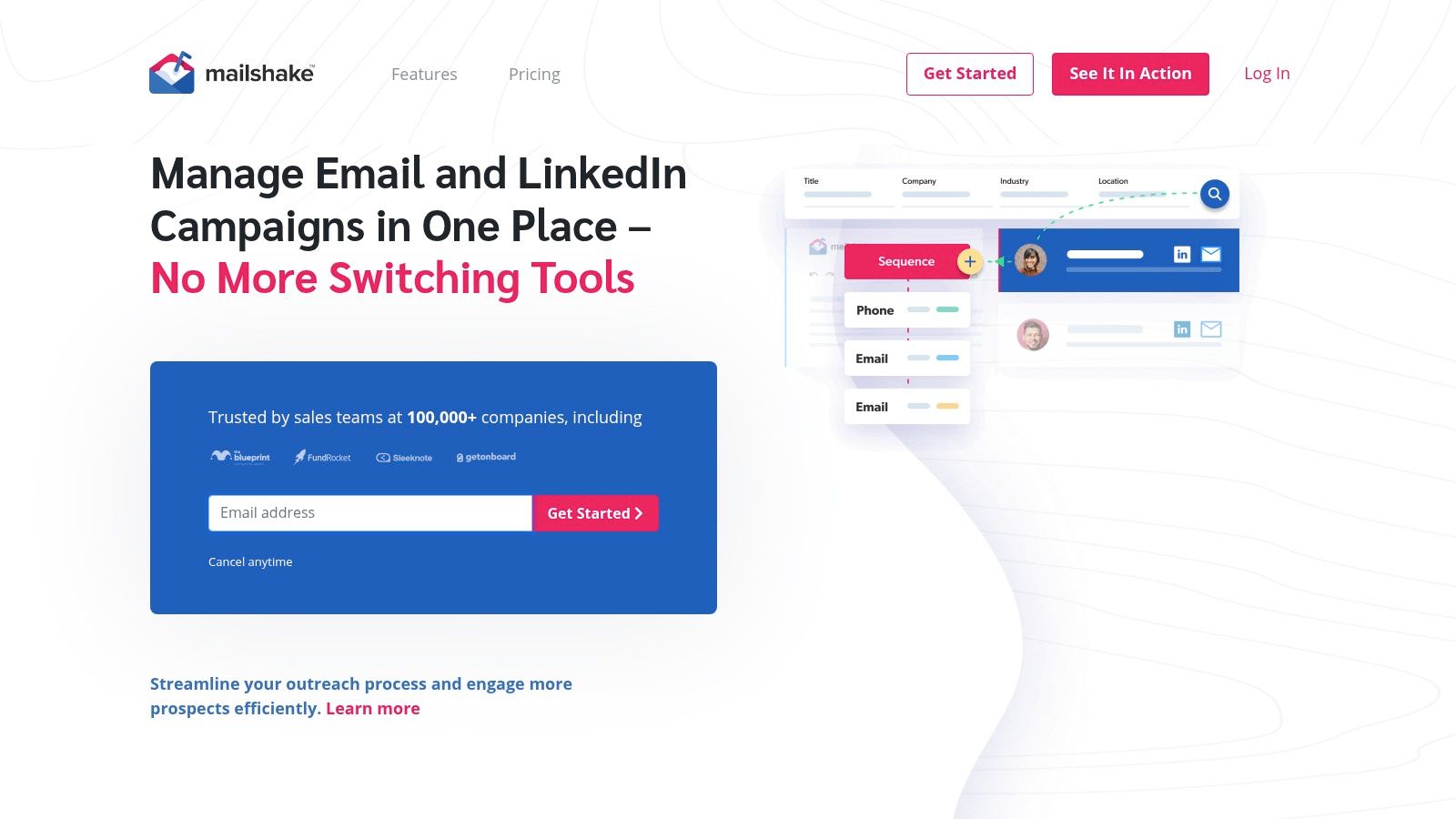
Mailshake sits in a useful middle lane. It’s more approachable than some ops-heavy tools, but more structured than basic cold email apps.
That makes it appealing for SMBs and agencies that want fast deployment without much drama.
Straightforward for teams that value ease of use
Mailshake’s strengths are usability, onboarding, and familiar outbound workflows. If you want email sequences, optional LinkedIn steps, a browser dialer, and CRM integrations without a lot of setup friction, it’s a credible option.
Where it usually works best:
Small sales teams: Quick to get live.
Agencies: Team management and billing flexibility help.
Managers who value documentation: Mailshake has a reputation for strong help content.
Where it starts to pinch:
Per-user pricing: Multi-inbox setups can get expensive.
Less depth than more specialized tools: Especially if you need advanced personalization or complex automation.
One practical point. Tools like Mailshake make it easy to launch sequences quickly, but quality still depends on the writing. If your team is switching platforms and refreshing outbound at the same time, this guide on copywriting for email that gets replies is a useful companion.
Mailshake isn’t the deepest platform on this list. It doesn’t pretend to be. It’s for teams that want something dependable, legible, and easy to operationalize.
7. Reply.io
A common breakpoint looks like this. Email is generating some meetings, but reps are now chasing prospects across LinkedIn, calls, and SMS from separate tools, and the handoff between channels is getting messy.
Reply.io is built for that stage. It gives sales teams one place to run multichannel outbound instead of stitching together a basic email sender, a dialer, and a prospecting tool.
Best for teams graduating from email-only outbound
The appeal is breadth, but the key question is whether that breadth helps your team operate better. Reply usually makes sense for agencies, outbound teams with multiple reps, and companies that want prospecting plus execution in the same system. If your team is still proving one simple cold email motion, it can feel heavier than necessary. If your process already spans several touchpoints, the added structure starts to pay off.
What stands out in practice:
Multichannel execution in one workflow: Email, LinkedIn, calls, SMS, and reply handling are easier to manage when they live in the same sequence.
Useful for teams that need more than sending: Built-in prospect data and stronger workflow coverage reduce the number of extra tools ops has to maintain.
More oversight for managers: Better fit if leadership wants visibility into rep activity across channels, not just opens and clicks.
The trade-off is straightforward. Reply asks for more process discipline than a simple cold email platform. Teams need clearer sequencing rules, better ownership of tasks, and tighter copy across each touchpoint. Costs can also rise faster once you add seats and expand channel usage, so SMBs should price the full setup, not just the entry plan.
I usually recommend Reply to companies that have already outgrown email-only outreach and want a cleaner operating model, especially during a migration from Instantly where the next step is broader channel coverage rather than just more inboxes.
One practical note. Switching platforms will not fix weak follow-up logic. If reps are getting opens but not responses, this guide on how to follow up when there’s no response is worth using alongside the migration.
8. SmartReach.io
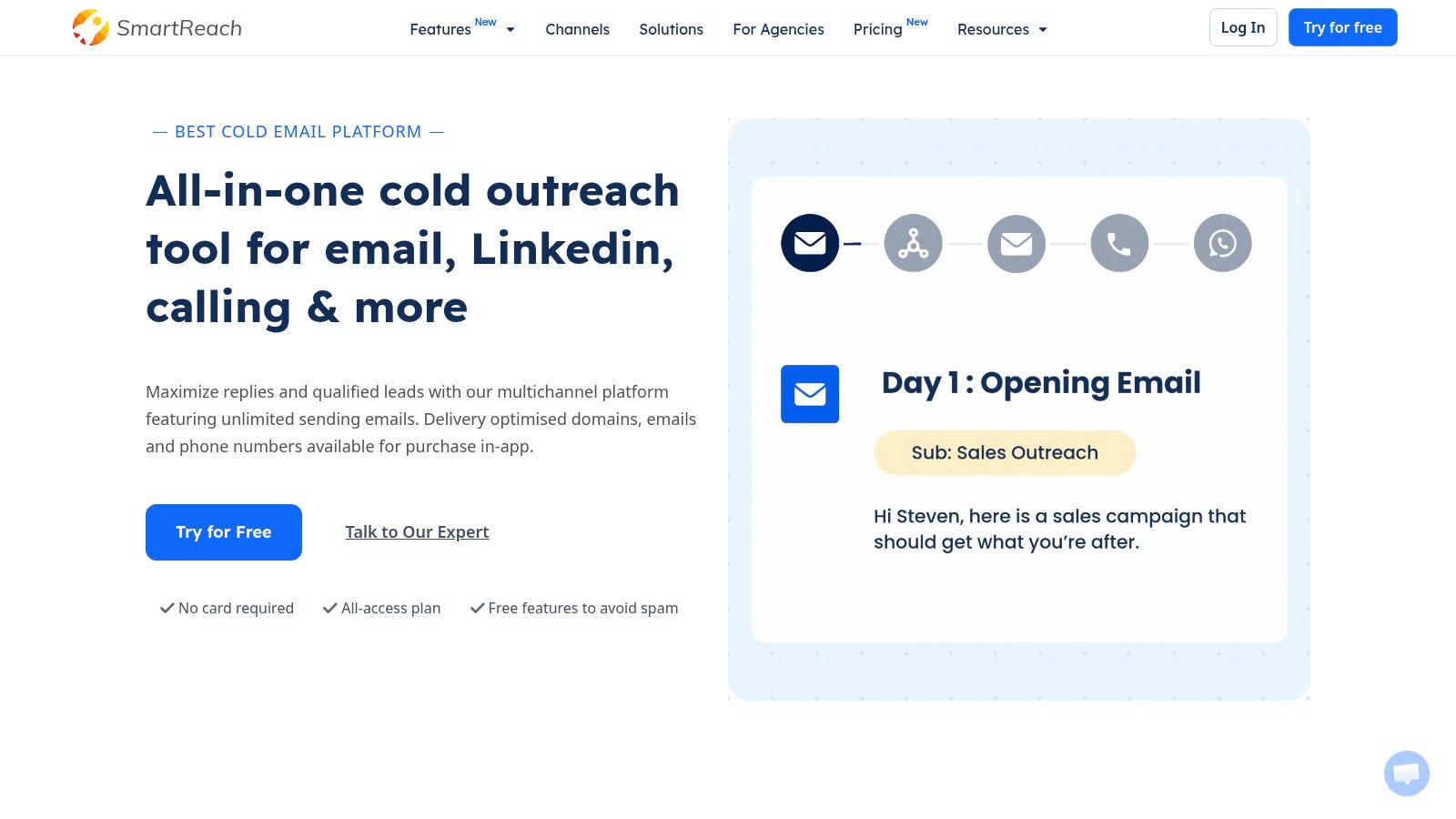
SmartReach.io doesn’t get talked about as often as some bigger names, but it deserves a look if your team hates per-seat pricing.
That’s the first thing I’d flag in a buying process.
Useful for agencies and growing teams
SmartReach leans into predictable spend, inbox rotation, warm-up, verification, and agency workflow support. If headcount is growing and you don’t want platform cost to climb every time another rep joins, that pricing philosophy is attractive.
It also checks more boxes than a pure email sender. Email, LinkedIn, calls, WhatsApp, unified inbox, and agency dashboard support give it a broader operating footprint than Instantly.
What it does well:
Predictable expansion: Better if your team size changes often.
Agency controls: Helpful for multi-client environments.
Operational safeguards: The platform is clearly built with campaign management discipline in mind.
What to watch:
Public pricing detail is limited: You’ll need a proper evaluation.
Less mindshare than larger incumbents: Which can matter for training and community support.
SmartReach usually makes sense for buyers who care more about operational model than brand familiarity. That’s not a bad reason to buy software.
9. Snov.io
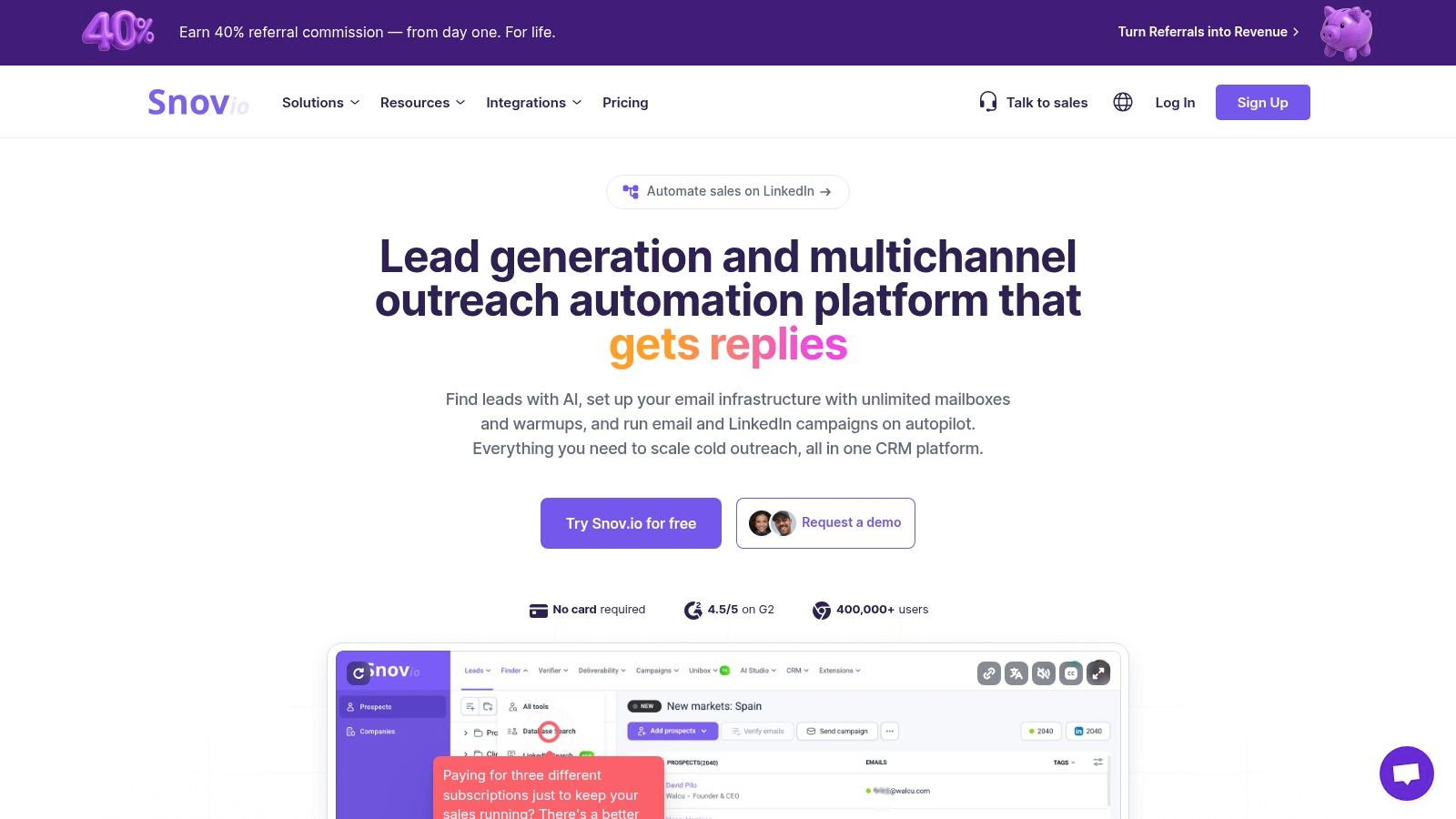
Snov.io fits a common switching scenario. A small team is tired of stitching together a finder, verifier, and sender, but they are not ready to buy a full sales engagement platform with enterprise pricing and setup overhead.
That is where Snov.io earns a spot on this list.
Best for SMB teams consolidating basic outbound workflows
Snov.io puts lead discovery, email verification, drip campaigns, and a lightweight CRM layer in one product. For SMBs, that usually means fewer handoffs, fewer credits spread across separate vendors, and a simpler migration path from Instantly if the main goal is consolidation.
I usually recommend it to teams that care more about operational convenience than channel depth. Agencies with complex client permissions often outgrow it. Enterprise teams usually want stronger governance, reporting, and multichannel execution. But for an in-house sales team that needs to find contacts and start outreach fast, Snov.io is often good enough in the right ways.
Snov.io makes the most sense if you want:
Prospecting and outreach in one workspace
A lighter setup than enterprise sales engagement tools
A practical option for SMB budgets and smaller ops teams
It is a weaker fit if you need:
Deeper multichannel sequencing across email, phone, and social
Advanced controls for agency account structures
A more polished UI and stronger workflow customization
The trade-off is straightforward. Snov.io reduces tool sprawl, but it does not lead this category in any single area. That can be a smart buy. If your migration checklist starts with "cut vendor count" rather than "add advanced outbound controls," Snov.io deserves a serious look.
10. Klenty
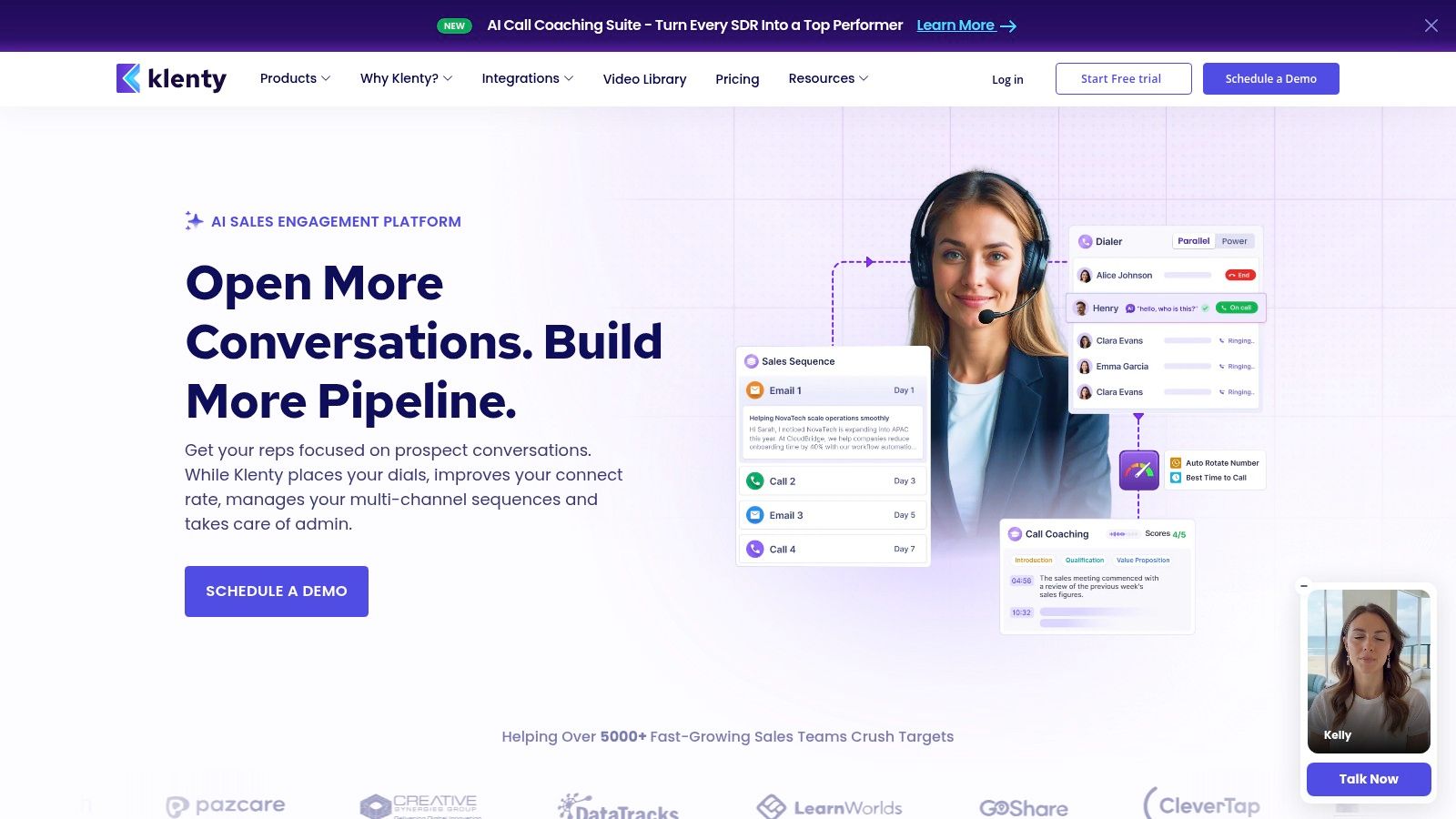
Klenty is a better fit for structured SDR teams than for scrappy experimental setups.
That’s not a criticism. It’s the point.
Best for process-driven outbound teams
Klenty emphasizes intent-aware playbooks, AI-assisted cadence writing, workflows, and KPI tracking. If your team wants scaffolding, guidance, and tighter process discipline, that’s valuable.
It differs from many lighter instantly.ai alternatives because instead of acting mainly as a sender, Klenty tries to shape rep behavior.
You’ll likely like Klenty if:
Your SDR motion is standardized
Managers want clearer process enforcement
Security and compliance posture matter in the buying process
You may like it less if:
You prioritize low-cost scale over process depth
You want maximum flexibility for experimentation
You mainly need high-volume email and little else
Klenty works best for teams that don’t just want software to execute tasks. They want software that reinforces a selling system.
Top 10 Instantly.ai Alternatives: Features & Pricing
Product | Core focus & key features | Best for | Unique selling points | Pricing signal |
|---|---|---|---|---|
Stamina (Recommended) | AI-powered unified revenue platform; Zara AI SDR; 500M+ contacts & 50M+ companies; CRM, dialer, workflows | Growing SMBs, small SDR teams, agencies running multiple client campaigns | Built-in AI SDR + dedicated GTM engineer; multi-tenant / white-label; consolidated data → end-to-end outbound to close | Custom pricing via demo; positioned as replacement for multiple tools (cost/ops efficiency) |
lemlist | Multichannel engagement (email, LinkedIn, calls); AI personalization; 600M+ database | Teams evolving beyond email; SMBs seeking unified multichannel UI | Included enrichment per user; modern UX; deliverability hub | Per-seat pricing; add-ons can raise total cost |
Smartlead.ai | High-volume cold email platform; mailbox/domain rotation; warm-up & deliverability | Agencies & ops managing dozens–hundreds of inboxes | Scales inbox/domain rotation; optional private infrastructure (SmartSenders) | Modular pricing built from components; totals vary by setup |
Saleshandy | Deliverability-first outreach; automated warm-up, health checks; unified inbox & simple CRM | SMBs and new SDRs wanting low-friction start | Low learning curve; strong deliverability defaults; unified replies | Transparent plan tiers; per-user limits and active prospect caps |
Woodpecker | Cold email with deliverability focus; condition-based campaigns; free warm-up | SMBs wanting predictable, usage-based costs | Pay-for-contacts model (no per-seat fees); unlimited team members/accounts; deliverability controls | Usage-based pricing (contacted prospects); predictable as volume varies |
Mailshake | Approachable outreach: email sequences, LinkedIn steps, browser dialer | SMBs and agencies needing simple onboarding and proven playbooks | Straightforward plans and docs; built-in dialer; agency billing support | Per-user billing; pay-up-front model; add-ons available |
Reply.io | Multichannel (email, LinkedIn, SMS, calls); AI SDR for content drafting | Teams requiring broad engagement stack and AI-assisted outreach | Flexible active-contacts slider; robust analytics and channel mix | Per-user plans; channel/account add-ons can increase cost |
SmartReach.io | No per-seat pricing; unlimited sending with rotation; agency dashboard | Agencies and teams scaling headcount without per-user fees | Predictable spend as headcount grows; operational guardrails & safety settings | No per-seat; plan detail exploration required for totals |
Snov.io | B2B data (finder) + verification + drip outreach; Unibox inbox | Teams that want lead sourcing and sending from one vendor | Credits flexible between search & verification; unlimited follow-ups on some plans | Credit-based model; plan limits require planning |
Klenty | Sales engagement with intent-aware playbooks; AI cadence writer; compliance features | SDR teams needing process scaffolding; regulated SMBs | AI "Kai" cadence writer; playbooks & KPI tracking; SOC 2 / GDPR | Per-user pricing; add-ons for advanced dialer/AI features |
Beyond the Tool Choose Your Growth Engine
A team usually decides to leave Instantly after the same week keeps repeating. Reps are sending from one tool, leads live in another, replies need manual routing, and nobody fully trusts reporting. At that point, this stops being a software comparison. It becomes a decision about how your outbound system should run.
The useful way to evaluate instantly.ai alternatives is by operating constraint.
Teams that mainly need sending capacity and inbox rotation should stay focused on infrastructure-first tools. Smartlead.ai, Woodpecker, and Saleshandy fit that job well if the priority is launch speed, deliverability controls, and keeping high-volume email running without a lot of process overhead.
Teams that need a broader rep workflow should look at lemlist, Mailshake, Reply.io, and Klenty. Those platforms make more sense when email is no longer enough, but the business still needs a setup an SMB team can manage without a long rollout or heavy admin work.
Enterprise buyers often move in a different direction. They care more about data coverage, buying signals, governance, and how outreach connects to the rest of the revenue stack. That is why tools in the ZoomInfo category come up in larger evaluations. Sparkle’s comparison of ZoomInfo and Instantly alternatives notes entry pricing that already places it in an enterprise budget range, which is usually enough to tell SMB teams to keep looking.
For smaller teams, the bigger risk is tool fragmentation. Trembi’s analysis of Instantly alternatives makes that point clearly. As outbound grows, disconnected prospecting, sequencing, and CRM workflows create more cleanup work, slower handoffs, and weaker reporting.
That leads to three practical buying paths:
Choose Stamina if the main problem is tool sprawl across prospecting, outreach, pipeline, and team coordination.
Choose Smartlead.ai if the main problem is outbound email scale and account infrastructure.
Choose lemlist if the main problem is adding multichannel outreach without making the stack harder to manage.
A clean migration matters more than teams expect.
Audit what deserves to survive: Weak sequences should not get copied into a new platform.
Rebuild list rules before imports: Bad segmentation follows you into the new tool and hurts results fast.
Move one motion first: Start with one campaign, one rep pod, or one client segment.
Assign clear ownership: Decide who owns deliverability, CRM sync, list hygiene, and sequence quality.
Prepare day-one assets: Have replacement templates, sending rules, and reporting views ready before the switch.
I also recommend mapping the tool to the company stage, not just the feature list. SMBs usually need fast setup, reasonable admin load, and enough visibility to keep reps aligned. Agencies need client separation, repeatable workflows, and pricing that does not break every time headcount changes. Enterprises need controls, approvals, data depth, and cleaner integration with the rest of the GTM stack. That is the angle that matters here. This guide is not just a ranked list. It is a way to sort tools by who they best fit.
One practical step after switching is to rebuild your first campaigns immediately, not a month later. Keep the templates simple:
Cold email opener: “Saw your team is hiring SDRs. Usually that means pipeline targets are rising faster than rep capacity. Worth comparing how you’re sourcing and sequencing outbound today?”
Agency reactivation: “We already have the account list. Next step is rebuilding the outreach motion inside the new platform and getting one campaign live this week.”
SMB follow-up: “You do not need a bigger stack right now. You need one workflow your team will use every day.”
Choose the platform that fits the bottleneck you will have in six months, not the setup that feels familiar today.
If your team has outgrown disconnected prospecting, sequencing, and CRM tools, Stamina is worth a serious look. It is built for SMBs, agencies, and revenue teams that want one place to find the right accounts, launch personalized outbound, manage pipeline, and keep sales and marketing working from the same system.

