
If you're running an SMB sales or marketing team right now, your lead gen probably looks familiar. Your CRM has duplicate records, half-filled fields, old contacts, and notes spread across inboxes, spreadsheets, and browser tabs. Someone on the team wants to "add AI," but nobody wants to spend months cleaning data before seeing a single meeting booked.
That's the wrong starting point.
The practical version of how to use ai for lead generation isn't "fix everything first, then automate." It's this: identify the minimum data you trust, connect the channels where buyer intent already shows up, and let AI help you enrich and clean records while work is happening. That approach matters for SMBs because 68% of SMBs report poor data quality as the top AI adoption barrier, and that leads to 40% lower lead conversion rates due to inaccurate scoring, according to Leadspicker's practical guide to AI lead generation.
A messy CRM is a constraint. It isn't a veto.
The teams that get value early usually do three things well. They narrow the use case, they define what a good lead looks like in operational terms, and they keep sales, marketing, and CRM activity inside one working system instead of stitching together five disconnected tools. That's where a unified platform changes the game. You don't need perfect data. You need enough structure to make smart decisions and enough discipline to improve the data every week.
Laying the Groundwork for AI Success
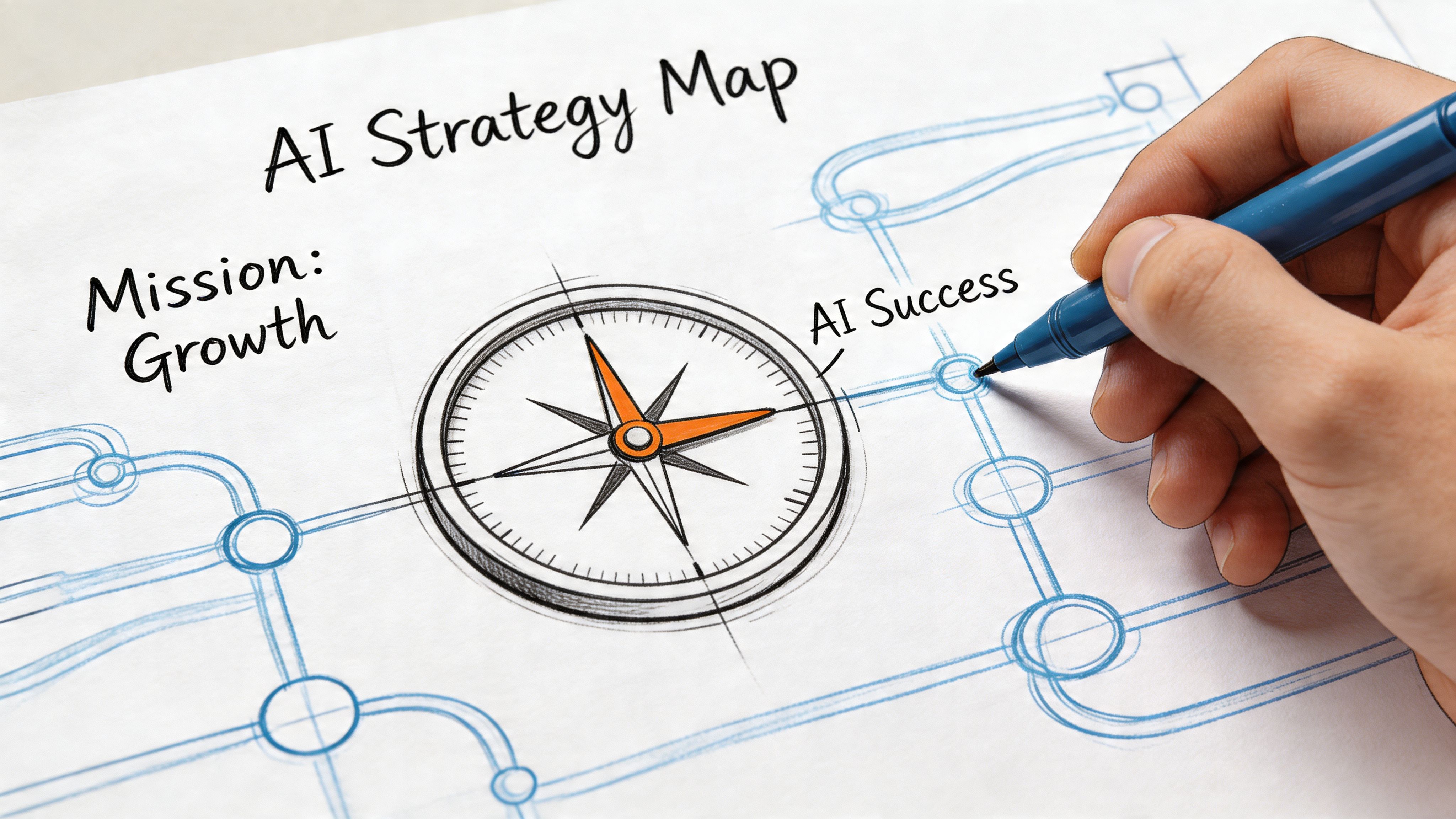
Messy data frustrates teams because it hides the obvious next step. Most SMBs don't need a full database project to start using AI. They need a working source of truth for the signals that matter right now.
Start with data minimalism
Data minimalism means you stop trying to centralize every historical detail before launch. Instead, you unify a small set of inputs that can support prospecting, scoring, and follow-up today.
For most SMBs, that set is simple:
Core contacts: your current CRM contacts, even if they're incomplete.
Website activity: key page visits, form fills, chat interactions, and repeat sessions.
Email engagement: opens, clicks, replies, and unsubscribe behavior.
Basic company context: industry, company size band, role, and source.
Pipeline outcomes: closed won, closed lost, no response, and recycled leads.
That doesn't sound glamorous, but it's enough to begin training rules and workflows.
Practical rule: Don't wait for "clean data." Start with data you can explain, trust, and update inside your daily process.
This is also where strategy matters more than tooling. If you haven't aligned your ICP, messaging, and route-to-market, AI will only speed up confusion. A useful framework is to define your targeting around the same decisions you'd make in a go-to-market plan, then operationalize it inside the system. If your team needs that foundation, review how to create a go-to-market strategy before you automate outreach.
Define an ICP that AI can act on
Most SMB ICPs are too static. They say things like "B2B SaaS, 11 to 200 employees, VP or Director." That may help a list vendor. It doesn't give an AI enough signal to prioritize outreach.
A practical ICP for AI lead generation includes three layers.
ICP layer | What to define | Example of useful signal |
|---|---|---|
Company fit | Industry, size, business model, geography, sales motion | SaaS company selling to other businesses |
Buyer fit | Role, team, likely pain, decision influence | Head of Marketing who owns pipeline targets |
Trigger fit | Behaviors or events that suggest urgency | Repeat pricing-page visits, hiring, new initiative, content engagement |
The third layer is where AI becomes useful. Firmographics tell you who might fit. Triggers tell you who might care now.
If your CRM is messy, build your first ICP around fields and events you can capture. Don't define an ideal customer using data you never collect. That's how teams create a scoring model nobody trusts.
Choose a small number of mission-critical events
AI lead gen works better when you tell it what counts as a meaningful signal. SMBs often flood the system with weak activity and then wonder why the output feels noisy.
Start with a short event list:
High-intent website behavior such as pricing, demo, integration, or case study visits.
Repeat engagement from the same company or contact in a short window.
Inbound conversion events like form submissions or chat starts.
Sales engagement signals such as replies, positive interest, or forwarded emails.
Everything else can stay in the background at first.
If every click is treated like intent, AI won't sharpen your pipeline. It will just automate distraction.
Consolidate before you optimize
A lot of teams jump into AI copy generation first because it's visible. The stronger move is to consolidate records and signals so your outreach has context. AI can't personalize well if one tool knows the lead visited pricing, another knows they replied to an email, and the CRM still shows them as cold.
A unified setup lets you answer basic but important questions fast:
Is this person already in an active sequence?
Did someone from the same account visit the site recently?
Has sales already contacted them?
Did marketing send a nurture email this week?
Is this lead worth routing now?
Those questions are operational, not theoretical. If your team can't answer them quickly, your problem isn't lack of AI. It's system fragmentation.
Build a live cleanup process
The best SMB AI implementations don't start with a giant cleanup. They start with a live cleanup habit.
That means each new lead or engaged account gets improved as it moves through the funnel. Missing job title? Enrich it when the lead enters outreach. Duplicate company? Merge it when routing. Unknown source? Map it when the record hits nurture. Cleaning happens in the workflow, not in a separate project that never ends.
This is the part most idealized guides miss. They assume enterprise-grade data governance. SMBs need something more practical. Use AI to collect, enrich, and normalize as leads are generated, so the database gets better while pipeline moves.
Configuring Your AI Sales Development Representative
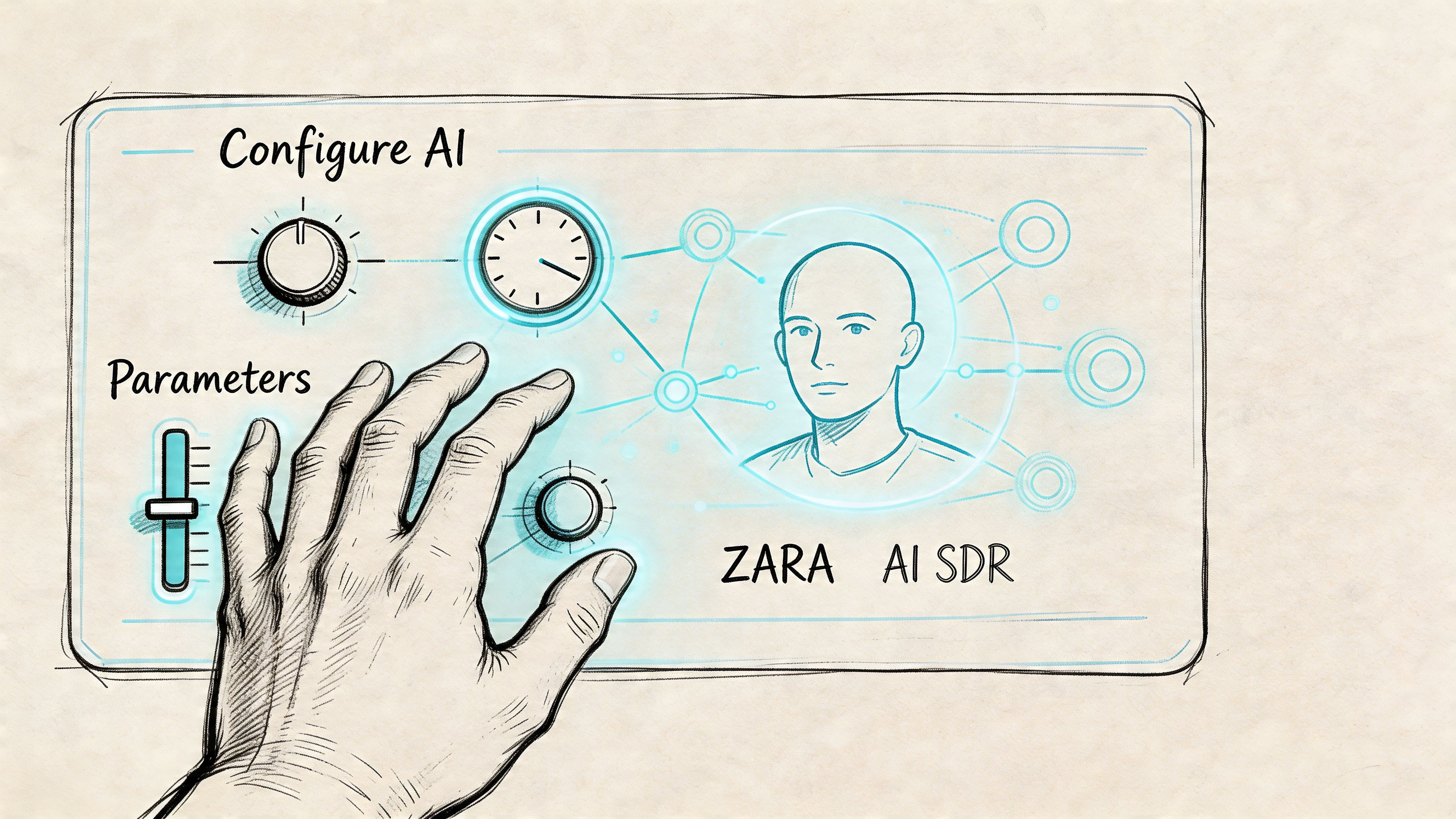
An AI SDR isn't magic. It's a system that follows instructions, applies scoring logic, researches contacts, and executes tasks at scale. If you configure it like a vague assistant, you'll get vague output. If you configure it like a sales hire with a territory, a playbook, and clear qualification rules, it becomes useful.
Give the AI a territory and a job
Most failed setups start too broad. "Find leads for our company" isn't a usable instruction. A better prompt defines market, persona, exclusions, and goal.
A clean first configuration includes:
Target account type: who the AI should look for
Target personas: who to contact inside those accounts
Exclusions: customers, competitors, bad-fit industries, existing open opportunities
Primary CTA: book a demo, request a reply, route to nurture, or hand off to sales
Operating boundaries: channels allowed, tone, send windows, and human approval rules
For example, your first campaign might instruct the AI SDR to look for marketing leaders at B2B software companies, ignore existing opportunities, prioritize accounts with recent site activity, and send a short email sequence aimed at booking a discovery call.
That's specific enough to audit and improve.
If you want a refresher on the human role you're modeling, Stamina's breakdown of what an SDR does in sales is useful context before you automate the function.
Configure lead scoring before writing sequences
This is the part many teams skip. They start with email generation, then realize later that they automated outreach to the wrong people.
According to Monday.com's guide to AI sales lead generation, AI models can achieve 70-85% qualification accuracy, compared with 30-40% for manual efforts, when they're trained on historical deal data to recognize high-intent signals and patterns. That matters because your AI SDR needs a ranking system, not just a contact list.
Use your recent closed deals and lost deals to define the first scoring model. Keep it simple:
Fit factors: industry, company type, role relevance
Behavior factors: repeat visits, email engagement, form fills
Disqualifiers: student emails, irrelevant geographies, existing customer status
Recency: newer engagement should matter more than stale activity
You don't need a perfect model on day one. You need one that sales can sanity-check.
Build score bands that trigger action
A practical AI SDR setup uses score bands, not one giant number nobody understands.
Score band | Meaning | Action |
|---|---|---|
High fit and high intent | Sales-ready | Route to immediate outreach or rep review |
High fit and low intent | Good account, not ready | Add to nurture or light outbound |
Low fit and high intent | Investigate | Check manually before pushing hard |
Low fit and low intent | Ignore for now | Keep out of active sales motion |
That structure keeps your team from overreacting to single events. One blog visit from a bad-fit contact shouldn't trigger an aggressive sequence. Three meaningful signals from a target account probably should.
Set the first tasks like a RevOps operator
The best early tasks are constrained and measurable. They tell the AI what to find, what to ignore, and what outcome counts.
Here are better first tasks than "go prospect":
Find target accounts with recent engagement
Search for companies that match your ICP and have shown recent website or content activity.Research named contacts inside those accounts
Pull role, company context, and relevant public signals that can support personalized outreach.Prioritize leads by score and recency
Push the highest-confidence records into an active queue for follow-up.Launch one sequence with one CTA
Don't test three offers at once. Pick one ask and learn from the replies.
A lot of teams also need help thinking through the broader staffing question around AI. If you're trying to map responsibilities across prospecting, messaging, workflows, and data ops, this guide on how to build a complete AI-powered marketing team gives useful context for where AI can support human roles without replacing ownership.
After you've defined the rules, it's worth seeing a setup flow in action:
Use one platform if your team is small
SMBs usually lose momentum when prospecting, sequencing, and CRM updates live in separate systems. One tool enriches contacts, another sends emails, a third stores notes, and none of them agree on lead status.
That's where a unified platform can save a lot of operational drag. Stamina combines marketing, sales engagement, CRM, and an AI SDR called Zara in one system, so teams can identify prospects, enrich records, launch outreach, and manage handoff without stitching data back together after the fact. For a small RevOps function, that setup reduces the number of places where lead context gets lost.
Keep human review in the loop
An AI SDR should handle research, prioritization, and first-pass outreach. It shouldn't run unsupervised for weeks while your team assumes everything is fine.
Review these items early and often:
Top scored leads: do they look right?
Excluded leads: did the model throw out good opportunities?
Outbound copy: does it sound credible for your market?
Replies: are positive signals being classified correctly?
Routing: are good leads reaching the right person fast?
Treat your AI SDR like a junior rep with excellent stamina and inconsistent judgment. It needs direction, examples, and inspection.
Automating Personalized Outreach That Converts
Most automated outreach fails for a simple reason. It saves time for the sender while creating work for the buyer. The email asks the prospect to figure out relevance on their own.
AI should do the opposite. It should reduce the work required for the buyer to understand why you're reaching out, why now, and why it's worth replying.
Personalization starts before the first sentence
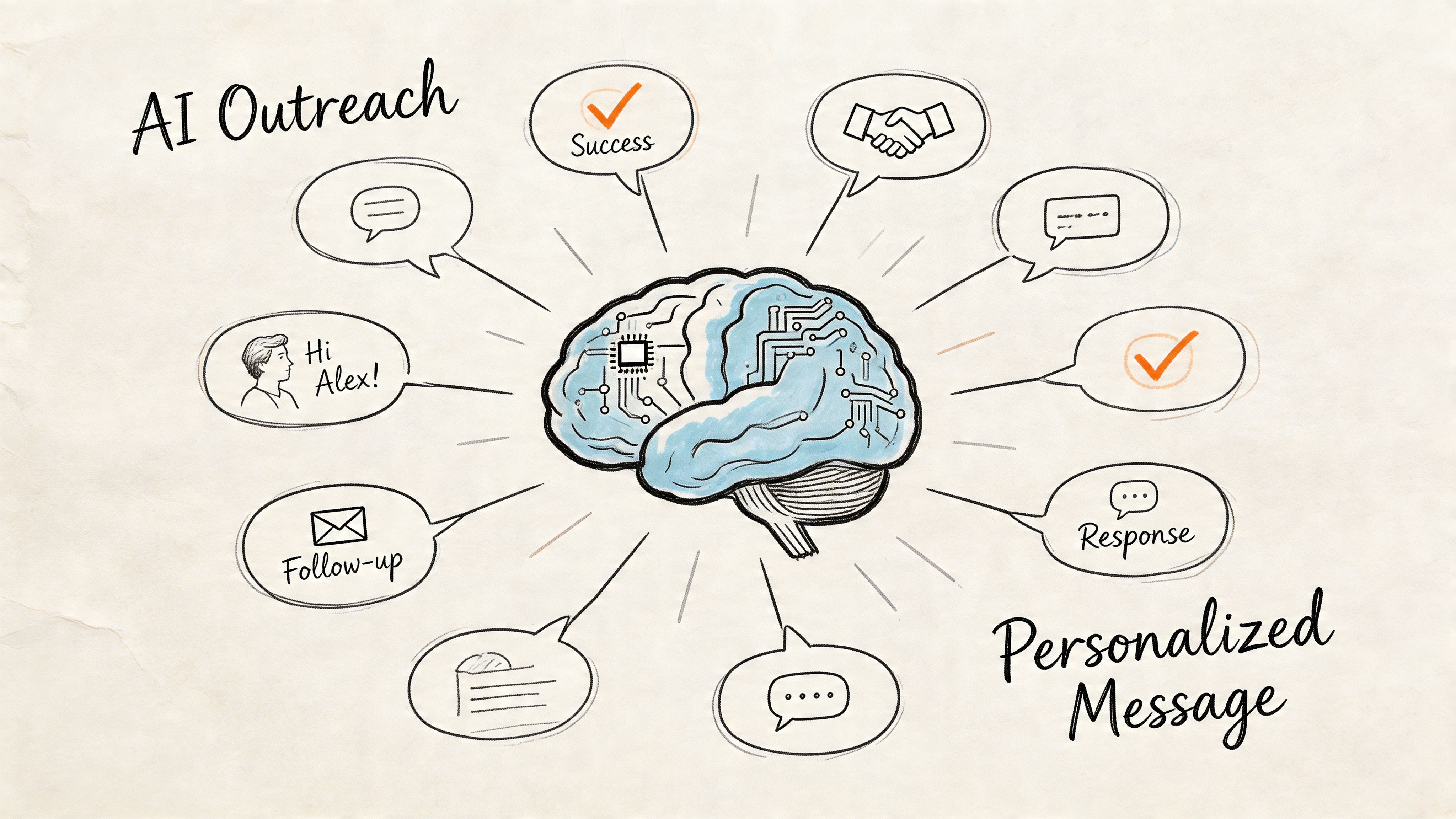
Generic mail merge isn't personalization. Swapping in a first name and company name doesn't prove anything. Strong AI outreach uses context blocks that are tied to a real signal or likely problem.
That context usually comes from one of four places:
Role context: what the person is responsible for
Company context: what kind of business they run
Behavior context: what they recently engaged with
Trigger context: what changed that makes your message timely
A weak first line says, "I came across your company and wanted to reach out."
A stronger first line says, "Noticed your team has been publishing heavily around pipeline growth. That's usually when handoff friction between marketing and sales becomes more visible."
The second version gives the buyer something to react to.
Speed matters more than most teams think
When a lead shows intent, delay kills quality. According to Verse.ai's speed-to-lead statistics, leads are 100x more likely to qualify if contacted within 5 minutes versus 30, and AI-driven personalization in email nurturing has achieved 82% higher conversion rates. Those two ideas belong together. Fast outreach without relevance feels robotic. Personalization without speed arrives after the moment has passed.
For SMBs, the practical takeaway is clear. Use AI for the first response layer, especially for web inquiries, chatbot conversations, and repeat intent signals that happen outside business hours.
If you're evaluating conversational workflows as part of that response layer, this breakdown of a lead generation chatbot is a helpful companion because it shows how chat can qualify and route prospects before a rep steps in.
Build sequences around one buying conversation
A lot of teams overcomplicate sequences. They write five emails that each pitch something different. That doesn't feel thoughtful. It feels unfocused.
A better structure is one conversation with multiple angles:
Message | Job of the touch | Example angle |
|---|---|---|
Email 1 | Establish relevance | Why you're reaching out now |
Email 2 | Deepen the pain | Common bottleneck for this role |
Email 3 | Offer proof or specificity | How teams usually solve it |
Email 4 | Lower the friction | Easy reply or low-commitment CTA |
The AI can generate variants, but the sequence still needs one consistent narrative. If the first email is about lead routing and the second suddenly pivots to content production, you'll lose the thread.
Use dynamic snippets, not bloated paragraphs
The best AI-personalized emails are often shorter than human-written ones. The trick is using one or two precise details that show relevance.
Useful dynamic snippets include:
Role-specific pain: "Many RevOps leaders hit friction when lead status definitions drift."
Company event: "Your recent hiring suggests the team is expanding pipeline coverage."
Behavior reference: "Someone from your team revisited pricing and integration pages."
Peer context: "Teams moving from point tools often struggle with duplicate outreach."
Bad snippets sound scraped. Good snippets sound observed.
A prospect doesn't need your AI to sound impressive. They need it to sound informed.
Keep the CTA small
One reason automated outreach underperforms is oversized asks. Asking a cold prospect to "book 45 minutes with our team" creates too much friction. Your first CTA should match the temperature of the lead.
For colder leads, use lighter asks:
Interest check: worth a short conversation?
Relevance check: should I send details?
Routing check: are you the right owner for this?
Timing check: open to revisiting this later?
For warmer leads, especially those with inbound or behavioral intent, it makes sense to ask for a meeting sooner.
If your team needs help tightening this part of the message, Stamina's guide to copywriting for email is a solid reference for writing cleaner, lower-friction outreach.
What works and what doesn't
Here is the practical difference I see most often.
What works
Signal-based outreach: the message references a real behavior or business context.
Short sequences: each touch has a distinct purpose.
Tight CTAs: the ask matches the lead's level of intent.
Variant testing: subject lines, opening angles, and CTA phrasing are tested in small batches.
What doesn't
Fake personalization: generic compliments and empty references.
Long first emails: too much explanation before relevance is established.
Multiple offers at once: demos, whitepapers, audits, and webinars in one thread.
No suppression logic: contacting people who are already in another motion.
If you want AI outreach to convert, don't ask it to be clever. Ask it to be precise, timely, and useful.
Activating Warm Prospecting and CRM Integration
Cold outbound gets most of the attention, but the best AI lead gen programs don't rely on cold lists alone. They watch for warm signals and move on them fast.
Warm prospecting starts when you stop treating website traffic, social engagement, and email behavior as separate reports. Those are buying signals. When they're connected to accounts and contacts inside your CRM, outreach becomes more like a response than an interruption.
Warm leads are already telling you what matters
A target account that visits your pricing page, reads a case study, clicks a nurture email, and comes back two days later is not the same as a list-sourced contact who has never heard of you. Yet a lot of SMB systems treat them almost the same because the data sits in separate tools.
AI changes that when it can listen across channels and identify patterns worth acting on. Instead of waiting for a form fill, you can prioritize accounts that are showing interest through behavior.
The strongest warm prospecting setups usually react to combinations like these:
Repeat website visits from the same account
High-intent content engagement tied to a target persona
Social activity that matches your ICP or message themes
Reopened email threads or renewed campaign engagement
The point isn't to chase every click. The point is to distinguish browsing from buying behavior.
Route by intent, not by form fills alone
Many SMBs still route leads mainly by source. Demo request goes to sales. Newsletter signup goes to nurture. Everything else sits.
That logic misses real opportunity.
If someone from a target account shows repeated high-intent behavior, that account may deserve immediate outreach even without a formal conversion event. AI can watch for those patterns and trigger the right motion:
add or update the contact record
associate activity to the company
raise the lead score or account priority
assign the right owner
launch a relevant follow-up
That process is what turns anonymous interest into a workable pipeline.
Teams miss warm demand when website data lives in analytics, email data lives in marketing automation, and sales only looks at the CRM.
CRM integration is where good intent dies or compounds
Most AI lead gen problems aren't really lead gen problems. They're handoff problems.
If outreach activity, lead status, notes, and ownership don't update cleanly in the CRM, your team will duplicate work, miss timing, and lose trust in the system. Good integration fixes that by making the CRM the operational record, not a lagging archive.
A practical CRM-integrated workflow should do a few things automatically:
Workflow need | What should happen |
|---|---|
New lead detected | Create or enrich the contact and company record |
Outreach launched | Log the sequence, owner, and timestamps |
Positive response received | Update status and notify the rep |
Sales-ready threshold reached | Route to the correct human owner |
No engagement over time | recycle to nurture or suppress temporarily |
This is why CRM hygiene matters even if you're taking a minimal approach. Your CRM doesn't need to be perfect, but it does need to be current enough to stop collisions between sales and marketing. If your team is revisiting that process, these CRM best practices are a useful baseline.
Treat warm prospecting like a dialogue
Traditional outbound is a monologue. You send messages on a schedule and hope something lands.
Warm prospecting is different. The buyer does something. Your system notices. Your outreach reflects that context. The next action depends on what the buyer does next.
That feedback loop is where AI earns its keep. Not by blasting more messages, but by making timing and relevance operational. When a lead moves from passive browsing to active evaluation, your team shouldn't discover that a week later in a dashboard review. The system should respond while the interest is still live.
Measuring Performance and Scaling Your Engine
Once AI starts generating activity, the temptation is to celebrate volume. More leads, more contacts, more outbound, more records. Volume matters, but it can hide a weak engine.
What matters more is whether the system is creating qualified movement. Are you producing cleaner handoffs, faster follow-up, better replies, and more pipeline efficiency? That's where the business case gets real.
According to Amra & Elma's roundup of AI lead generation statistics, companies using AI-powered lead generation platforms see a 67.4% average increase in monthly lead volume, a 41% reduction in unqualified leads, and a 27.6% lower average cost per lead. The point isn't just that AI brings in more names. It improves pipeline efficiency when the system is configured well.
Track the KPIs that show buying progress
If you only measure leads created, you'll optimize for quantity. SMBs need a tighter operating view.
Here are the core metrics worth reviewing consistently:
Metric | What It Measures | Good Benchmark (SMB SaaS) |
|---|---|---|
Positive reply rate | Whether messaging and targeting feel relevant | Directionally improving over time |
Meeting booking rate | Whether replies turn into real sales conversations | Stable or rising with scale |
Lead-to-pipeline conversion | Whether qualified leads become genuine pipeline | Higher is better than raw lead volume |
Speed to first response | How quickly your system engages intent | Faster is better |
Sales acceptance rate | Whether reps trust the leads being routed | High and improving |
Unqualified lead rate | How much noise enters the funnel | Lower over time |
Lead velocity rate | Whether pipeline creation is accelerating | Trending upward with healthy quality |
Cost per lead | Efficiency of acquisition and qualification | Lower without quality erosion |
Notice what's missing. Open rates, click rates, and raw prospect counts aren't primary KPIs here. They can help diagnose issues, but they don't prove the engine is healthy.
Read the metrics in combination
One metric rarely tells the truth on its own.
If lead volume rises but sales acceptance falls, your targeting or scoring is drifting. If reply rates look fine but meetings stay flat, your CTA or routing process is probably weak. If meetings rise but pipeline quality drops, you may be creating conversations with the wrong personas.
The right question isn't "Did AI work?" It's "Where in the chain did output improve or break?"
A simple interpretation model helps:
High replies, low meetings usually points to messaging that attracts interest but doesn't convert it into a clear next step.
High meetings, low pipeline often means qualification thresholds are too loose.
Low replies, strong fit usually means your opening angle or timing is off.
Good lead scores, low sales acceptance means sales doesn't trust the logic or the data behind it.
Operational check: If sales keeps overriding the AI score, don't defend the model. Audit the inputs.
Common scaling mistakes
The first win with AI often creates the next problem. Teams see early traction, then expand too quickly and break the operating model.
These are the mistakes I see most often.
Expanding channels too fast
Keep one channel and one core motion working before adding more complexity.Over-automating handoff
Sales-ready doesn't mean human-free. A rep still needs context, ownership, and timing.Letting stale logic run
ICPs change. Messaging changes. Product positioning changes. Your AI instructions need updates too.Ignoring suppression rules
Outreach quality collapses when current customers, open opportunities, and active prospects all get the same sequence.Treating AI like a campaign instead of a system
This is not a one-time launch. It needs review, tuning, and governance.
Scale by tightening loops, not by adding noise
The healthiest AI lead gen engines scale in layers.
First, they prove one ICP and one motion. Then they add adjacent personas. Then a second trigger type. Then another channel. Every expansion comes after the team can explain what worked in the previous layer.
Use that same discipline for your feedback loop:
Review outcomes weekly
Look at replies, meetings, accepted leads, and obvious misfires.Refine the score model
Add or remove signals based on actual conversion behavior.Improve messaging with real objections
Use replies and call notes to sharpen sequences.Tighten routing and ownership
Make sure handoffs happen fast and cleanly.Audit data quality in the workflow
Fix repeated field issues where they occur, not in a later cleanup backlog.
This is how AI becomes a growth engine instead of a shiny experiment. It learns from your operating reality.
What success looks like for an SMB team
A good SMB implementation doesn't look like full autonomy. It looks like controlled use.
Marketing captures and nurtures intent. AI research and scoring help surface the right people and accounts. Outreach happens quickly with enough context to feel relevant. The CRM records activity without forcing reps to do clerical work. Sales steps in where human judgment matters most.
That model is realistic. It also compounds.
When teams keep the system unified, inspect quality early, and treat messy data as something to improve during execution, AI starts doing what SMB leaders need from it. Not replacing people. Increasing the amount of good work the team can do each day without losing control.
If you want to put this into practice without juggling separate tools for prospecting, outreach, nurturing, and CRM updates, Stamina is built for that operating model. It gives SMB teams one place to manage demand generation, sales engagement, CRM activity, and AI-assisted workflows so you can start with quick wins, clean data as you go, and turn lead gen into a system your team can run.

