
It usually starts the same way. A rep uses ChatGPT to draft prospecting emails, another relies on call summaries, sales ops tests AI lead scoring, and the CRM still ends up half-complete. Activity goes up. Clarity does not.
That is why so much advice about how to use AI in sales falls apart in practice. SMB teams do not need a pile of disconnected tools. They need a clear sequence for adoption. Start with the sales bottleneck that is costing qualified meetings or slowing deals, then add AI in a way that fits the existing workflow, keeps CRM handoffs clean, and makes performance easy to measure.
I have seen teams get value from AI quickly, but only when they treat it like a process decision, not a shopping exercise. Random experimentation creates more admin, more tabs, and more inconsistency. A focused rollout can improve response speed, research quality, follow-up discipline, and manager visibility without forcing reps to rebuild how they sell.
The trade-off is straightforward. AI can save time and tighten execution, but it also creates noise if every rep uses a different prompt, a different tool, and a different standard for what good looks like. That is why the right starting point is not "Which AI tool should we buy?" It is knowing where your sales motion breaks today, then choosing tools and workflows that fix that specific problem first.
If your team has not done that work yet, start with a quick sales process optimization review before you buy anything. It will save budget, reduce tool sprawl, and give you a cleaner path to ROI.
Start by Identifying Your Highest-Impact Sales Bottlenecks
A rep has a full day of activity, plenty of emails sent, a few decent conversations, and almost nothing advances. That usually points to a process problem, not a tool problem.
For SMB teams, the first job is diagnosis. If the primary issue is weak lead quality, AI-written emails will not fix it. If the issue is slow follow-up, better prospect data will not fix it either. Good AI rollouts start by finding the one sales constraint that is reducing qualified meetings, slowing pipeline movement, or making forecast quality unreliable.
Audit the sales motion before you buy anything
Run a short audit on the last 20 to 30 real opportunities. Include wins, losses, and deals that stalled. Look at first response time, account research quality, follow-up consistency, next-step discipline, and CRM completeness.
One pattern usually shows up fast.
Lead quality is poor: reps spend selling time on accounts that were never likely to buy.
Research takes too long: outbound depends on manual digging, so message quality drops when calendars fill up.
Follow-up is inconsistent: solid calls happen, but the next step arrives late or not at all.
CRM hygiene is weak: managers cannot trust stage movement, activity history, or pipeline notes enough to coach from it.
If your team is debating where the problem sits, check where deals lose momentum in the first two weeks. That tends to expose the bottleneck faster than a long internal discussion.
Practical rule: Prioritize the bottleneck that hurts qualified meetings or pipeline quality first. Do not start with the problem that is merely annoying.
Pick one use case that compounds
The best first AI project is rarely the flashiest one. It is the one that removes repeat friction from a critical step in the sales motion and gives managers a clean way to measure improvement.
In practice, two starting points work well for SMB teams.
If reps are spending too much time sorting bad-fit accounts, start with lead prioritization. If your team is also exploring prospecting data inputs, it helps to understand how AI email finders work so you can separate contact discovery from actual qualification. Those are different jobs, and teams often blur them.
If reps already have enough target accounts but struggle to turn research into relevant outreach, start with personalized messaging support. AI can draft a first pass, suggest role-specific angles, and summarize account context. Reps still need to check accuracy and sharpen the message. That review step is where a lot of teams cut corners and lose trust.
What good prioritization looks like
Use this filter before approving any AI project:
Question | If yes | If no |
|---|---|---|
Does this bottleneck affect demo volume or pipeline quality? | Prioritize it | Defer it |
Do reps feel the pain every week? | Adoption is easier | Expect uneven usage |
Can CRM capture before-and-after changes? | ROI is measurable | You will argue from anecdotes |
Does solving it reduce manual work and improve execution quality? | Strong first AI project | Weak starting point |
A project that checks all four boxes usually earns adoption faster and produces cleaner evidence of value.
For teams that have not done this diagnostic work before, a quick sales process optimization review helps separate a broken workflow from a missing tool. That distinction matters. AI improves an operating system that already has clear steps, ownership, and handoffs. It creates more confusion when those basics are still loose.
Select AI Sales Tools That Unify Your Workflow
Once you know the bottleneck, tool selection gets simpler. You're no longer buying “AI for sales.” You're buying a system that removes one specific source of friction without creating three new ones.
That distinction matters. Plenty of point tools can write emails, summarize calls, or enrich contacts. The hard part is getting those outputs into the CRM, into rep workflows, and into manager visibility without constant manual stitching.

Buy for workflow fit, not feature volume
A tool can demo beautifully and still fail in practice. The failure pattern is familiar. Reps generate content in one app, enrich leads in another, log notes somewhere else, and then half the context never makes it back into CRM. Sales ops inherits cleanup. Managers stop trusting reports. Reps fall back to old habits.
Use these questions in every vendor conversation:
Where does the data live after the AI runs? If outputs stay trapped inside the tool, it won't hold.
How does it sync with your CRM? You need activities, lead fields, notes, and ownership changes reflected in the system of record.
Can reps use it inside their current workflow? Extra tabs and copy-paste behavior kill adoption.
What happens when the process changes? Sales motions evolve. Rigid tooling becomes debt.
Who owns the workflow after launch? If nobody can maintain prompts, routing, or field logic, the setup decays.
All-in-one platform versus point solutions
There isn't one right answer for every team. There is a right answer for your level of operational maturity.
Setup | Works well when | Main risk |
|---|---|---|
All-in-one platform | You want CRM, outbound, enrichment, and automation in one operating layer | Less flexibility if you want niche features |
Point solutions | You already have strong ops discipline and clear system ownership | Tool sprawl and sync issues |
For most SMB teams, all-in-one usually wins early because the constraint isn't feature depth. It's execution consistency. A unified platform reduces the number of handoffs between systems and makes it easier to keep sales data current.
That's also why it's worth understanding specialist components before you stack them. If outbound depends on finding and enriching the right contacts, a practical explainer on how AI email finders work helps teams evaluate what enrichment tools are doing behind the scenes, and where they fit into a broader workflow.
Choose tools that support behavior change
A good AI sales tool doesn't just automate tasks. It changes rep behavior in the right direction.
That means it should make timely follow-up easier, improve account prep before meetings, and reduce the amount of selling context that lives only in someone's head. The strongest setups usually combine a CRM, sequencing, lead qualification, and workflow automation in one place or in a tightly integrated stack.
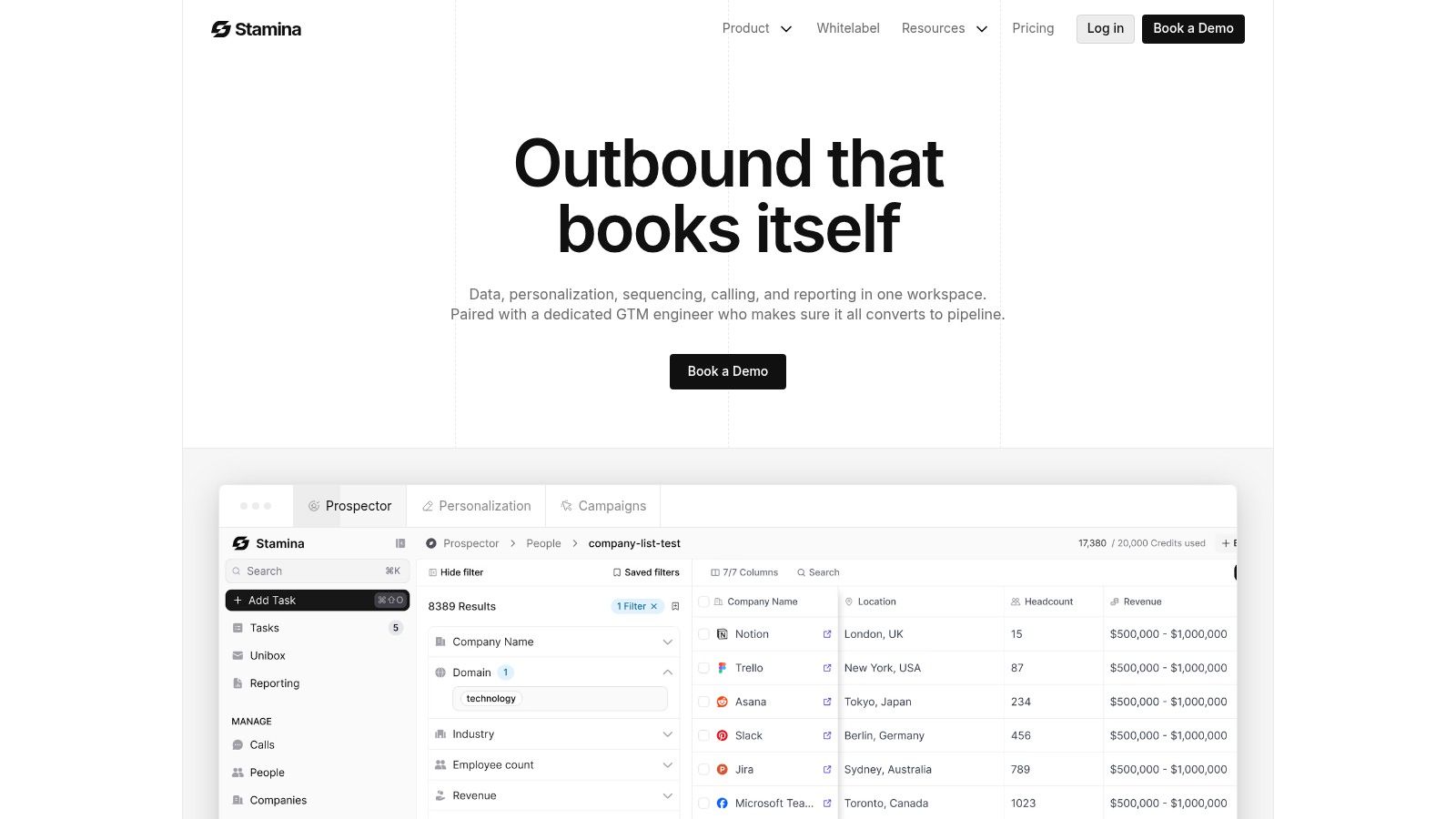
One example is Stamina, which combines CRM, outbound engagement, and AI SDR workflows in a single system so teams can identify, research, and contact accounts without pushing data across disconnected tools. If you're comparing categories, this breakdown of AI sales assistants is a useful frame for evaluating where assistants help and where they just add another layer of interface.
The more often a rep has to re-enter context, the less likely your AI rollout is to stick.
Build Your First AI-Driven Sales Workflows
The first workflow should solve the bottleneck you identified earlier. Not three bottlenecks. One.
Sales operations guidance from CaptivateIQ makes this explicit. Teams should focus on fixing one major bottleneck with AI rather than attempting a broad rollout across all workflows, because that approach avoids operational debt and makes ROI easier to measure (CaptivateIQ on AI in sales operations).
That principle becomes real when you build actual plays.
Workflow one for personalized nurture
Use this when you have inbound leads, event leads, or cold prospects who fit your ICP but aren't ready for a meeting yet.
Set it up in this order:
Define the trigger
New lead created, form filled, webinar attended, or list imported.Map the personalization inputs
Pull industry, company, role, source, and any known pain point into the workflow. If those fields aren't reasonably clean, fix that first.Generate the first-touch draft
Ask AI to draft copy that references the prospect's role and likely priority, not just their company name.Branch by relevance
Send different messaging to a founder, a sales leader, and an operations contact. Same product. Different angle.Write back to CRM
Every email sent, reply received, and task created should be logged automatically.Escalate to a rep on engagement
Once the prospect replies, clicks repeatedly, or books time, the workflow should hand off clearly to a human owner.
This works because AI handles the repetitive drafting and routing while the rep steps in when context matters.
Workflow two for warm prospecting
This is the workflow many SMB teams underuse. Warm signals are easier to act on than cold lists because timing does part of the work for you.
Useful triggers include:
Website visitor activity
Repeat visits to pricing or product pages
Engagement with prior campaigns
Social or buying-intent signals already available in your stack
Here, AI can assemble a lightweight account brief, draft an outreach sequence, and prioritize which warm accounts deserve same-day follow-up. That's much better than asking reps to manually inspect every account that touched the site.
If you're wiring enrichment or data providers into these kinds of automations, a technical walkthrough like how to connect Icypeas and ChatGPT is useful because it shows how external data and generative workflows can work together without forcing reps into manual research.
Keep the workflow narrow enough to survive contact with reality
Early workflows fail when teams add too many exceptions. They want custom branches for every persona, every source, every territory, every segment. Then nobody can debug it.
Start narrower:
Workflow element | First rollout | Later rollout |
|---|---|---|
Personas | One or two priority roles | Expanded role coverage |
Trigger sources | One clean source | Multiple channels |
Messaging branches | A few high-confidence variants | More granular segmentation |
Handoff rules | Simple engagement threshold | Advanced scoring logic |
For teams building more complex automations, this guide to an AI agent workflow is a practical reference for thinking through triggers, actions, and handoffs before the workflow gets too clever for its own good.
Master AI with Effective Prompts and Templates
Most AI sales outputs are mediocre for a simple reason. The prompt is lazy.
Reps type “write a cold email for this prospect,” get bland copy back, and conclude the tool isn't useful. In reality, generative AI needs direction on audience, context, constraints, and desired outcome. When you give it those inputs, the quality improves fast.
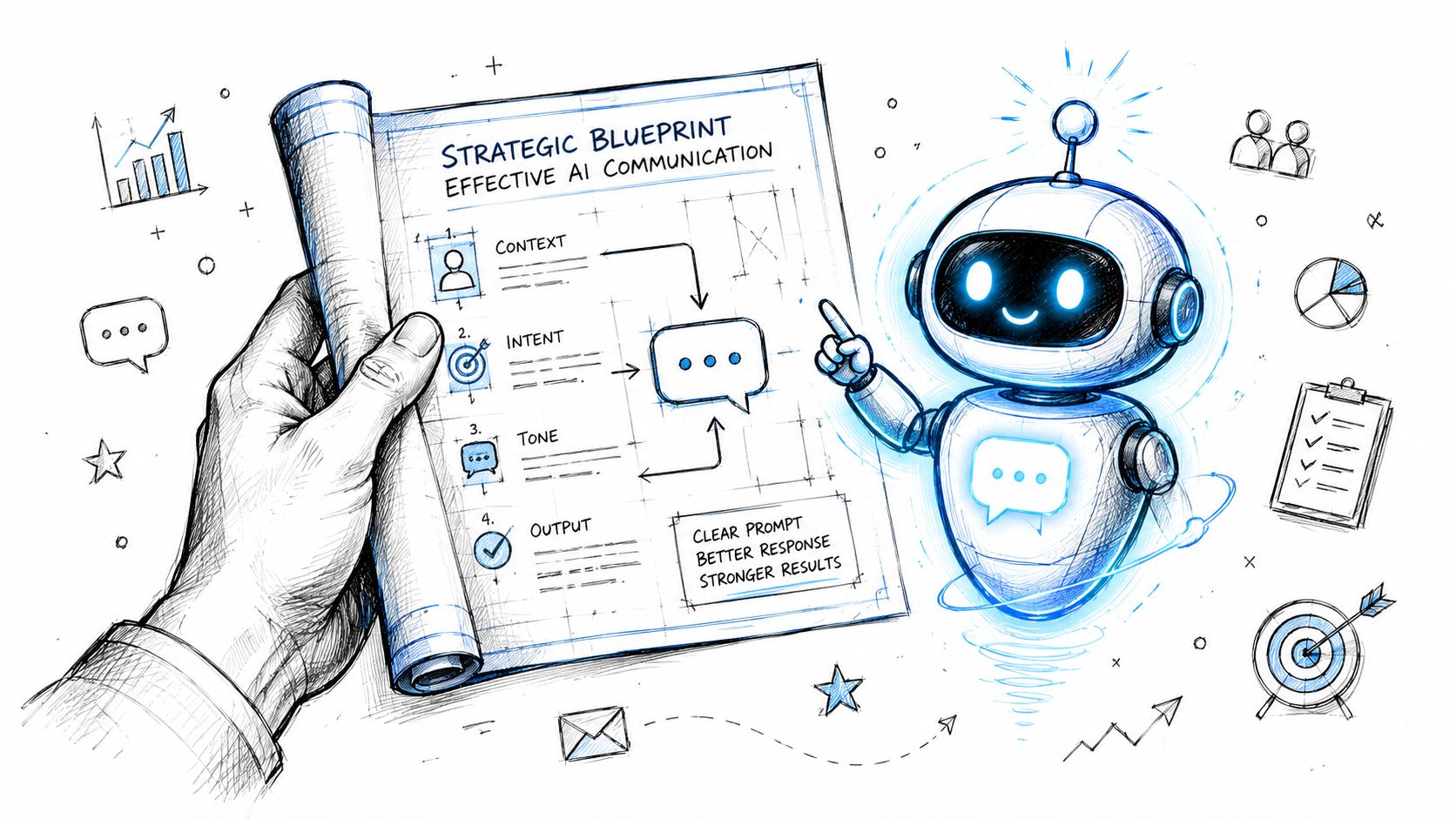
A better way to prompt for sales work
Use this structure:
Who is the buyer
What context should the AI consider
What should the output do
What should it avoid
What tone should it use
That gives reps a reusable framework instead of one-off guessing.
Before and after for cold outreach
A weak prompt:
Write a cold email to a VP of Sales about our platform.
A stronger prompt:
Write a cold email to a VP of Sales at a growing SMB. Use a direct, credible tone. Reference that their team likely struggles with rep follow-up consistency and scattered pipeline data. Keep it short. Avoid hype, generic compliments, and buzzwords. End with a simple ask for a short conversation.
The output from the second prompt is usually more grounded because it tells the model what problem to focus on and what style to avoid.
Here are three templates reps can use immediately.
Prompt for account research
Summarize this target account for outbound prospecting. Identify likely priorities for the sales or revenue leader, likely friction in pipeline management or follow-up, and any signs the company is growing or changing. Return the output in three sections: company context, possible pains, and a suggested outbound angle.
Prompt for opening lines
Generate five opening lines for a cold email to this prospect. Use the company context and role. Keep each line specific and restrained. Do not flatter. Do not invent facts. Focus on relevance.
A strong opening line doesn't try to impress. It proves the sender understands the buyer's situation.
For teams that want more examples to standardize rep output, these sales email templates are useful as a starting point for prompt-plus-template combinations.
After the first draft, use a second-pass prompt.
Rewrite this email to sound more human and less templated. Shorten sentences. Remove filler. Keep the message focused on one problem and one next step.
The second pass is where teams typically get the benefit.
A quick visual walkthrough can help reps internalize this faster:
Prompt for post-call follow-up
Based on this discovery call summary, draft a follow-up email. Recap the buyer's main pain points, confirm the next step, and keep the tone consultative. Do not add any promises or product claims that were not discussed.
Rewrite rule: If the AI adds detail that wasn't in the call, cut it. Accuracy matters more than polish.
Measure AI Performance and Drive Team Adoption
If you only measure time saved, you'll miss whether AI is helping revenue.
Time savings matter, but sales leaders need a tighter read on business impact. The right question is whether AI improves the quality and consistency of activities that move opportunities forward.
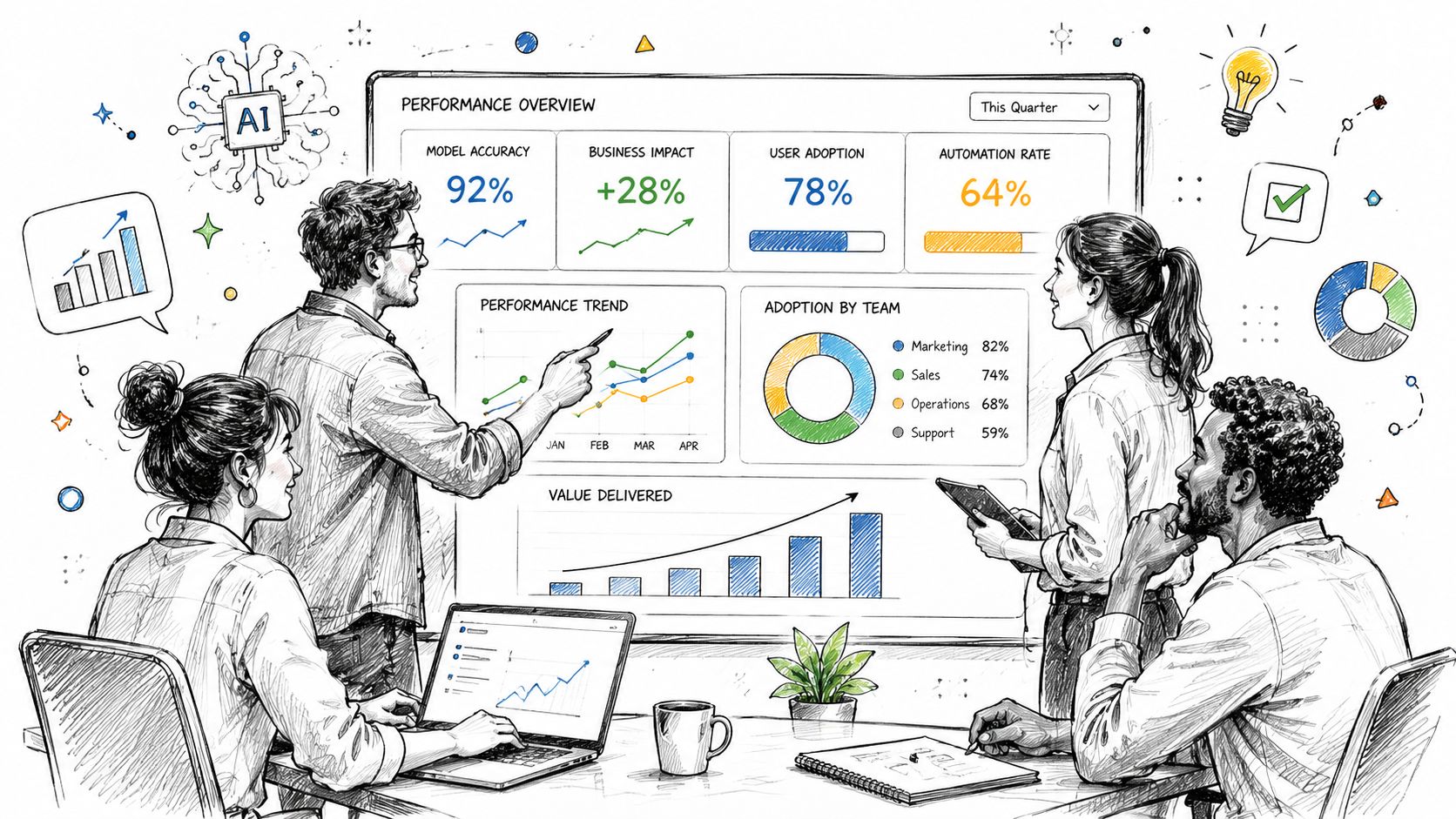
A 2025 benchmark cited by Cirrus Insight found that 56% of sales professionals use AI daily, and those users are twice as likely to exceed targets as non-users (Cirrus Insight's AI in sales benchmark). The takeaway isn't “buy more AI.” It's that routine use, tied to real workflows, correlates with better sales performance.
Track metrics that show movement through the funnel
These are the metrics I'd care about first:
Lead-to-opportunity conversion
If AI scoring or routing is working, more of the leads reaching reps should turn into real pipeline.Reply rate on AI-assisted sequences
Not total sends. Replies. That's where message quality shows up.Speed to first meaningful follow-up
AI should reduce lag after form fills, call completions, or engagement signals.Meetings booked from warm signals
This tells you whether your triggered workflows are producing conversations, not just activity.CRM completeness on active deals
If AI summaries and task creation are useful, reps should leave behind cleaner records.
Separate adoption from outcome
A common reporting mistake is blending tool usage and revenue impact into one vague scorecard. Keep them separate.
Category | What to review |
|---|---|
Adoption | Who is using AI prompts, summaries, scoring, and workflows consistently |
Execution quality | Whether outreach is more relevant, follow-up is faster, and CRM data is cleaner |
Pipeline impact | Whether qualified opportunities and progression rates improve |
That separation helps you diagnose what's broken. If adoption is high but outcomes are flat, the workflow or prompts may be weak. If outcomes look promising but adoption is low, your process relies too much on a few power users.
Build trust with lightweight governance
Most reps don't resist AI because they hate efficiency. They resist bad automation.
They'll use tools that save time and protect judgment. They'll ignore tools that produce robotic language, bury context, or create cleanup work later.
Use simple ground rules:
Human review for external messages before broad rollout
Approved prompt templates for common tasks
Clear ownership for workflow edits and CRM field logic
Spot checks on summaries, scoring, and outbound quality
Adoption improves when reps see AI removing drudge work, not trying to replace their judgment.
Avoid Common Pitfalls and Know Where AI Falls Short
The worst AI sales strategy is “automate everything.”
That mindset sounds efficient until your team starts sending polished but empty emails, trusting flawed lead scores, and handing complex buyer conversations to systems that can't read a room. AI is useful because it augments execution. It becomes dangerous when teams pretend it can replace judgment across the entire sales cycle.
Where teams usually get burned
The first issue is bad data. If account records are incomplete, ownership is messy, or activities don't land in CRM reliably, AI outputs will inherit those flaws. You won't get better prioritization. You'll get faster confusion.
The second issue is over-automation. Reps start relying on AI-generated messaging without editing for relevance, tone, or timing. Buyers notice. Outreach starts to feel generic even when the tool inserted a job title and a company name.
The third issue is weak handoff design. Teams automate qualification, scheduling, and follow-up, but they never define when a rep should step in. As a result, good prospects get stuck in bot-like loops when they require a person.
What AI should own and what humans should own
This split keeps things clean:
AI should handle | Humans should handle |
|---|---|
Research summaries | Discovery depth |
Drafting first-pass emails | Final message judgment |
Call notes and action items | Objection handling |
Lead prioritization support | Deal strategy |
Routine follow-up reminders | Negotiation and closing |
Highspot's guidance is useful here because it draws the line clearly. AI is strong at augmentation tasks like outreach and forecasting, but relationship building, complex negotiation, and closing high-stakes deals remain difficult to automate (Highspot's examples of AI in sales).
Use AI to create more time for the moments where trust, nuance, and commercial judgment actually matter.
Keep a human in the loop where stakes rise
A simple rule works well. The closer the interaction gets to commitment, objection handling, pricing tension, or multi-stakeholder alignment, the more human ownership you need.
That doesn't make AI less valuable. It makes it more valuable in the right place. Let the system prep the account, summarize the call, suggest the follow-up, and flag next actions. Then let the rep run the conversation that determines whether the deal moves.
That's the practical answer to how to use AI in sales. Don't ask it to replace selling. Ask it to remove wasted motion around selling.
If you want a more unified way to run AI-powered prospecting, outreach, workflows, and CRM without stitching together a pile of point tools, take a look at Stamina. It's built for SMB teams that want one operating system for revenue work instead of a fragmented stack.

