
Your team has probably sent a sequence that looked right on paper. The audience was warm, the offer was solid, the timing felt reasonable, and the emails still went quiet. That usually isn't a copy problem. It's a trigger problem, and the difference shows up long before the inbox ever opens.
Why Most Trigger Campaigns Fail Before They Start
A lot of campaigns miss because the team picked a message before it picked a trigger. A marketer writes the nurture, a sales rep approves the follow-up, and everyone assumes the audience will respond because the offer is relevant. Then the sequence lands in a moment that doesn't match the buyer's state, and nothing moves.
That's why this question matters so much: what are the three types of behavioral triggers? The answer isn't just academic. It changes whether you send a reminder, remove friction, or create urgency. Those are different jobs, and the wrong job description makes the campaign feel noisy instead of useful.
A better way to think about trigger design is simple. First decide what kind of behavior change you need, then choose the trigger that fits that moment. A pricing-page visitor who already wants to book a call needs a different prompt than a cold lead who barely remembers your brand.
If you're already managing nurture, outbound, or lifecycle flows, this matters fast. A weak trigger can make a good campaign look broken, while the right one can make a plain message work. If you're mapping these workflows inside a small business stack, a helpful starting point is marketing automation for small business.
What Behavioral Triggers Actually Are
A behavioral trigger is any event, cue, or engineered prompt that causes someone to take, or skip, an action. In plain English, it's the thing that nudges behavior at the right moment. That could be a customer seeing a banner, getting a notification, or running into a policy requirement.
The classic behavior model says action happens when motivation, ability, and a trigger come together. That's the key lens here. A trigger does not create desire from nothing, and it doesn't fix a broken flow by itself. It works when the person already has enough intent or capacity for the next step.
A simple way to separate trigger from reminder
A reminder says, “Don't forget.” A behavioral trigger says, “This is the moment to act, and here's why this action fits now.” That's why a checkout page with a guest checkout option is not the same as a plain reminder email. The guest option raises ability, a limited-time badge can raise motivation, and the exit popup is the actual trigger.
Practical rule: if the user can't act easily, you don't have a trigger problem alone, you have a friction problem too.
It also helps not to confuse triggers with nearby concepts. A call-to-action is the instruction itself. A nudge is a design choice meant to influence behavior. A hook is often part of retention or habit formation. A trigger is the event or cue that starts the behavior at that moment.
That's why there are multiple frameworks in circulation. Different fields use the same phrase, behavioral triggers, to mean different things depending on whether they're talking about psychology, habit formation, product design, or marketing automation. The next two sections sort those frameworks side by side so you can stop treating them as if they're interchangeable.
If you need a broader platform lens for how those cues sit inside customer engagement, this overview of what is a customer engagement platform gives useful context.
The First Taxonomy Spark Signal and Facilitator
The most cited answer to what are the three types of behavioral triggers comes from B.J. Fogg's model. In that framework, the three trigger types are spark, signal, and facilitator. The distinction matters because each one solves a different problem, and they don't swap cleanly.
A spark raises motivation. Use it when someone has some interest but still hesitates. A facilitator lowers friction. Use it when someone wants to act, but the process feels annoying or hard. A signal cues action when motivation and ability are already present, like a reminder at the right moment. Fogg's model ties behavior to the convergence of motivation, ability, and trigger in a way that's become widely used in persuasive design and behavior-change thinking, because it helps teams classify prompts instead of tossing everything into one bucket Fogg's Behavior Model.
What each type looks like in a campaign
A spark can be a “Your trial ends soon” message that injects urgency into a hesitant prospect. That works well in win-back or renewal-style flows, where the buyer needs a reason to move now.
A facilitator can be a one-click booking flow or a pre-filled form. That fits conversion-rate work, especially when a lead already wants the demo but the path is clunky. If you're trying to lift completion, don't overcook the copy before you reduce the steps.
A signal can be a well-timed push notification or a “pick up where you left off” banner. That belongs in re-engagement flows, where the person already knows what to do and just needs the prompt in front of them.
Common mistake: teams send a signal when they really need a spark. The message gets seen, but it doesn't create enough reason to act.
That mismatch explains a lot of underperforming campaigns. If a buyer is unsure, don't only remind them. If they're ready, don't bury the action under heavy persuasion. And if they're willing but blocked, stop adding more words and remove the friction.
Two Other Taxonomies Worth Knowing
The phrase three types of behavioral triggers isn't settled across every discipline. That's why a single explainer often feels incomplete. One research lens breaks triggers into social, forced, and proactive, while another growth-oriented lens uses external, internal, and synthetic. They overlap in useful ways, but they're not identical.
In the security and privacy study, social triggers came up most often for pro-security and privacy behavior, because people were influenced by friends, advice, or observed behavior. Forced triggers happen when outside requirements compel action. Proactive triggers happen when someone decides to change on their own, without a prompt from others NSF-hosted paper on perceived triggers.
In the other taxonomy, external triggers come from the environment, internal triggers come from thoughts or emotions, and synthetic triggers are engineered prompts such as notifications or automated messages external, internal, and synthetic trigger taxonomy. For marketing teams, that split is often easier to operationalize because it maps naturally to what you can observe and automate.
Quick comparison of the three frameworks
Framework | Trigger 1 | Trigger 2 | Trigger 3 | Best for |
|---|---|---|---|---|
Fogg model | Spark | Facilitator | Signal | Product, UX, conversion design |
Security and privacy taxonomy | Social | Forced | Proactive | Compliance, behavior adoption, community-led motions |
Growth and product taxonomy | External | Internal | Synthetic | Marketing automation, lifecycle messaging, event-driven campaigns |
The overlap is useful, but the differences matter more than most guides admit. A signal often behaves like an external or synthetic trigger. A proactive trigger can resemble an internal one when the user already wants change. The big difference is that only Fogg's model explicitly includes a facilitator, which makes it especially useful when friction is the primary issue.
Use Fogg when you're designing the experience itself. Use social, forced, proactive when the question is why people change. Use external, internal, synthetic when you're wiring automation and want a taxonomy that matches observed events.
For SMB teams, that choice is practical. If you're building product or UX flows, Fogg is the clearest. If you're handling policy, security, or community behavior, the social, forced, proactive split fits better. If you're building lifecycle automation, the external, internal, synthetic frame is easier to instrument.
Mapping Triggers Into an SMB Revenue Workflow
The fastest way to make triggers real is to attach them to actual revenue motions. A small team doesn't need a theory deck. It needs a workflow that says, “When this happens, send this, notify this person, and measure this result.” The point is to keep the trigger, the data, and the action in one loop.
A unified workflow matters because trigger types don't live in separate departments. Marketing can spark interest, sales can facilitate booking, and lifecycle automation can provide the signal. If those plays sit in five different tools, the team loses context and the follow-up gets messy.
Here's a practical way to wire the three models into one operating system.
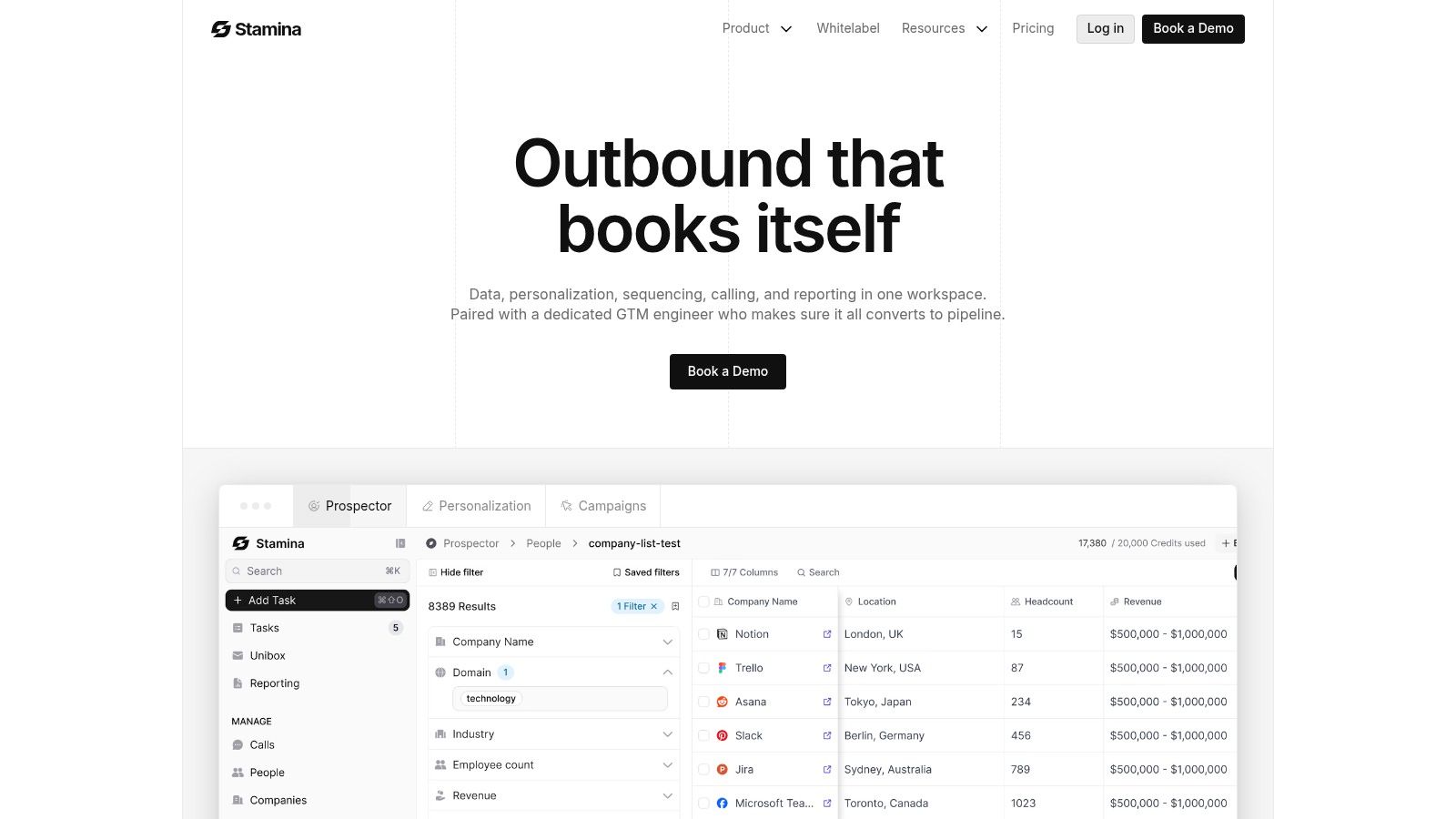
Three workflows you can build from one trigger map
Spark-driven win-back. The trigger event is a lead going quiet for 14 days. The data source is the CRM stage plus inactivity. The action is an auto-personalized sequence that reintroduces value and urgency. The team member notified is the owner who should step in if the lead responds. This is the right motion when silence suggests hesitation, not rejection.
Facilitator-driven conversion. The trigger event is a pricing-page visit with clear intent signals. The data source is web activity. The action is a one-click demo booking route or a pre-filled form. The team member notified is the rep assigned to the account. This is the cleanest use case when someone already wants to move and just needs the path simplified.
Signal-driven nurture. The trigger event is an already-warm opportunity that hasn't booked the next call. The data source is a CRM stage change or email reply history. The action is a reminder sequence, a broadcast, or a task for the rep. The team member notified is usually sales, because the lead is ready but needs a timely cue.
If you want to see how automation flows are typically stitched together, the marketing automation workflow guide is a useful companion. The main point is that the best workflow doesn't just send a message. It connects a behavior event to a visible next step.
A useful rule for SMB teams
If the trigger is about motivation, write the spark. If it's about friction, fix the flow. If it's about timing, use the signal. That keeps your campaign logic clean and makes handoffs much easier for sales.
Events and Metrics That Prove Triggers Are Working
The best trigger programs start with events, not guesses. If you can't see the behavior that fired the message, you can't tell whether the prompt helped. The most useful signals to track first are page views, scroll depth, pricing-page revisits, email replies, demo no-shows, inactivity windows, and CRM stage changes.
Different event types usually support different trigger jobs. Page views and pricing-page revisits often power facilitator or signal plays. Inactivity windows are more useful for spark-based reactivation. Demo no-shows and CRM stage changes help you decide whether the follow-up should remind, simplify, or escalate.
Match the event to the proof
A spark workflow should usually be judged by reactivation or return engagement. A facilitator workflow should be judged by form completion or booking completion. A signal workflow should be judged by speed to booking or speed to next action. If the trigger fired and the target metric didn't move, the trigger type is probably off before the copy is.
Decision rule: if a trigger fires twice and the downstream metric still doesn't budge, switch the trigger type before you rewrite the email.
That's where consolidated data matters. You need the event, the response, and the pipeline result in one place so the team can compare behavior across channels. A fragmented stack makes this much harder, because the signal might live in one tool while the outcome sits in another.
If you're tying this back into lead prioritization, the lead scoring automation guide can help you think about how event data should influence follow-up. The main point here is simple. Don't celebrate opens if the goal is booked meetings or closed-won pipeline.
Best Practices and Common Mistakes to Avoid
The cleanest trigger programs follow one rule: one trigger type per campaign. That makes it easier to tell what caused the lift. If a message tries to spark motivation, remove friction, and remind the user all at once, the recipient often doesn't know what action you want.
Timing matters more than volume. A well-placed signal usually beats a louder sequence. A facilitator often outperforms another round of persuasive copy when the core problem is friction. Before you write a new emotional angle, check whether the action path is just too hard.
The mistakes that quietly break trigger campaigns
Stacking too many jobs in one send: One email can't always be a spark, facilitator, and signal at the same time. Pick the primary job and let the rest of the system support it.
Ignoring ability: A strong spark sent into a clunky form still fails. If the action takes too many steps, the prompt won't rescue it.
Measuring the wrong outcome: Opens are not the same as pipeline movement. If the campaign goal is revenue, track the revenue-adjacent step.
Skipping the facilitator audit: Teams often add more persuasion when the better fix is fewer fields, fewer clicks, or a clearer next step.
The most useful habit is to diagnose the bottleneck before you write. If the buyer lacks motivation, use a spark. If the buyer lacks ease, use a facilitator. If the buyer already knows what to do, use a signal. That's the checklist that keeps trigger work from turning into generic automation.
The answer to what are the three types of behavioral triggers isn't just a definition. It's a way to choose the right intervention for the right moment, so your SMB pipeline moves because the system matched the user's state, not because the copy tried harder.
If you're ready to turn trigger logic into a working revenue system, build it inside Stamina. Start by mapping one spark, one facilitator, and one signal flow across your CRM, marketing, and sales handoffs, then use the results to tighten the next campaign.

